Add Line Numbers
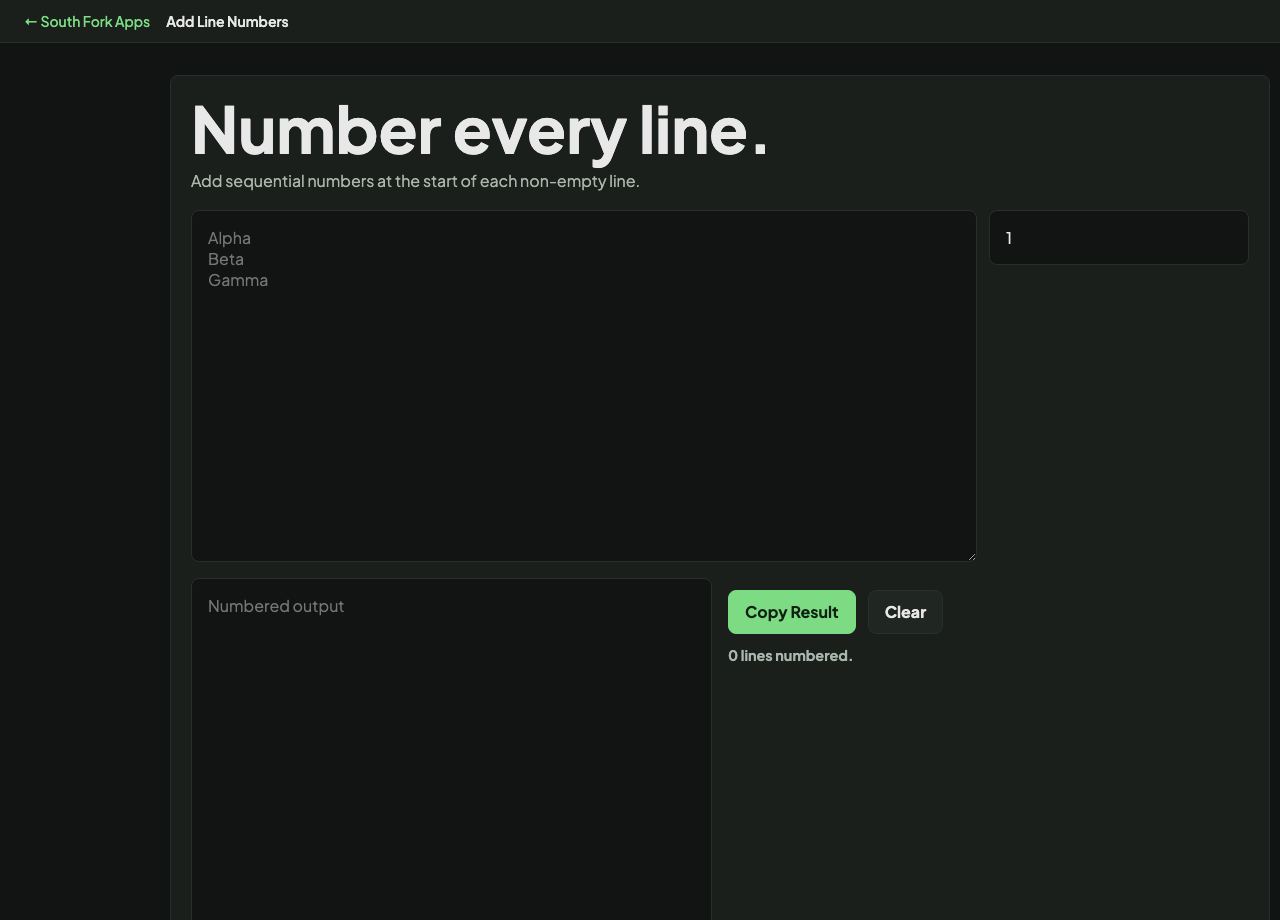
Add sequential numbers at the start of each non-empty line.
About this tool
Add Line Numbers
Add Line Numbers prefixes every line of a block of text with its number, which is what you need when you are about to talk to someone about specific lines.
How to use it
- Paste your text.
- The numbered version appears immediately.
- Copy it out.
Why numbering is worth doing
Numbered lines give you a shared reference. Saying line 47 is unambiguous in a way that quoting a snippet is not, particularly when the same text appears more than once in a file.
Numbers are padded so they align, which keeps the content in a straight column. Without padding, the jump from line 9 to line 10 shifts every following line one character to the right and makes the text harder to scan.
Worked example
Why numbers are padded:
- Unpadded9. content then 10. content
- Effectevery line after 9 shifts one character right
- Paddedcolumns stay straight
Result: Alignment is what makes a numbered block scannable.
When it helps
- Preparing a code or config excerpt for a code review comment.
- Referring to specific lines in a document during a discussion.
- Producing numbered output for a bug report.
- Making a long list easier to count and reference.
Common mistakes
- Numbering text that will be pasted back into a file or a compiler. The numbers become content and break it.
- Numbering before removing blank lines, which numbers the gaps too.