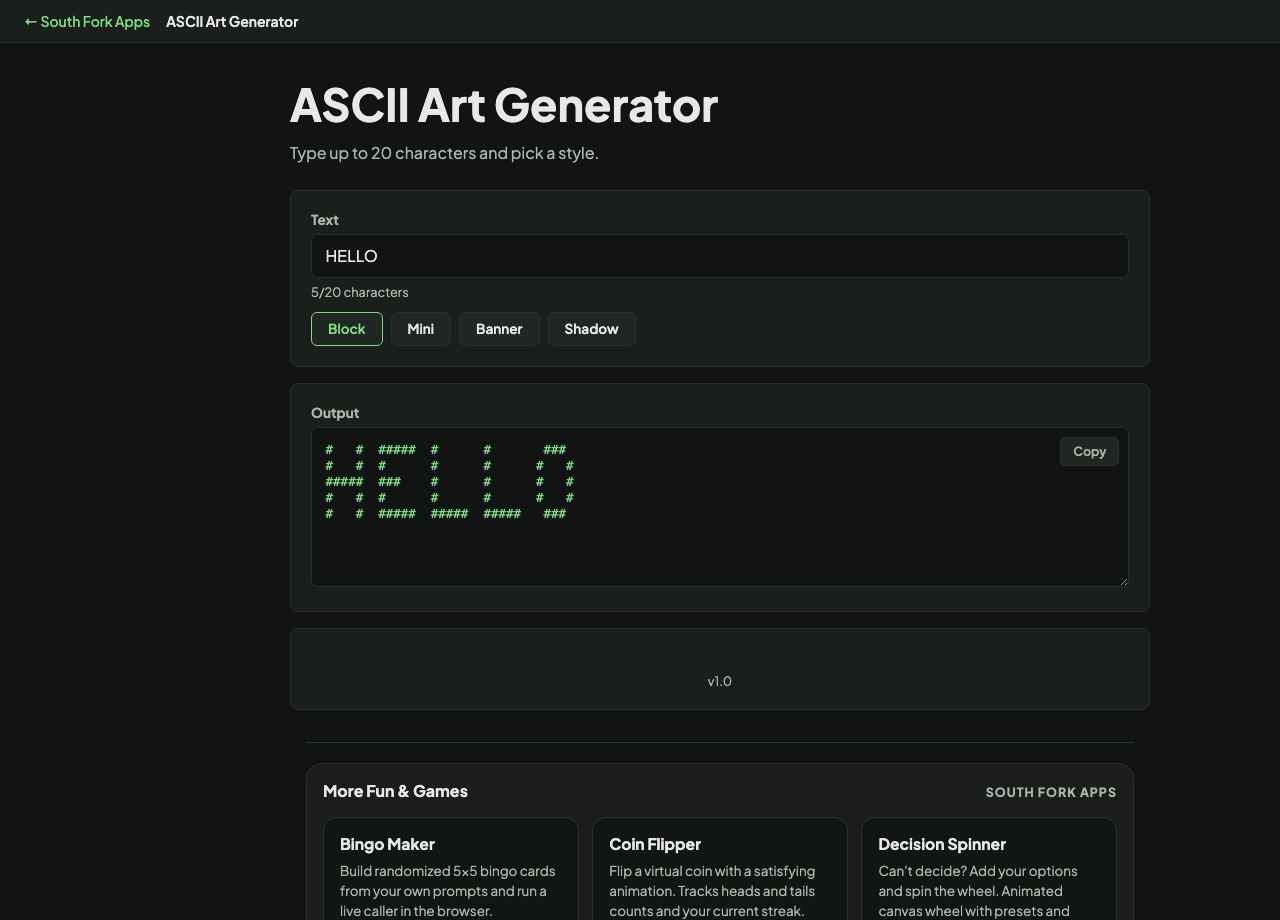
ASCII Art Generator
Type up to 20 characters and pick a style.
5/20 characters
About this tool
ASCII Art Generator
ASCII Art Generator turns text into large block letters built from characters, with several style options.
How to use it
- Type your text.
- Choose a style.
- Copy the ASCII art.
Why it still exists
ASCII art draws large shapes using ordinary characters arranged in a grid. It came from a period when terminals and line printers could not display graphics at all, so a banner had to be made from letters.
It survives because plain text still goes places images cannot: terminal output, source code comments, commit messages, README files, and log banners. It requires a monospaced font, since proportional fonts make the character grid uneven and the shape collapses.
Worked example
Where it still belongs:
- Terminal outputyes, no image support
- README and code commentsyes, plain text only
- Font requiredmonospaced
Result: In a proportional font the character grid becomes uneven and the shape collapses.
When it helps
- Making a banner for a terminal application or a README.
- Adding a header to a script or a config file.
- Creating text art for a plain-text signature.
- Producing a title for a retro-styled project.
Common mistakes
- Displaying it in a proportional font, which destroys the alignment.
- Making it wider than 80 characters, which wraps in most terminals and ruins it.
- Using it where a screen reader will encounter it, since it reads as meaningless character noise.