← South Fork Apps

Aspect Ratio Calculator

Common Presets
Scale by Width or Height
×
Find Missing Dimension
×
→
About this tool

Aspect Ratio Calculator

Aspect Ratio Calculator finds the ratio of any dimensions and scales them to a new size, so you can resize without distorting.

How to use it

  1. Enter a width and height to get the simplified ratio.
  2. Enter one known dimension to get the other at the same ratio.
  3. Read the scaled values.

How the ratio is reduced

A ratio is simplified by dividing both numbers by their greatest common divisor. 1920 and 1080 share a divisor of 120, which reduces to 16:9. That is why so many different resolutions describe the same shape.

Ratios worth recognising: 16:9 for video and most screens, 4:3 for older displays and many cameras, 1:1 for square social posts, 9:16 for vertical video, and 21:9 for ultrawide.

Worked example

Scaling a 16:9 asset down:

  • Original1920 x 1080
  • New width1280

Result: 720 for the height. Same shape, no letterboxing and no stretch.
When it helps

  • Resizing an image or video without distorting it.
  • Working out the height for a responsive embed at a given width.
  • Checking whether an asset matches a required ratio before uploading.
  • Converting a design between screen sizes.

Common mistakes

  • Rounding one dimension and not the other, which introduces a slight stretch that is visible on straight lines.
  • Assuming a ratio determines quality. 16:9 at 640x360 and at 3840x2160 are the same shape and very different images.
  • Forgetting that cropping to a new ratio loses content, while scaling does not.
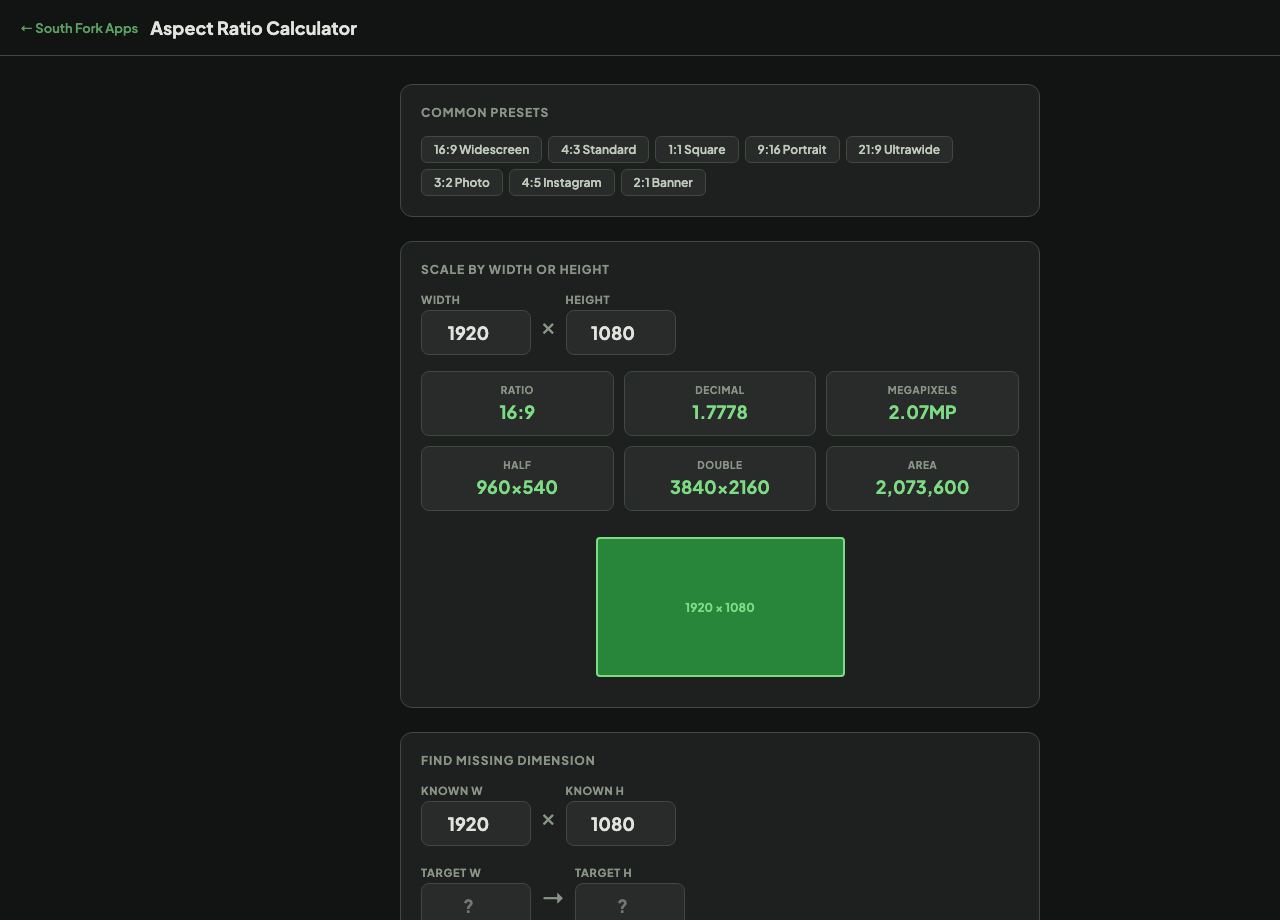
Aspect Ratio Calculator interface preview
Screenshot of the live Aspect Ratio Calculator interface.

v1.0