Base Converter
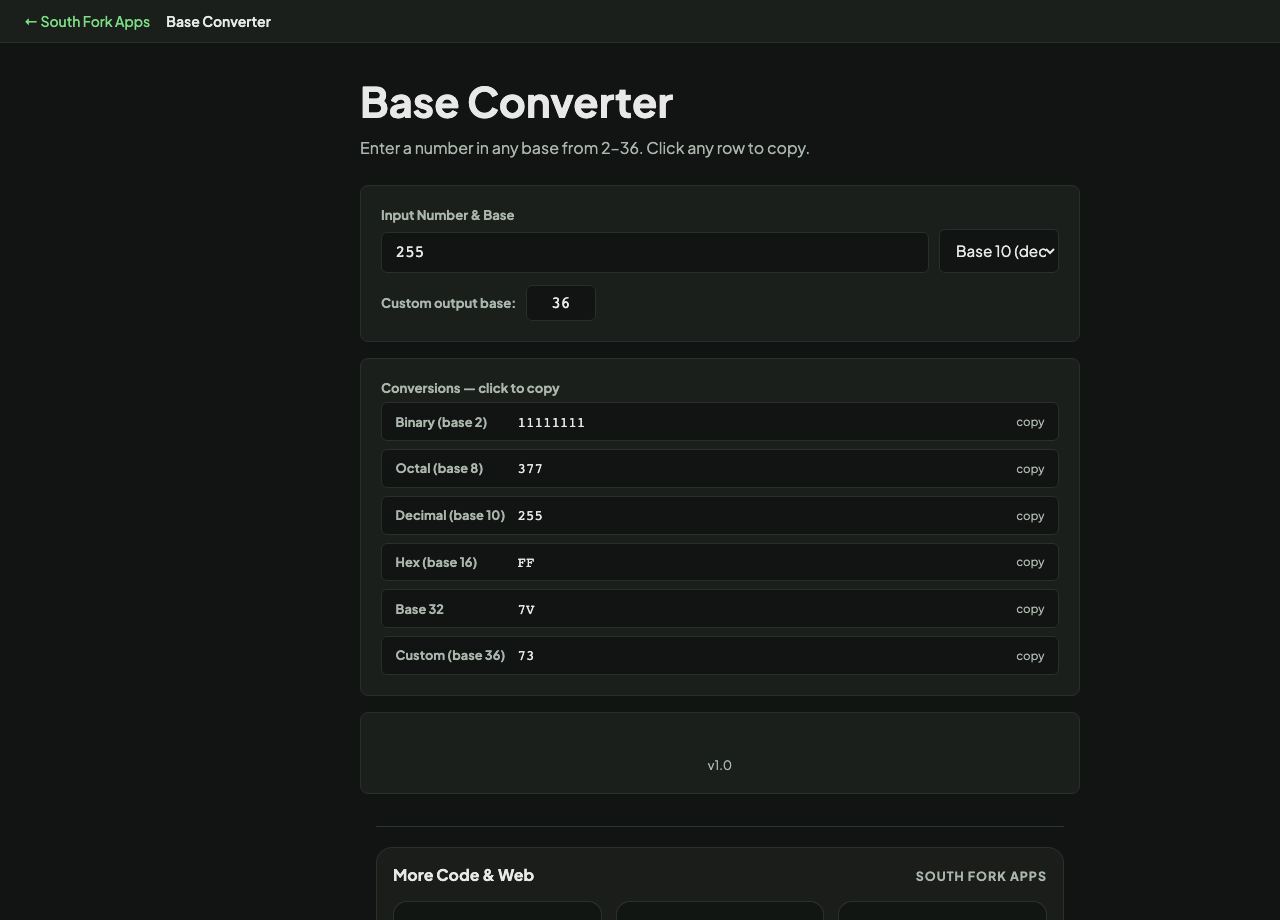
Enter a number in any base from 2–36. Click any row to copy.
Base Converter
Base Converter converts numbers between any base from 2 to 36, covering binary, octal, decimal, hexadecimal, base 32 and base 36, with click-to-copy output for every common base at once.
How to use it
- Enter a number and select the base it is currently in.
- Read the conversions across all common bases.
- Set a custom output base anywhere from 2 to 36 if you need one that is not listed.
Why 36 is the ceiling
Positional notation needs one distinct symbol per digit value. Base 10 uses 0 to 9. Bases above that borrow letters: a is 10, b is 11, and so on. Once you have used all ten digits and all twenty-six letters you have thirty-six symbols, and that is the limit without inventing new characters or becoming case sensitive.
Base 16 dominates in computing because one hex digit maps to exactly four bits, so two hex digits are precisely one byte. That clean alignment is why memory addresses, colour codes and byte dumps are all written in hex rather than decimal.
When it helps
- Converting a hex colour or memory address to decimal.
- Reading binary flag values as a decimal number.
- Working with base 36 identifiers, which pack more value per character than hex.
- Checking a value across several bases while debugging.
Common mistakes
- Forgetting a base prefix when pasting into code. 0x means hex, 0b means binary, and a leading 0 means octal in some languages.
- Assuming letters are case sensitive. In base 36 they are conventionally not, but some systems disagree.
- Converting a floating point number and expecting an exact result. Fractions that terminate in one base often repeat forever in another.