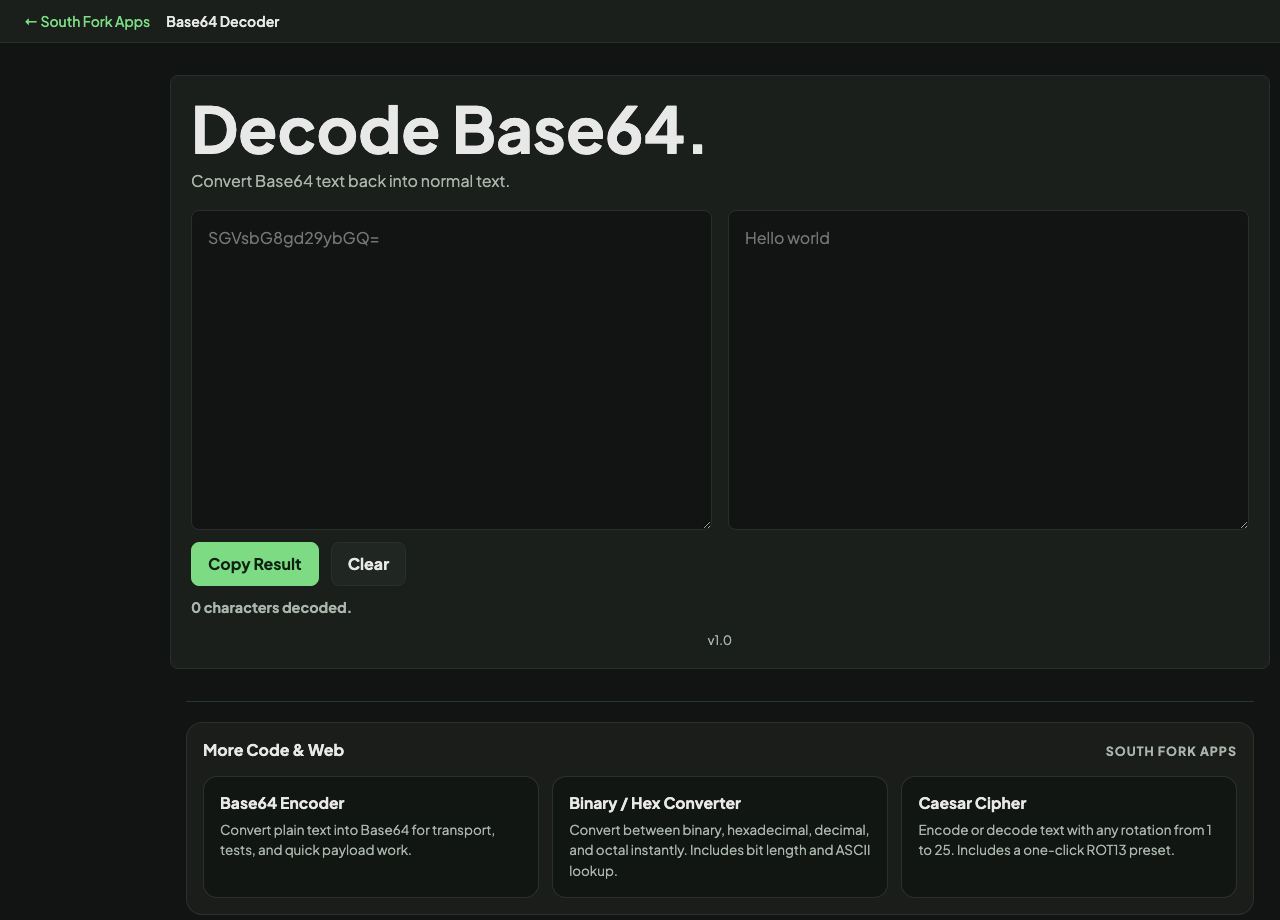
Base64 Decoder
Convert Base64 text back into normal text.
About this tool
Base64 Decoder
Base64 Decoder converts Base64 back into readable text, in your browser.
How to use it
- Paste the Base64 string.
- The decoded text appears immediately.
- Copy the result.
What decoding can and cannot tell you
Base64 packs three bytes into four characters, so valid input is always a multiple of four characters, padded with one or two equals signs where needed. A string whose length is not a multiple of four is either truncated or is a URL-safe variant.
The URL-safe variant replaces plus with minus and slash with underscore so the value survives being placed in a URL. JWT segments use it, which is why a token segment sometimes fails a strict Base64 decoder.
Worked example
Spotting the URL-safe variant:
- Standard Base64uses + and /
- URL-safe Base64uses - and _
- JWT segmentsURL-safe
Result: A strict decoder rejects URL-safe input until you convert - and _ back to + and /.
When it helps
- Reading an encoded value out of a config file or a header.
- Decoding a JWT segment to inspect its claims.
- Recovering text from a data URI.
- Checking what an encoded API payload actually contains.
Common mistakes
- Assuming Base64 is encryption. It is an encoding and offers no protection whatsoever.
- Failing on URL-safe input without recognising it. Convert minus and underscore back to plus and slash first.
- Decoding binary content as text, which produces unreadable output because it was never text to begin with.