Bill Splitter
Enter each person's subtotal. Tax and tip split proportionally by what they ordered.
People
About this tool
Bill Splitter
Bill Splitter divides a restaurant bill unevenly, assigning items to specific people and adding tax and tip proportionally.
How to use it
- Add each item and assign it to the people sharing it.
- Set the tax and tip percentages.
- Read what each person owes.
Splitting tax and tip fairly
Splitting evenly is easy and often unfair, because the person who had a salad and water subsidises the person who had steak and three drinks. Item-level assignment fixes that for the food.
Tax and tip then have to be apportioned. Sharing them in proportion to what each person's items cost is the defensible method: someone whose share is 40% of the food pays 40% of the tax and 40% of the tip. Splitting the tip evenly on top of an itemised bill quietly reintroduces the unfairness you just removed.
When it helps
- Settling a group meal where orders differed a lot.
- Handling shared items like appetisers alongside individual mains.
- Working out what to send someone who paid the whole bill.
- Avoiding the awkward arithmetic at the table.
Common mistakes
- Splitting tip evenly on an itemised bill, which undoes the fairness.
- Forgetting shared items. Appetisers and bottles need dividing among whoever actually shared them.
- Tipping on the post-tax total, when the convention is to tip on the pre-tax subtotal.
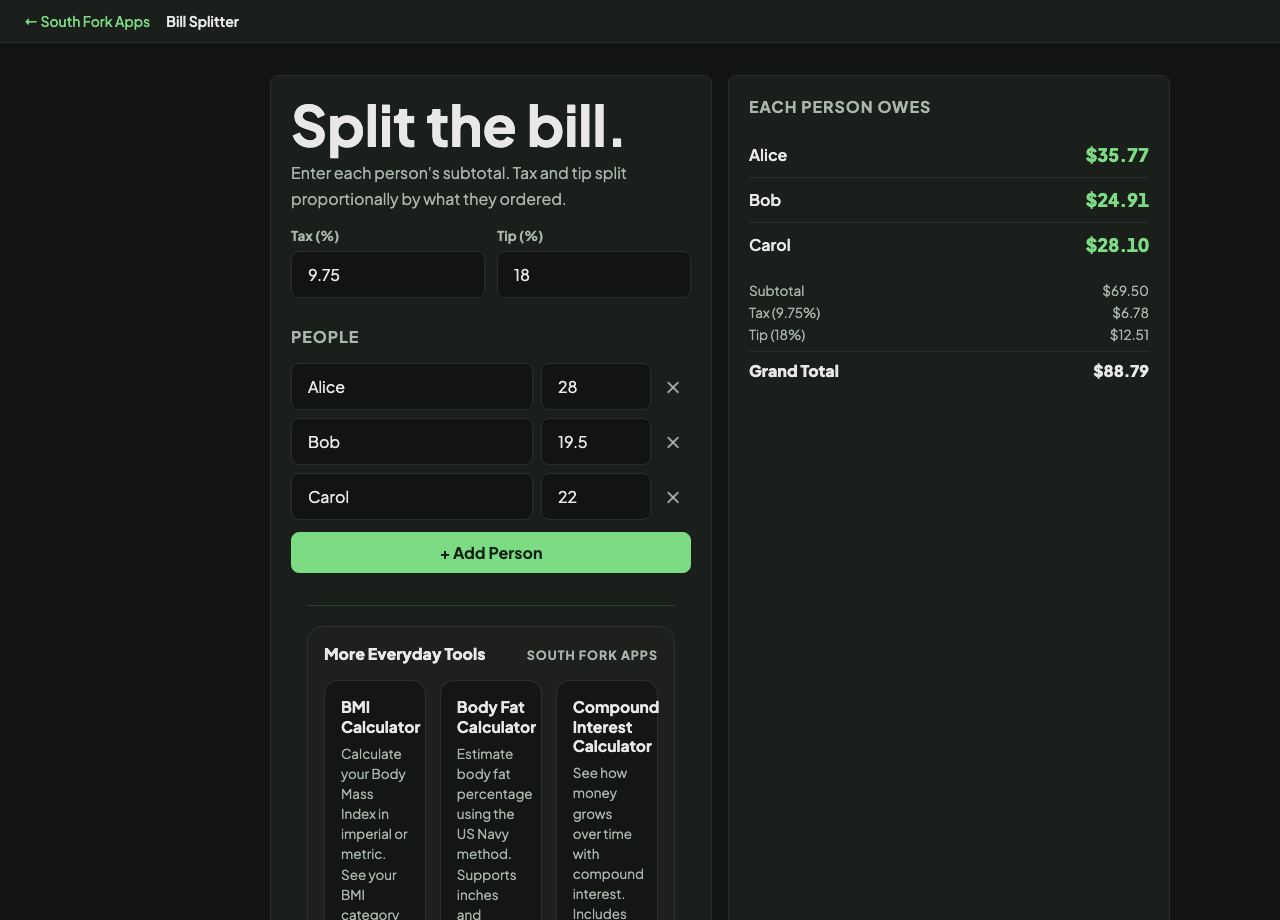
Each person owes
Add people and subtotals to see the split.