← South Fork Apps

Binary, Hex & Decimal Converter

Decimal (base 10)
Binary (base 2)
Hexadecimal (base 16)
Octal (base 8)
About this tool

Binary, Hex & Decimal Converter

Binary Hex Converter moves a value between binary, hexadecimal, decimal and octal at once, with copy buttons on each representation.

How to use it

  1. Type a value into whichever base you have.
  2. The other three update immediately.
  3. Copy whichever representation you need.

How the four bases line up

Binary, octal and hex are all powers of two, which is why converting between them requires no arithmetic. One octal digit is exactly three bits, one hex digit is exactly four. You can convert by grouping bits rather than dividing.

Decimal is the odd one out. It is not a power of two, so decimal conversion requires real division and is the only one of the four you cannot do by regrouping digits.

Worked example

One byte across the four bases:

  • Binary11111111
  • HexFF
  • Decimal255
  • Octal377

Result: Two hex digits cover one byte exactly, which is why byte dumps are written in hex.
When it helps

  • Reading bitmask and flag values while debugging.
  • Converting a hex colour component to decimal.
  • Working with file permissions or network masks.
  • Checking a value from a hex dump.

Common mistakes

  • Dropping leading zeros in binary, which changes the bit width even though the value is the same.
  • Mixing up octal and decimal when a value has a leading zero, which some languages read as octal.
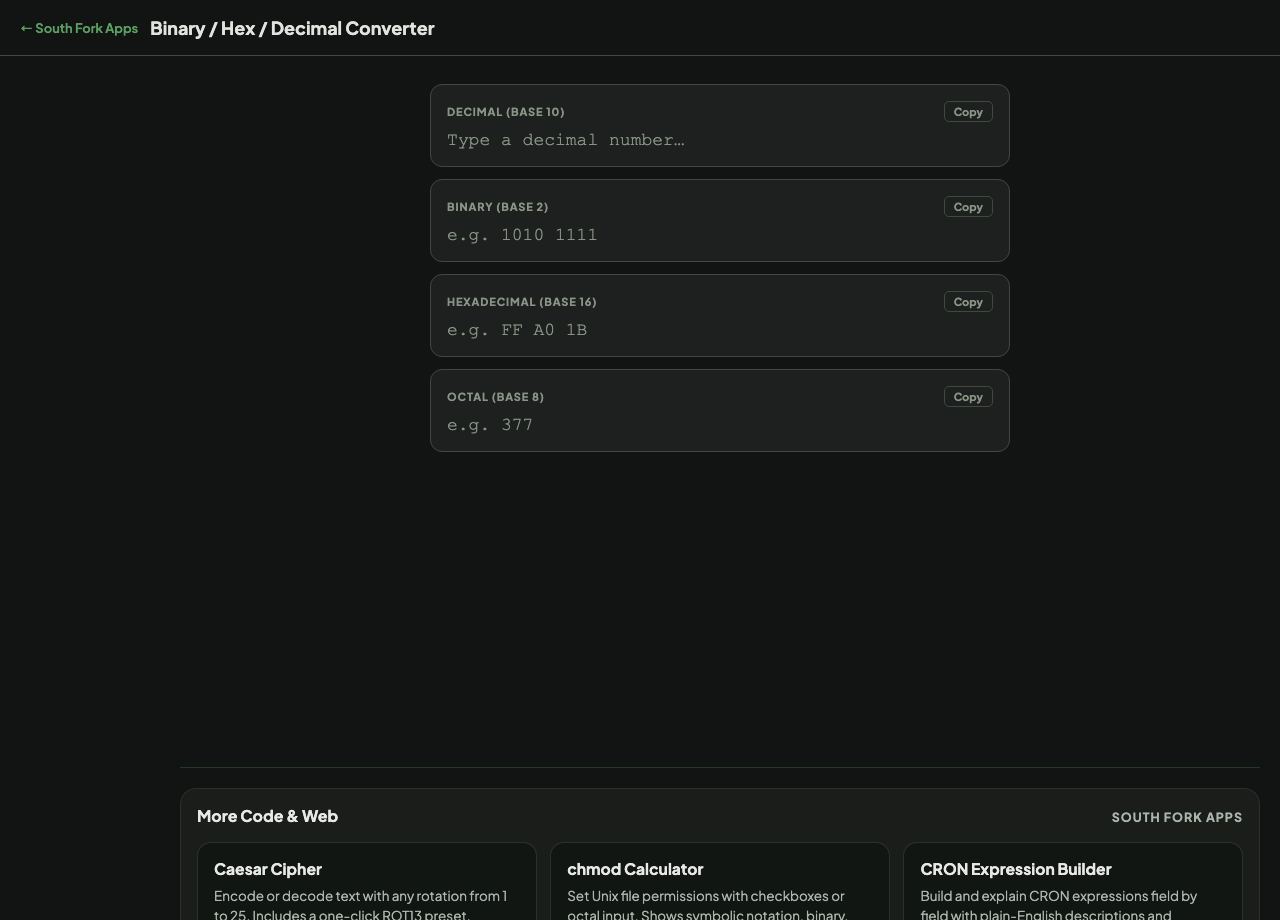
Binary, Hex & Decimal Converter interface preview
Screenshot of the live Binary, Hex & Decimal Converter interface.

v1.0