BPM Counter
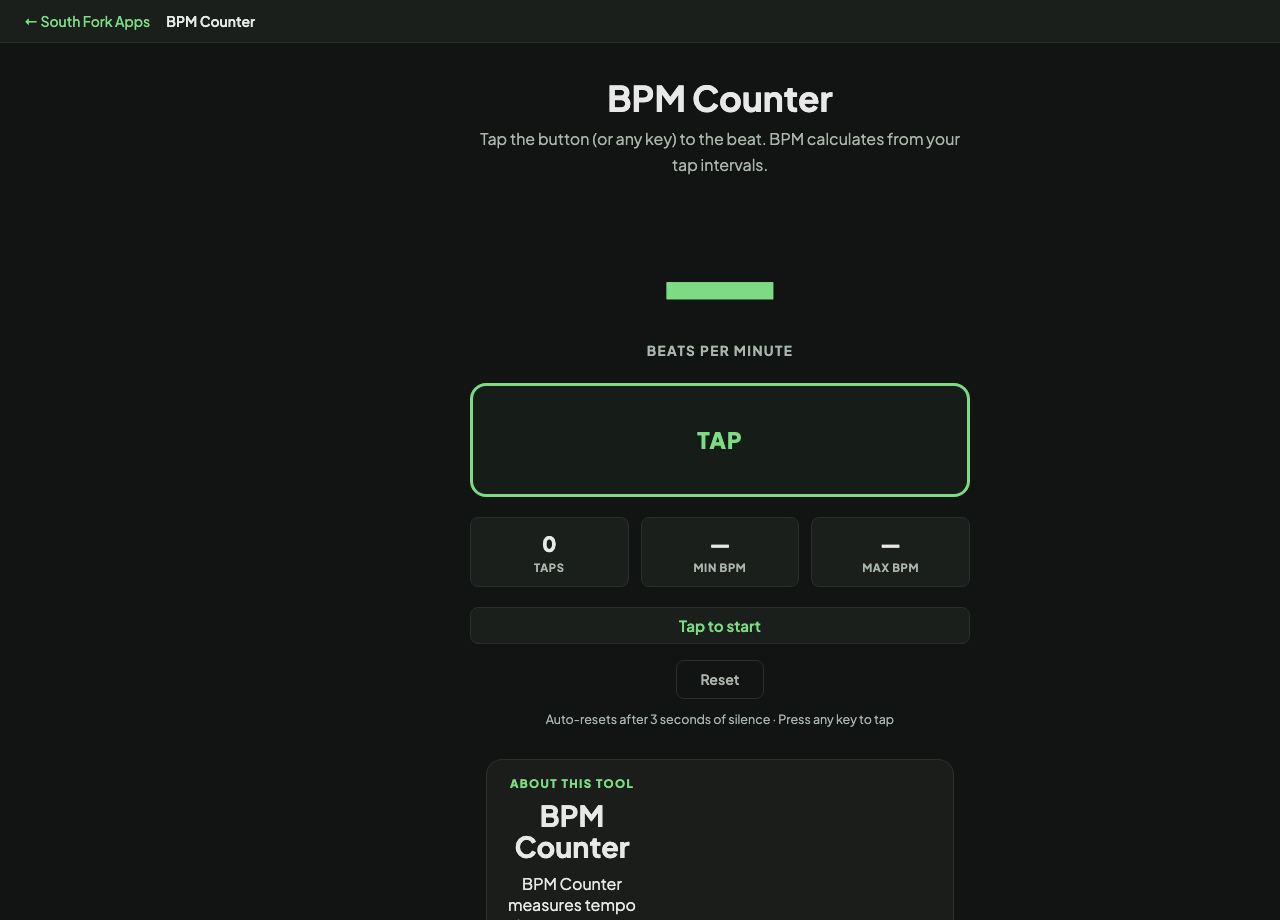
Tap the button (or any key) to the beat. BPM calculates from your tap intervals.
Auto-resets after 3 seconds of silence · Press any key to tap
BPM Counter
BPM Counter measures tempo by tapping. Hit the button or any key in time with the music and it calculates beats per minute live, refining the figure with every tap.
How to use it
- Tap the button or press any key in time with the beat.
- Keep tapping. The reading gets steadier as more taps are averaged.
- Press Reset to start a new measurement.
How tap tempo is calculated
The tool records the time between consecutive taps and averages those intervals. Because there are 60,000 milliseconds in a minute, BPM is simply 60,000 divided by the average interval.
Averaging is why the number settles down as you go. Two taps give one interval and inherit all of its error. Eight taps give seven intervals, and a single sloppy tap barely moves the result.
Worked example
Tapping along to a track at a steady half-second pulse:
- Average interval500 ms
- Calculation60000 / 500
Result: 120 BPM, the most common tempo in pop and house music.
When it helps
- Finding the tempo of a song so you can practise or produce at the same speed.
- Matching two tracks before beatmatching them.
- Working out the tempo of a piece with no marking on the score.
- Checking whether a live performance is drifting from the intended tempo.
Common mistakes
- Tapping on every other beat, which halves the reading. Tap the pulse you would clap.
- Stopping after two taps. Give it at least four before trusting the number.
- Tapping to the snare in a fast track when the actual beat is twice as quick, or the reverse.