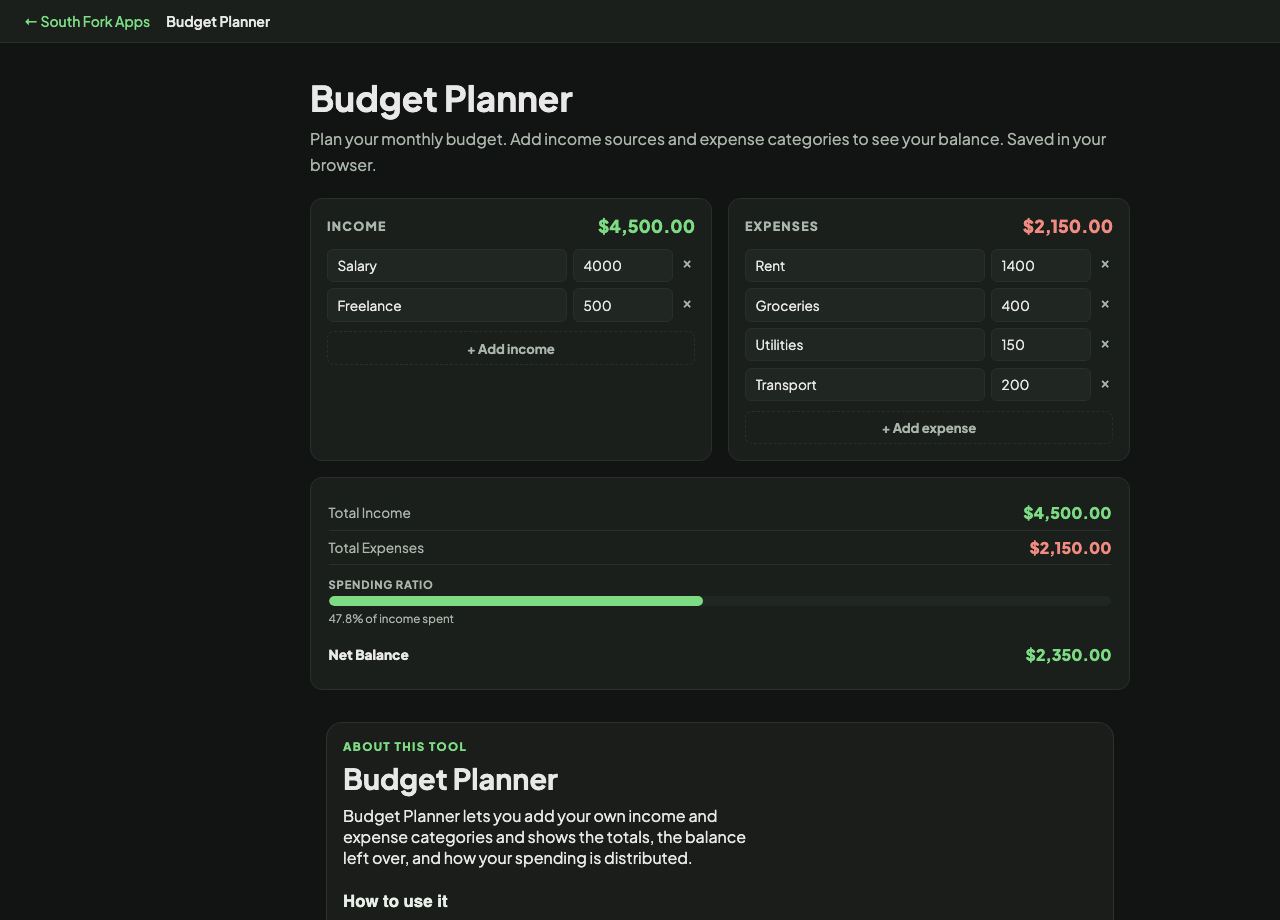
Budget Planner
Plan your monthly budget. Add income sources and expense categories to see your balance. Saved in your browser.
Income
$0
Expenses
$0
Total Income$0
Total Expenses$0
Net Balance$0
About this tool
Budget Planner
Budget Planner lets you add your own income and expense categories and shows the totals, the balance left over, and how your spending is distributed.
How to use it
- Add each income source with its monthly amount.
- Add each expense category.
- Read the totals and the remaining balance.
A useful starting split
A widely used starting framework is 50/30/20: roughly half of take-home pay to needs (housing, food, transport, minimum debt payments), thirty percent to wants, twenty percent to savings and extra debt repayment.
It is a benchmark rather than a rule, and it breaks in expensive housing markets where rent alone can exceed fifty percent. Its real value is as a diagnostic: if needs are at seventy percent, the problem is structural and no amount of trimming the wants column will fix it.
When it helps
- Seeing where the money actually goes rather than estimating.
- Finding the categories that have quietly grown.
- Checking whether a planned expense fits before committing to it.
- Working out how much is genuinely available for savings or debt.
Common mistakes
- Forgetting irregular expenses. Insurance, car registration and annual subscriptions wreck budgets built only from monthly bills.
- Budgeting from gross pay instead of take-home. Only what lands in the account is spendable.
- Building a budget and never revisiting it. It reflects one month's assumptions and those change.
What this tool handles
- Everything stays in your browser. Nothing is uploaded or stored on a server.