Character Counter
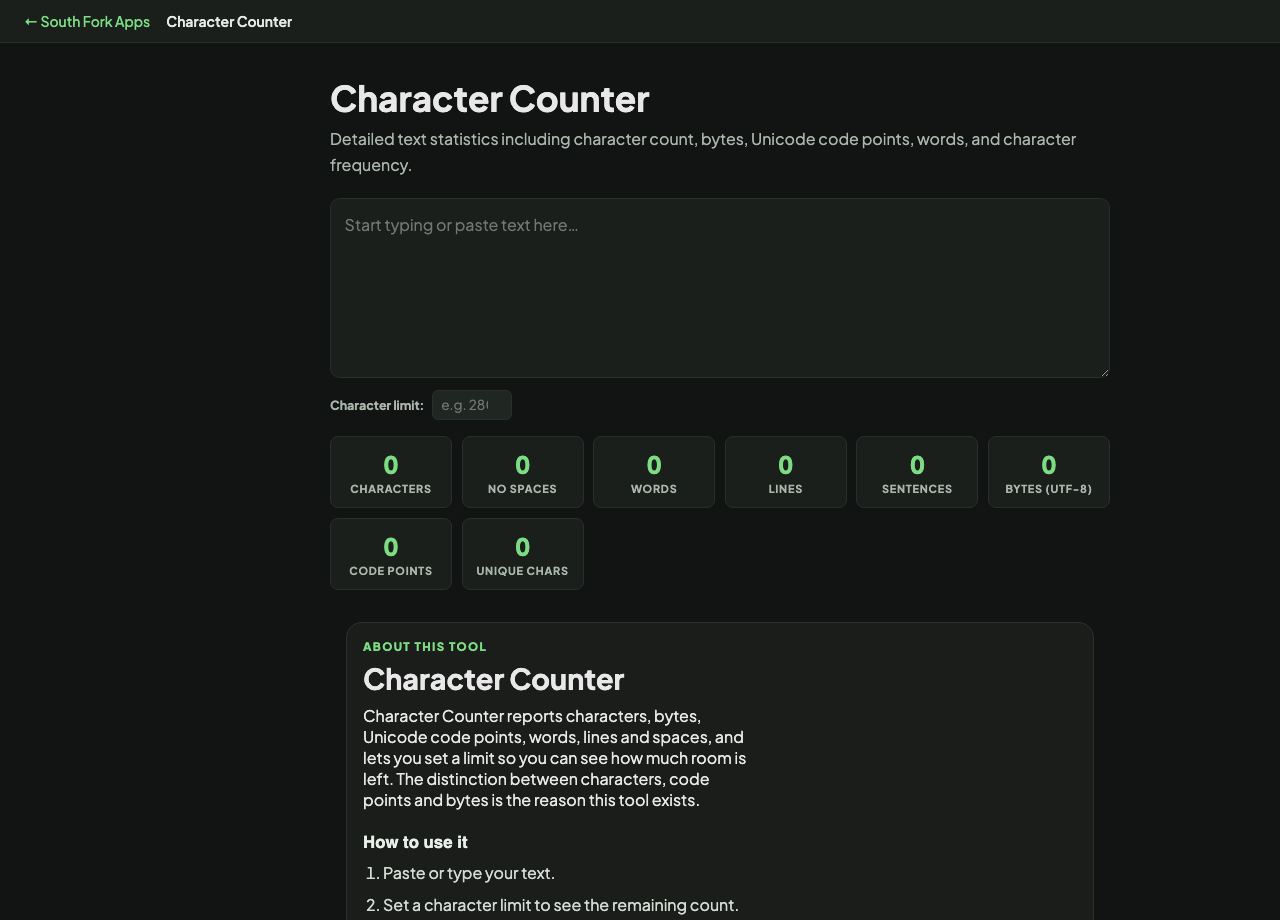
Detailed text statistics including character count, bytes, Unicode code points, words, and character frequency.
Character Counter
Character Counter reports characters, bytes, Unicode code points, words, lines and spaces, and lets you set a limit so you can see how much room is left. The distinction between characters, code points and bytes is the reason this tool exists.
How to use it
- Paste or type your text.
- Set a character limit to see the remaining count.
- Read the separate counts for characters, bytes and code points.
Characters, code points and bytes are three different numbers
For plain English they are all the same. For anything else they diverge. An accented letter is one character you see, possibly two code points, and two or more bytes in UTF-8.
Emoji are the extreme case. A single emoji is often several code points joined together, and can be four bytes or many more. That is why a tweet with emoji hits the limit sooner than the visible character count suggests, and why a database field sized in bytes overflows before it looks full.
Worked example
Common limits worth checking against:
- Post on X280 characters
- Single SMS160 characters, or 70 with any non-GSM character
- Meta descriptionabout 155 to 160 characters
Result: One emoji in an SMS drops the limit from 160 to 70, because the whole message switches encoding.
When it helps
- Fitting a social post or a meta description inside a hard limit.
- Checking whether a string will fit a database column sized in bytes.
- Debugging why text that looks short is being rejected as too long.
- Counting lines and spaces in fixed-format data.
Common mistakes
- Assuming characters equal bytes. Only true for pure ASCII.
- Forgetting that one non-GSM character reprices an entire SMS.
- Counting trailing whitespace out of the total. Most systems count it.