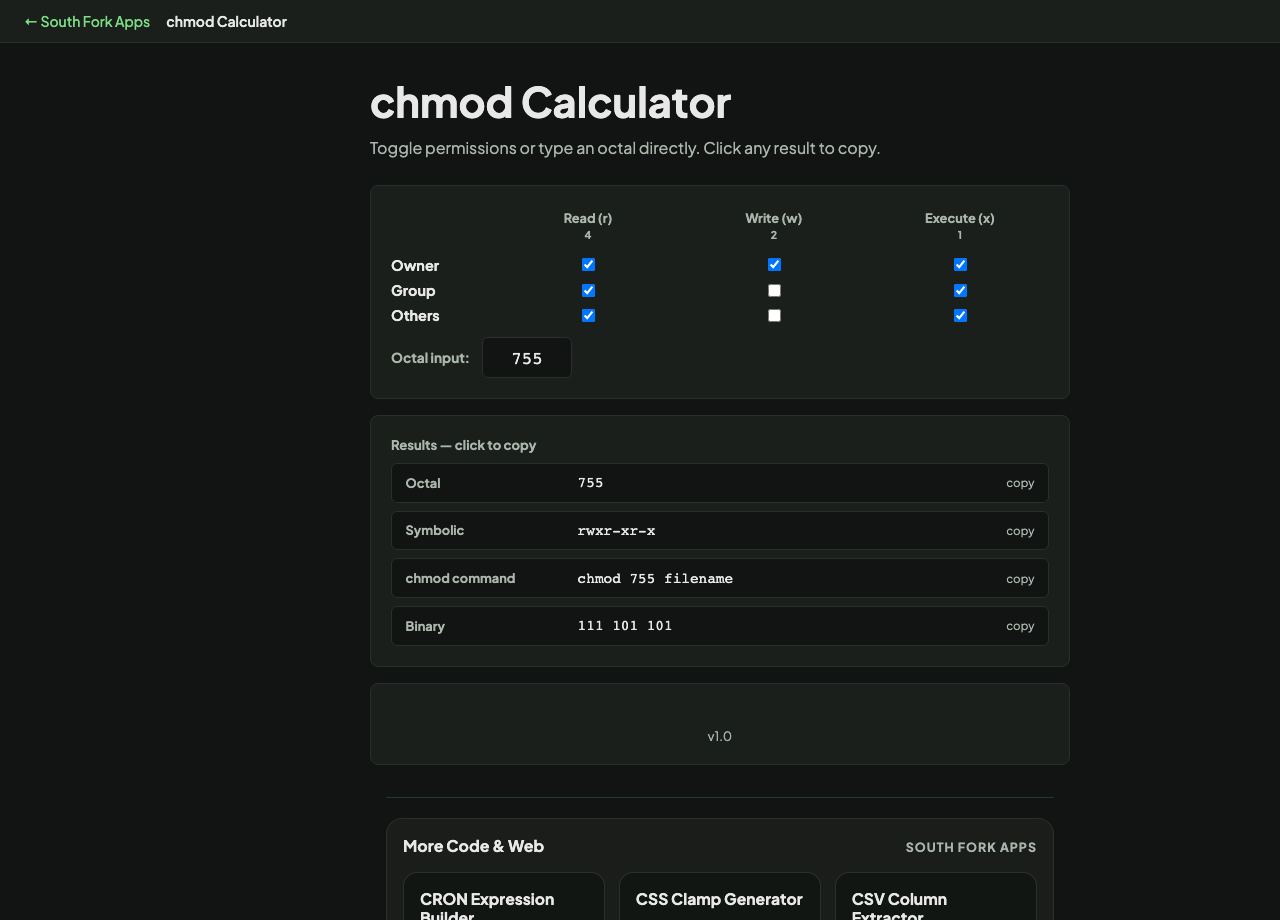
chmod Calculator
Toggle permissions or type an octal directly. Click any result to copy.
4
2
1
chmod Calculator
Chmod Calculator converts between a checkbox grid of Unix permissions, the octal number, and the symbolic notation, so you can see all three representations of the same permission set.
How to use it
- Tick the read, write and execute boxes for owner, group and others.
- Or type an octal value directly.
- Read the symbolic notation and the matching chmod command.
Why the numbers are 4, 2 and 1
Each permission is one bit: read is 4, write is 2, execute is 1. Because they are powers of two, adding them can only produce one combination for each total, so 7 is unambiguously read plus write plus execute, and 5 is read plus execute.
The three digits are owner, group and others in that order. 755 means the owner can do everything while everyone else can read and execute, which is the normal setting for a program or a directory. 644 is the usual setting for a plain file.
Worked example
The two settings you will use most:
- 755rwxr-xr-x, owner full, others read and execute
- 644rw-r--r--, owner read and write, others read only
Result: Directories need the execute bit to be entered at all, which is why a directory is 755 and not 644.
When it helps
- Setting permissions correctly on a web server without guessing.
- Understanding what an existing permission string means.
- Fixing a permission-denied error.
- Converting between the octal and symbolic forms.
Common mistakes
- Using 777. It grants write access to everyone and is almost never the right answer, though it is the most commonly suggested fix online.
- Removing execute from a directory, which makes it impossible to enter even with read permission.
- Forgetting that permissions on a symlink are generally irrelevant, since the target's permissions are what apply.