Chord Transposer
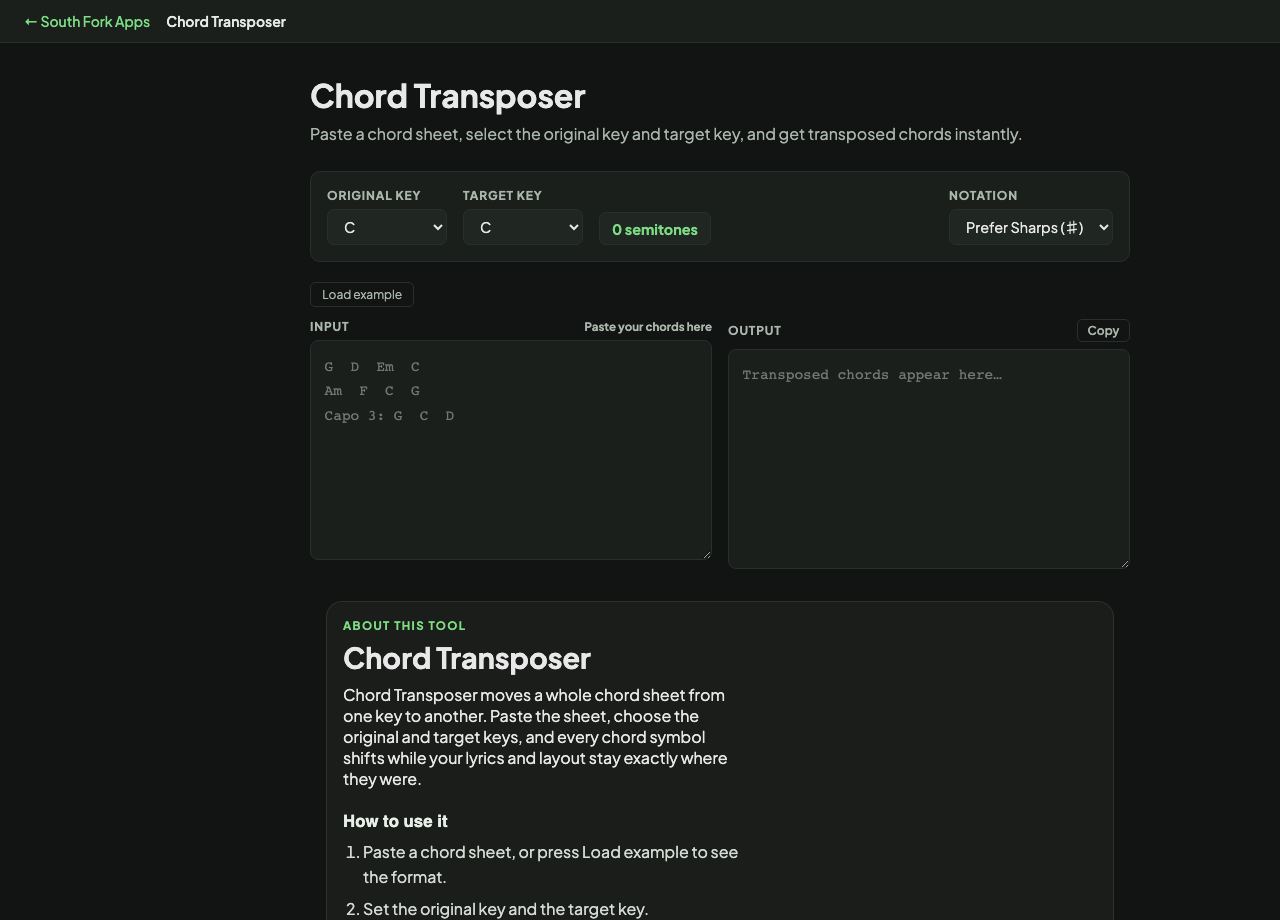
Paste a chord sheet, select the original key and target key, and get transposed chords instantly.
Chord Transposer
Chord Transposer moves a whole chord sheet from one key to another. Paste the sheet, choose the original and target keys, and every chord symbol shifts while your lyrics and layout stay exactly where they were.
How to use it
- Paste a chord sheet, or press Load example to see the format.
- Set the original key and the target key.
- Choose whether the output prefers sharps or flats.
- Press Copy to take the transposed sheet.
How transposition works
Transposing means moving every chord by the same number of semitones. Going from C to D is up two semitones, so every chord in the sheet moves up two: C becomes D, Am becomes Bm, F becomes G.
The sharps or flats choice matters because the same pitch has two names. B flat and A sharp are the same note, but keys are conventionally written one way or the other, and mixing them makes a sheet hard to read.
Worked example
Moving a song down to suit a lower voice:
- Original KeyG
- Target KeyE
- Chords inG, D, Em, C
Result: E, B, C sharp minor, A. Every chord moved down three semitones and the lyrics are untouched.
When it helps
- Dropping a song into a range a singer can actually reach.
- Moving a piece into a key with easier guitar shapes.
- Matching a chord sheet to a recording in a different key.
- Preparing the same song in two keys for different players.
Common mistakes
- Transposing by ear halfway and losing track. Every chord has to move by the same interval or the song stops working.
- Ignoring the sharps and flats preference and ending up with a sheet mixing both, which is technically correct and genuinely hard to read.