← South Fork Apps

Color Format Converter

#7DDB84
Pick a color or type any format below
HEX
RGB
HSL
HSB
About this tool

Color Format Converter

Color Converter translates a colour between HEX, RGB, HSL and HSB with a live preview, so you can move between the format your design tool uses and the one your code needs.

How to use it

  1. Enter a colour in any supported format, or use the picker.
  2. Read the equivalent in every other format.
  3. Copy the one you need.

Why HSL and HSB are not the same thing

RGB and HEX describe how much red, green and blue light to mix. They are exact and they are also unintuitive: nobody can predict what happens when you nudge the green channel.

HSL and HSB both use hue, saturation and a third axis, and that third axis is where they differ. In HSL, 50% lightness gives the pure hue and 100% is always white. In HSB, 100% brightness gives the pure hue and there is no way to reach white without dropping saturation. Design tools mostly use HSB; CSS uses HSL. Copying the numbers straight across gives the wrong colour.
When it helps

  • Moving a colour from a design tool into CSS.
  • Adjusting lightness or saturation predictably, which RGB cannot do.
  • Generating a tint or shade by changing one number.
  • Reading a hex value someone gave you in a format you can reason about.

Common mistakes

  • Copying HSB values into an HSL declaration. They share axis names and mean different things.
  • Expecting equal lightness values to look equally light across hues. Yellow at 50% lightness looks far brighter than blue at 50%, because perceived brightness is not what HSL measures.
  • Using three-digit hex shorthand and forgetting it only expands to paired digits, so #ABC is #AABBCC.
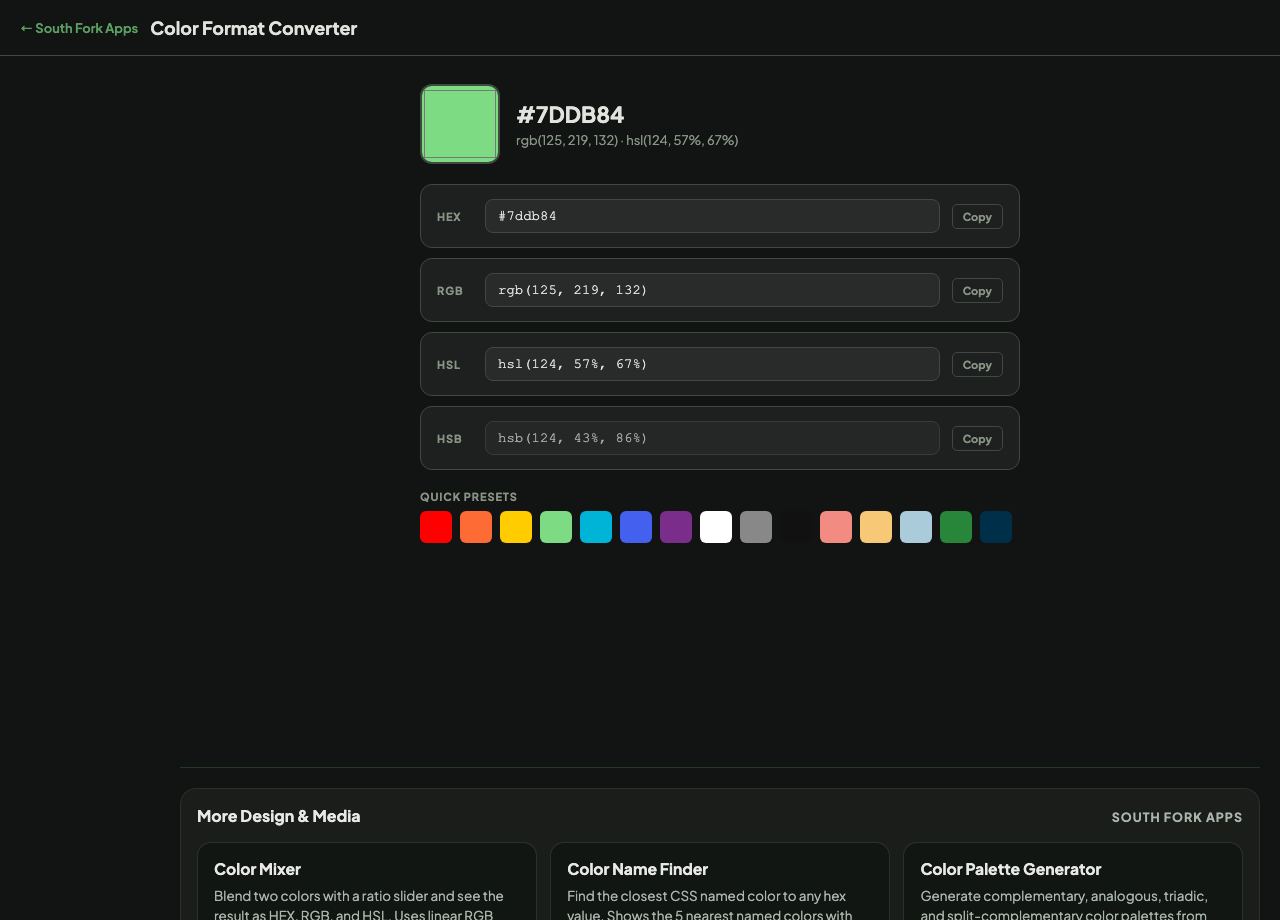
Color Format Converter interface preview
Screenshot of the live Color Format Converter interface.

v1.0