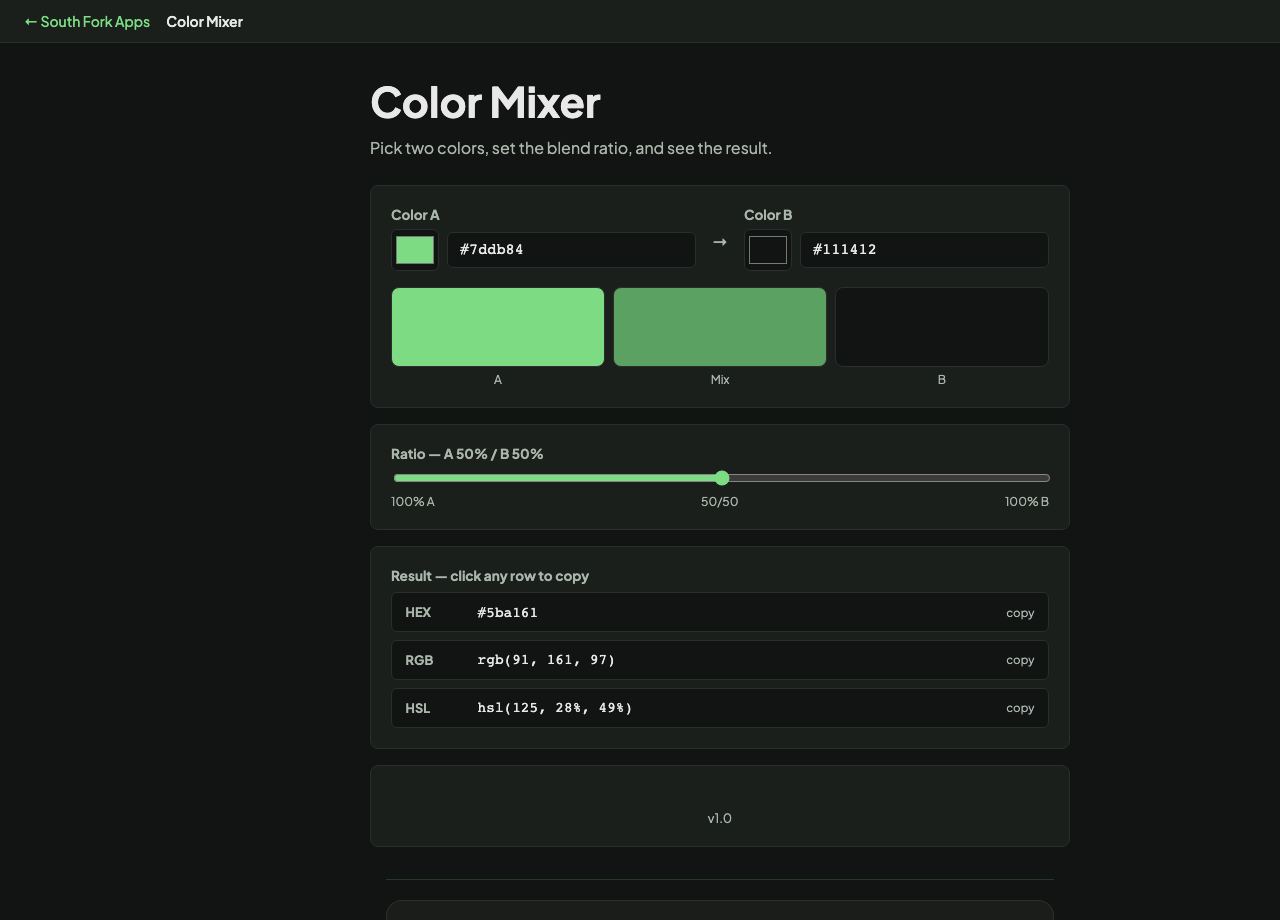
Color Mixer
Pick two colors, set the blend ratio, and see the result.
→
A
Mix
B
100% A50/50100% B
HEX#000000copy
RGBrgb(0,0,0)copy
HSLhsl(0,0%,0%)copy
About this tool
Color Mixer
Color Mixer blends two colours at any ratio and gives the result as HEX, RGB and HSL, with a slider for the mix proportion.
How to use it
- Set colour A and colour B.
- Drag the ratio slider to change the blend.
- Click any output row to copy it.
Why mixed colours sometimes look muddy
Blending happens by interpolating the channel values. In RGB that is a straight numerical average, which is fast and occasionally ugly: mixing a saturated blue and a saturated yellow passes through grey rather than through green, because the path crosses the middle of the colour cube.
Interpolating in HSL follows the hue around the wheel instead, which keeps saturation up and produces the transition most people expect. Neither is wrong, but knowing which one you are getting explains the muddy midpoint.
When it helps
- Creating a tint or shade by mixing toward white or black.
- Finding a midpoint colour between two brand colours.
- Generating intermediate steps for a gradient or a scale.
- Softening a colour by mixing in a neutral.
Common mistakes
- Expecting digital mixing to behave like paint. Screens mix light additively, so blue and yellow do not make green the way pigment does.
- Mixing toward pure black for shades, which kills saturation and looks dead. Mixing toward a very dark version of the hue reads better.