About this tool
Color Palette Generator
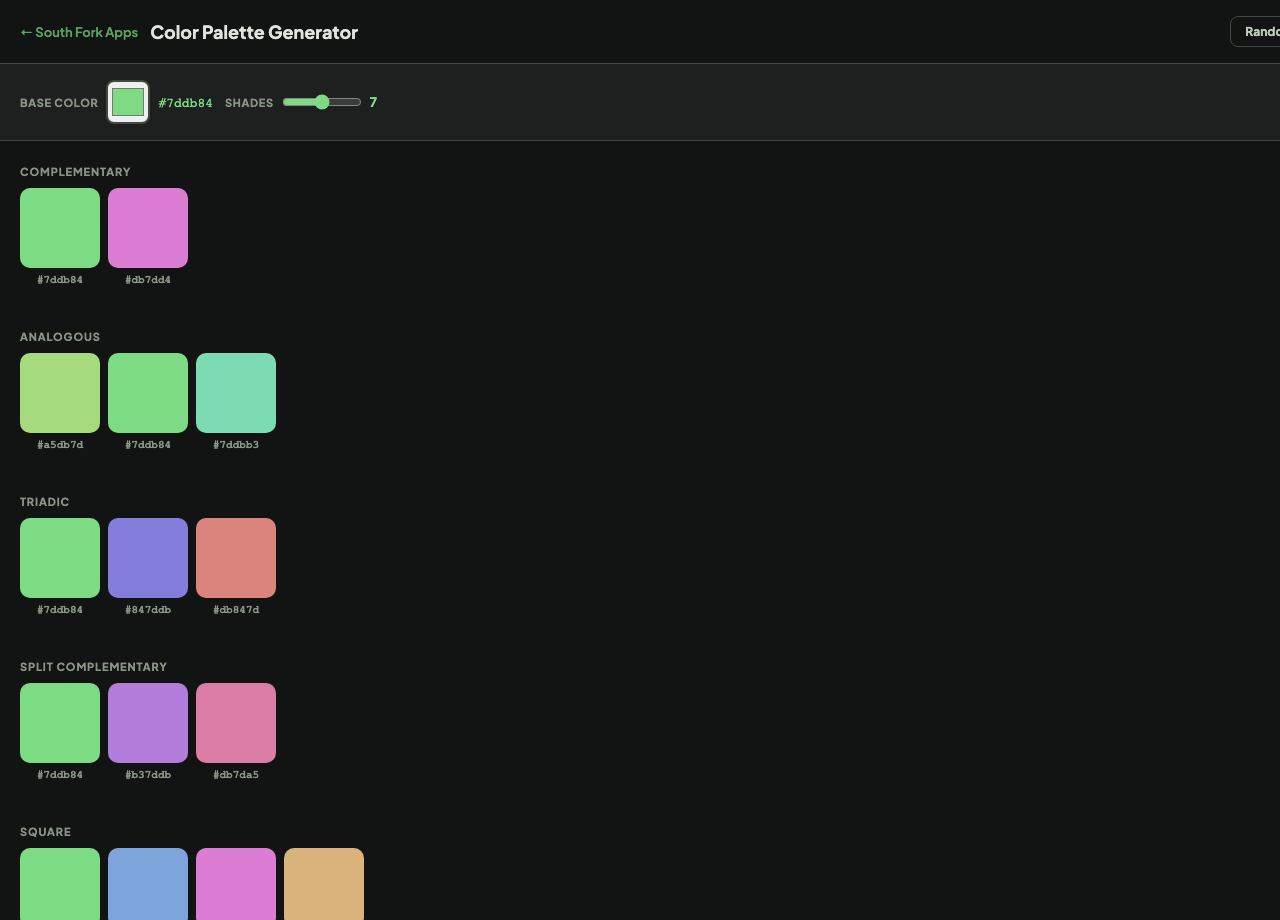
Color Palette generates complementary, analogous, triadic and square palettes from a base colour, along with a configurable range of shades.
How to use it
- Pick a base colour.
- Set how many shades you want.
- Read the generated palettes and shade ramp.
Why a shade ramp matters more than a palette
A palette gives you hues. A shade ramp gives you the range of each hue from light to dark, and that is what real interfaces consume: a background, a hover state, a border, a disabled state, and text, all derived from one colour.
Ramps generated by evenly stepping lightness look uneven, because perceived brightness does not track lightness linearly. Good ramps usually need manual adjustment in the middle, where the eye is most sensitive.
When it helps
- Building a design system colour scale from a brand colour.
- Generating hover and active states that belong to the same family.
- Producing a chart palette with consistent weight.
- Starting a theme without picking every colour by hand.
Common mistakes
- Using a generated ramp without checking contrast at each step. Only some steps will be usable for text.
- Assuming an even lightness step looks even. It does not, particularly in the middle range.
- Generating more colours than the design needs, which produces inconsistency rather than flexibility.