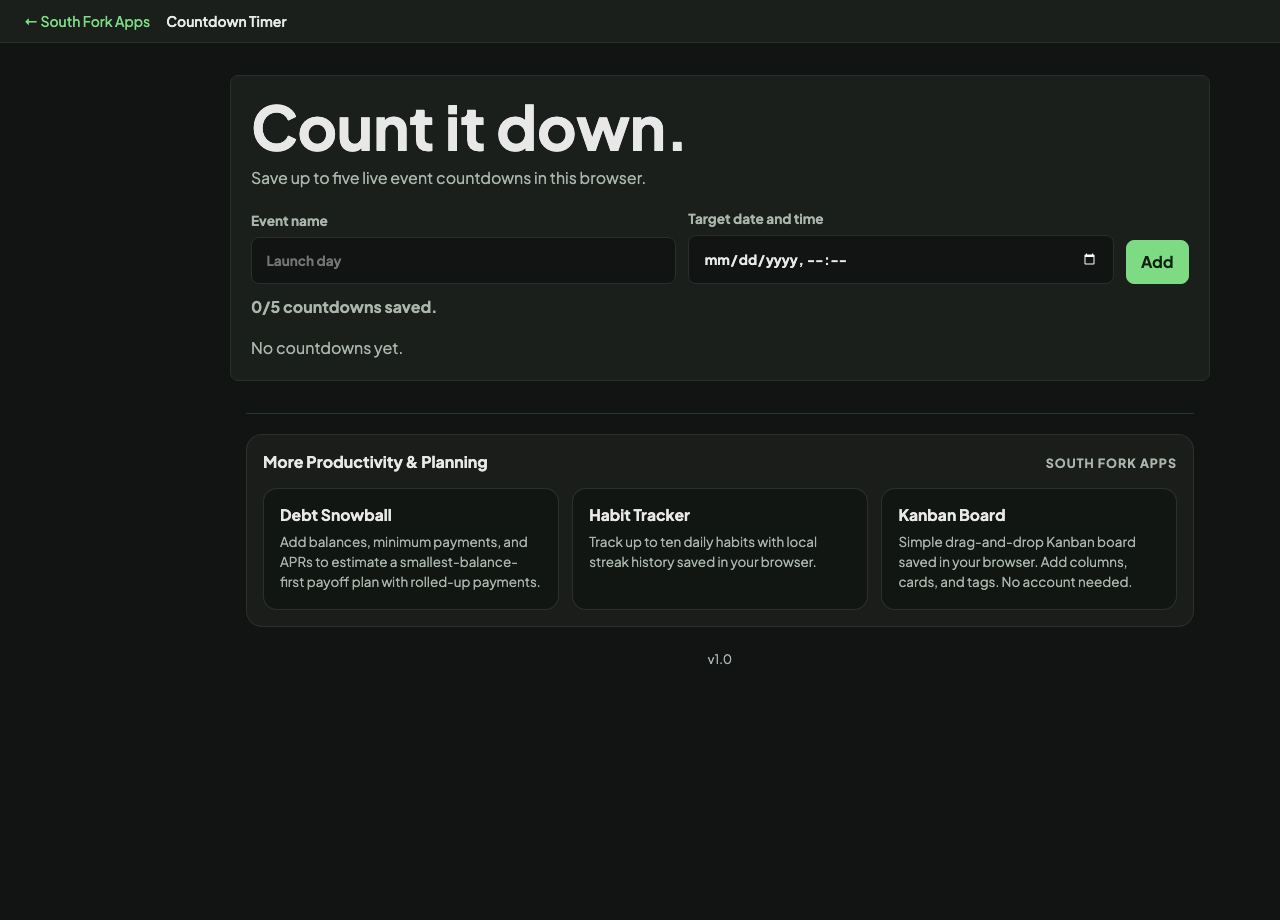
Countdown Timer
Save up to five live event countdowns in this browser.
About this tool
Countdown Timer
Countdown Timer counts down from any duration you set, running in the browser with no install.
How to use it
- Set the duration.
- Start the timer.
- It alerts you when it reaches zero.
Why a visible countdown changes behaviour
A visible timer converts an open-ended task into a bounded one, and people work differently against a deadline they can see. This is the mechanism behind timeboxing: the limit is what forces a decision about what actually matters in the task.
Counting down works better than counting up for this. Elapsed time tells you what you have spent; remaining time tells you what you have left to spend, which is the number that prompts action.
Worked example
Timeboxing in practice:
- Open-ended taskexpands to fill available time
- Same task, 25 minute boxforces a decision about what matters
Result: The limit is the mechanism. What you cut is the useful output.
When it helps
- Timing something in the kitchen without an app.
- Boxing a task into a fixed period.
- Running a timed exercise or a presentation segment.
- Limiting time on a task you could otherwise stretch indefinitely.
Common mistakes
- Relying on a browser tab for something critical. Background tabs can be throttled and the machine can sleep.
- Setting a duration you know is unrealistic, which trains you to ignore the alarm.
- Restarting the timer repeatedly rather than accepting what the first run told you about the estimate.