CSS Code
About this tool
CSS Gradient Generator
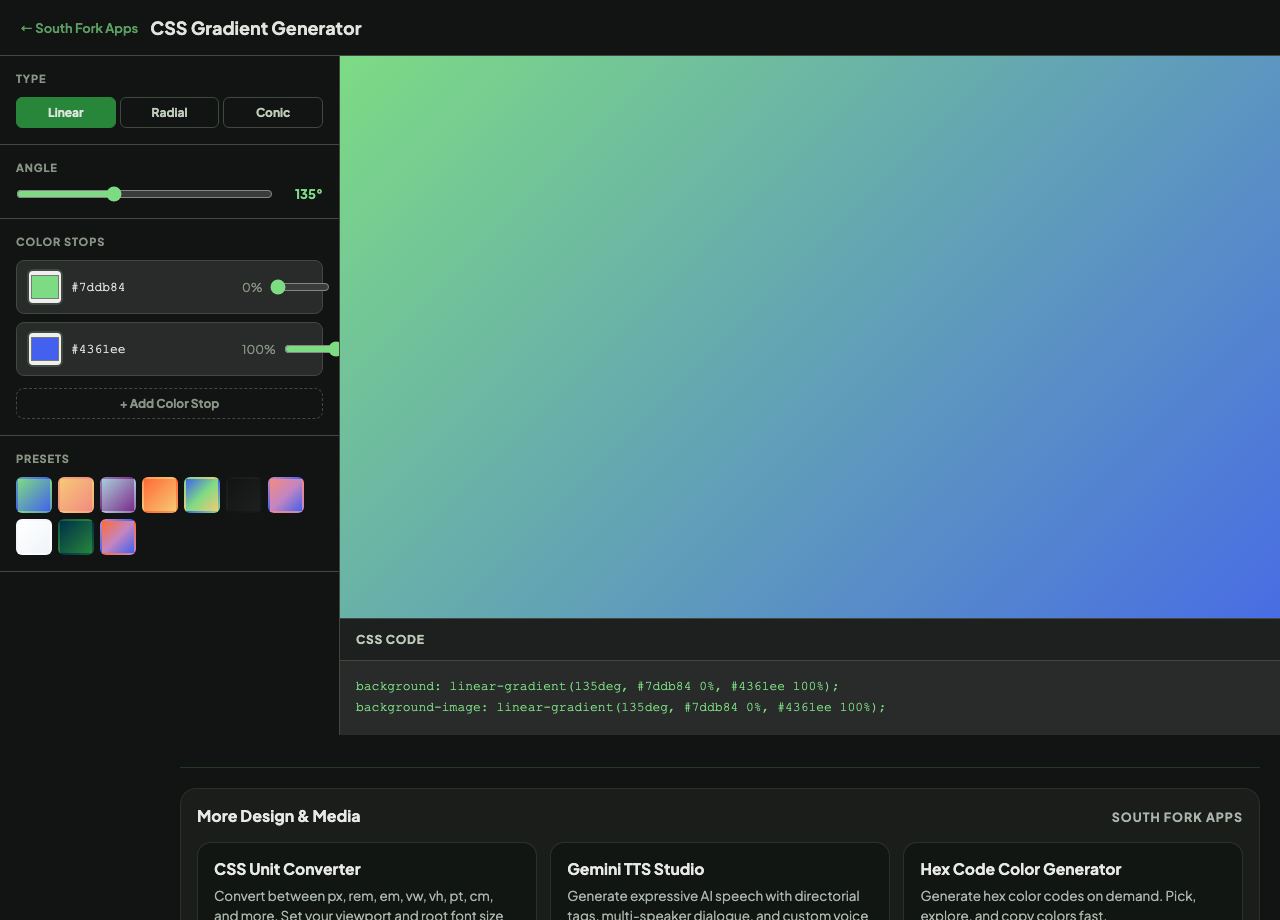
CSS Gradient Generator builds linear, radial and conic gradients visually with a live preview and copyable CSS.
How to use it
- Choose the gradient type.
- Set the angle and adjust the colour stops.
- Copy the generated CSS.
How CSS measures gradient angles
In a CSS linear gradient, 0deg points to the top and angles increase clockwise, so 90deg points right and 180deg points down. This trips people up because it differs from the mathematical convention where 0 points right and angles increase counter-clockwise.
Colour stop positions control where each colour is fully reached. Two stops at the same position create a hard edge rather than a blend, which is how gradients are used to make stripes and split backgrounds.
When it helps
- Building a background gradient without writing the syntax from memory.
- Creating a subtle two-tone background for a section or card.
- Making stripes or a hard-edged split using coincident stops.
- Producing a conic gradient for a pie chart or a loading indicator.
Common mistakes
- Using the mathematical angle convention. CSS starts at the top and goes clockwise.
- Putting text over a gradient without checking contrast at both ends. It has to pass against the worst point.
- Using many stops when two would do, which makes the CSS harder to maintain for a barely visible difference.