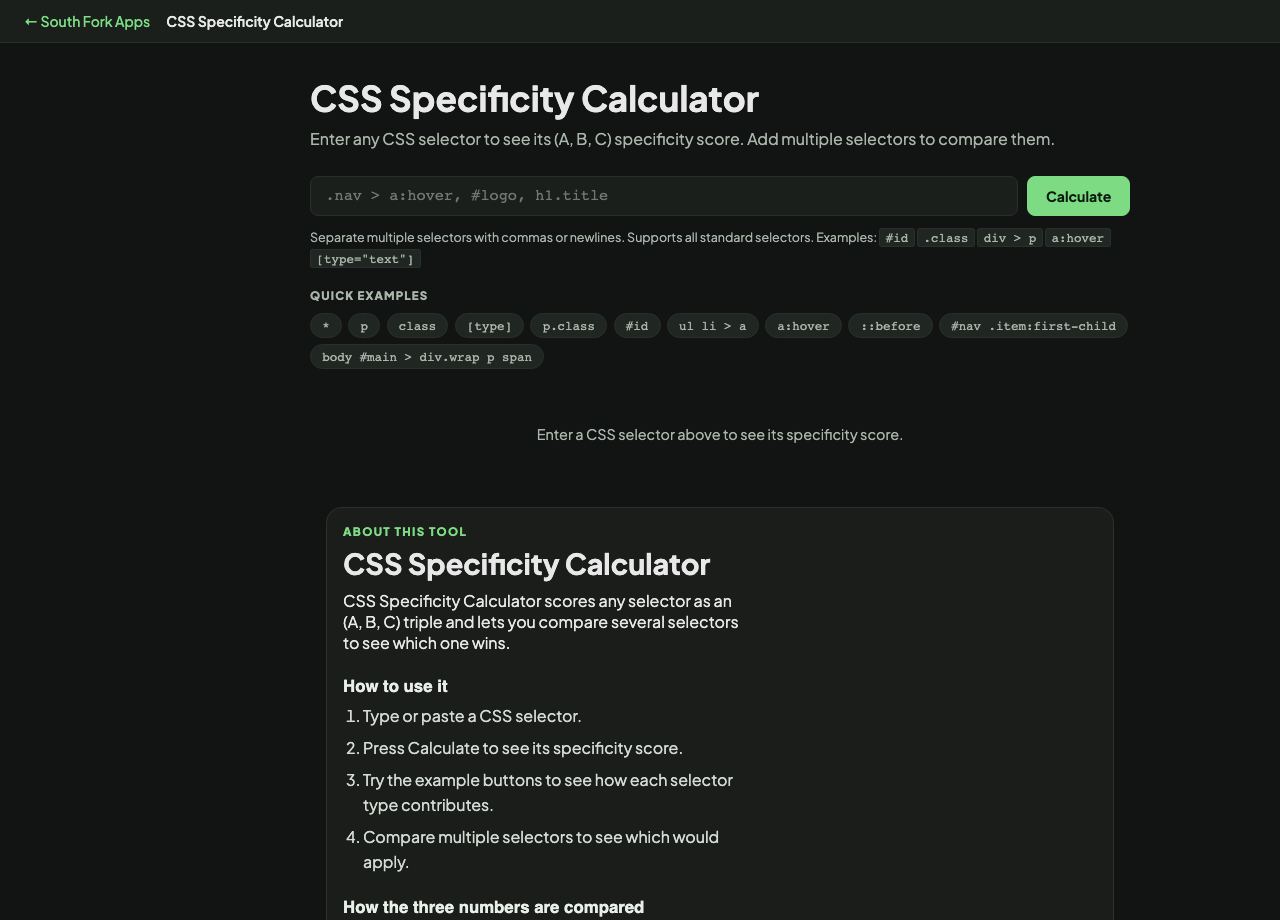
CSS Specificity Calculator
Enter any CSS selector to see its (A, B, C) specificity score. Add multiple selectors to compare them.
#id .class div > p a:hover [type="text"]
CSS Specificity Calculator
CSS Specificity Calculator scores any selector as an (A, B, C) triple and lets you compare several selectors to see which one wins.
How to use it
- Type or paste a CSS selector.
- Press Calculate to see its specificity score.
- Try the example buttons to see how each selector type contributes.
- Compare multiple selectors to see which would apply.
How the three numbers are compared
A counts ID selectors, B counts classes, attribute selectors and pseudo-classes, and C counts element types and pseudo-elements. The universal selector adds nothing.
The comparison is not a sum. The columns are compared left to right, and a higher A wins regardless of what B and C contain. One ID beats any number of classes, which is why a single #header rule can override a carefully constructed set of class rules and why a hundred classes will not save you.
Worked example
Why the second rule loses:
- #nav aA=1, B=0, C=1
- .menu .item .linkA=0, B=3, C=0
Result: The ID selector wins on the A column before B is even considered, no matter how many classes the other rule stacks up.
When it helps
- Working out why a style is not applying.
- Choosing a selector strong enough without resorting to !important.
- Understanding an inherited stylesheet before changing it.
- Teaching the cascade, which is where most CSS confusion lives.
Common mistakes
- Reaching for !important to win a specificity fight. It works once and creates a worse problem the next time.
- Raising specificity to fix a problem, which starts an arms race across the stylesheet. Lowering the competing selector is usually the better fix.
- Forgetting that :where() contributes zero specificity while :is() takes the specificity of its most specific argument. That difference is deliberate and useful.