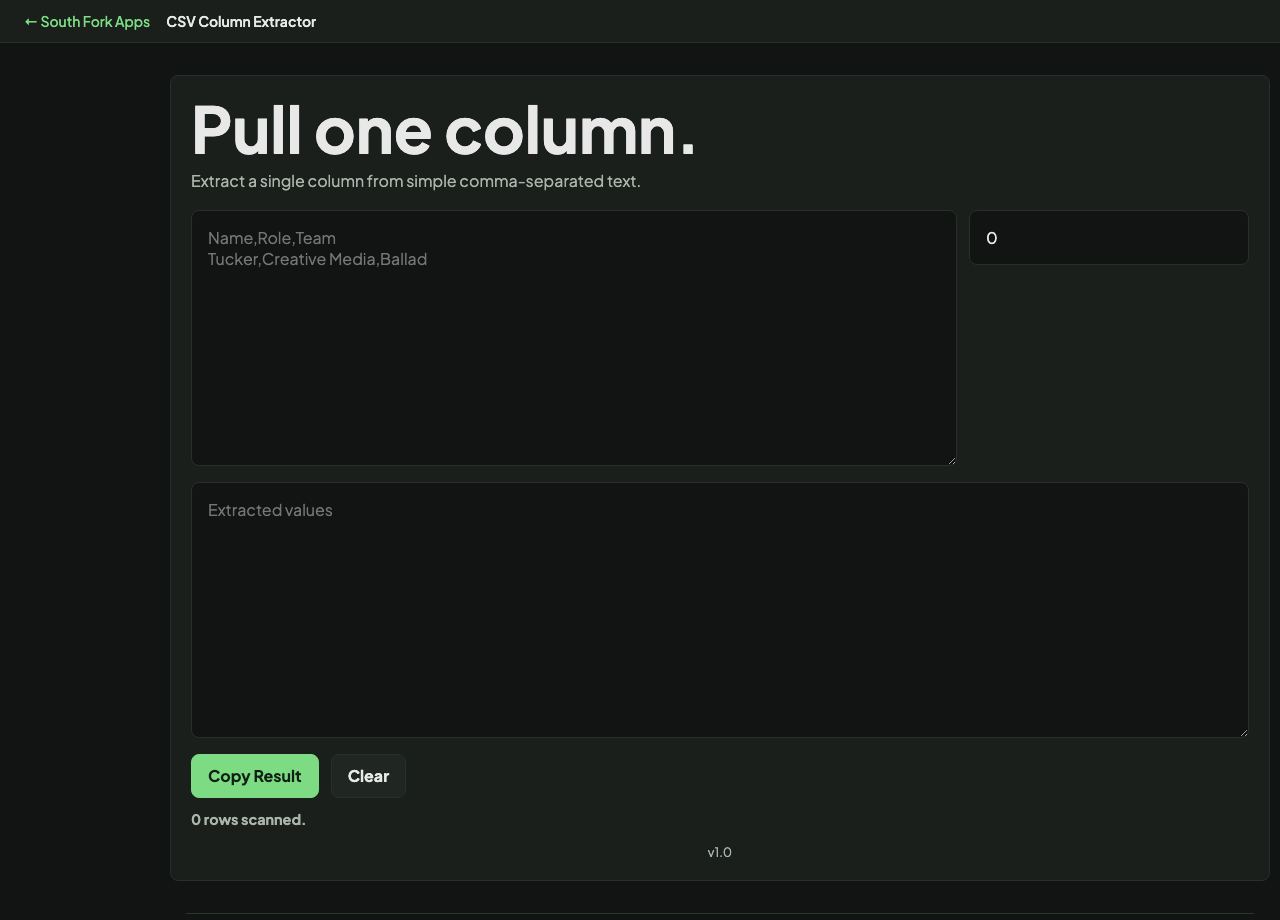
CSV Column Extractor
Extract a single column from simple comma-separated text.
About this tool
CSV Column Extractor
CSV Column Extractor pulls one column out of pasted CSV data, which is the fastest way to get a single field as a plain list.
How to use it
- Paste your CSV data.
- Enter the column index you want, counting from zero.
- Copy the extracted column.
Zero-based indexing
Columns are numbered from zero, so the first column is 0 and the third is 2. This matches how most programming languages count and is the most common source of off-by-one confusion when people expect spreadsheet-style numbering.
Extraction is positional, so it depends on every row having the same number of fields. A row with an unquoted comma inside a value shifts everything after it, and you will get the wrong field from that row only.
Worked example
Counting columns:
- First columnindex 0
- Second columnindex 1
- Third columnindex 2
Result: Zero-based indexing, which is where most off-by-one confusion with this tool comes from.
When it helps
- Pulling a list of emails or IDs out of an export.
- Getting one field for a lookup or an import.
- Extracting a column to paste into a query.
- Checking the values in a single field without opening a spreadsheet.
Common mistakes
- Counting from one. The first column is index 0.
- Extracting from data with unquoted delimiters inside values, which silently returns the wrong field for affected rows.
- Forgetting the header row is included unless you remove it.