About this tool
CSV to JSON Converter
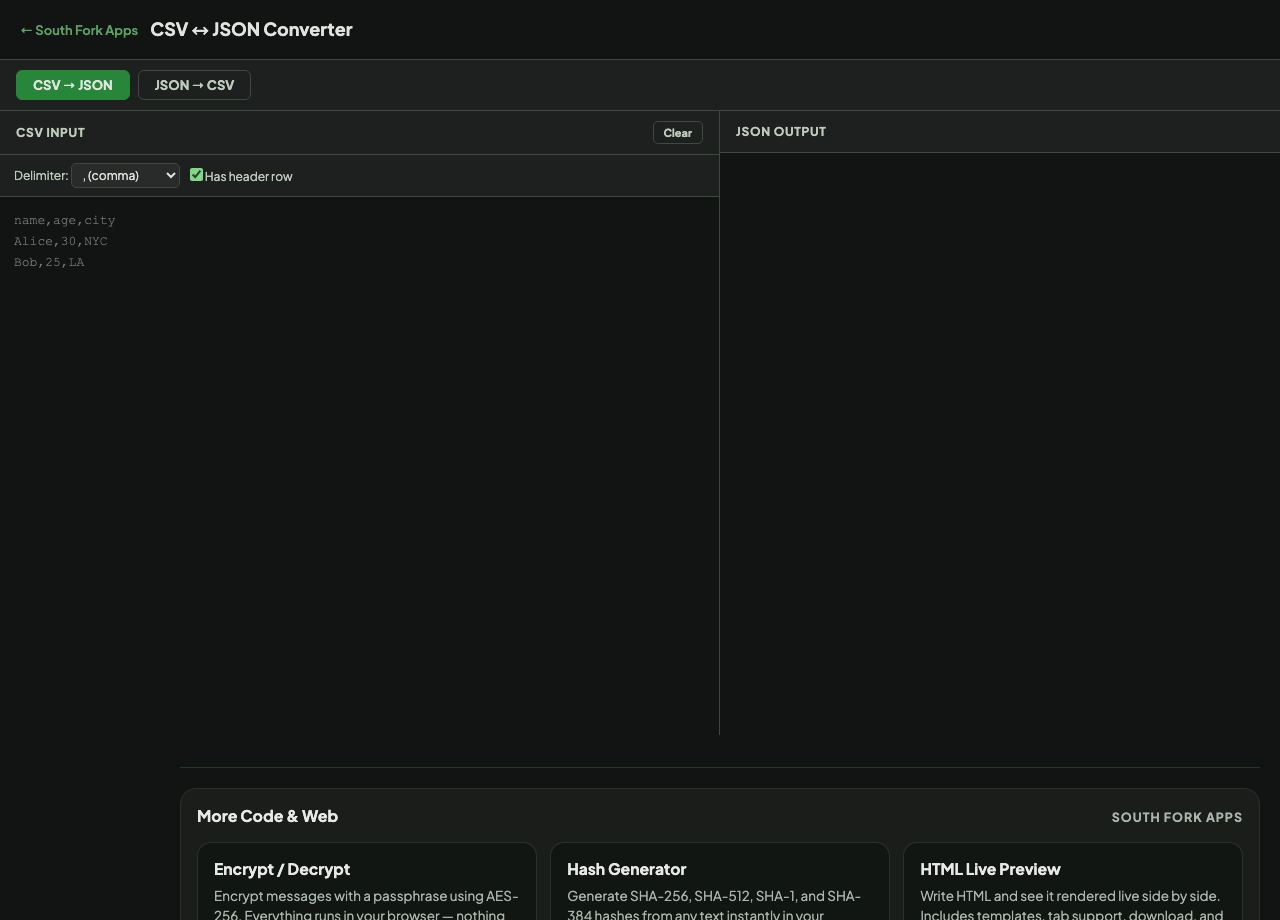
CSV to JSON Converter goes both ways, with configurable delimiters (comma, tab, semicolon, pipe) and a header row option that turns the first line into object keys.
How to use it
- Paste CSV or JSON into the input.
- Set the delimiter and whether the first row is a header.
- Press CSV to JSON or JSON to CSV.
- Copy the result.
The shape mismatch between the two formats
CSV is flat and rectangular: rows and columns, one value per cell. JSON is a tree that can nest objects and arrays to any depth. Converting a flat CSV up into JSON is straightforward. Converting nested JSON down into CSV is lossy by nature, because there is nowhere for the nesting to go.
A header row is what makes CSV to JSON useful, because the column names become the object keys. Without it you get positional arrays, which are valid but far harder to work with downstream.
When it helps
- Turning a spreadsheet export into JSON for an API or a script.
- Flattening a JSON API response into something a spreadsheet can open.
- Converting between two systems that each insist on their own format.
- Inspecting tabular data as objects to check the field names.
Common mistakes
- Converting deeply nested JSON to CSV and expecting the structure to survive. It will be flattened or dropped.
- Forgetting that CSV has no types. Every value arrives as a string, so numbers and booleans need converting explicitly.
- Choosing a delimiter that appears inside the data without quoting, which shifts every column after it.