CSV Viewer
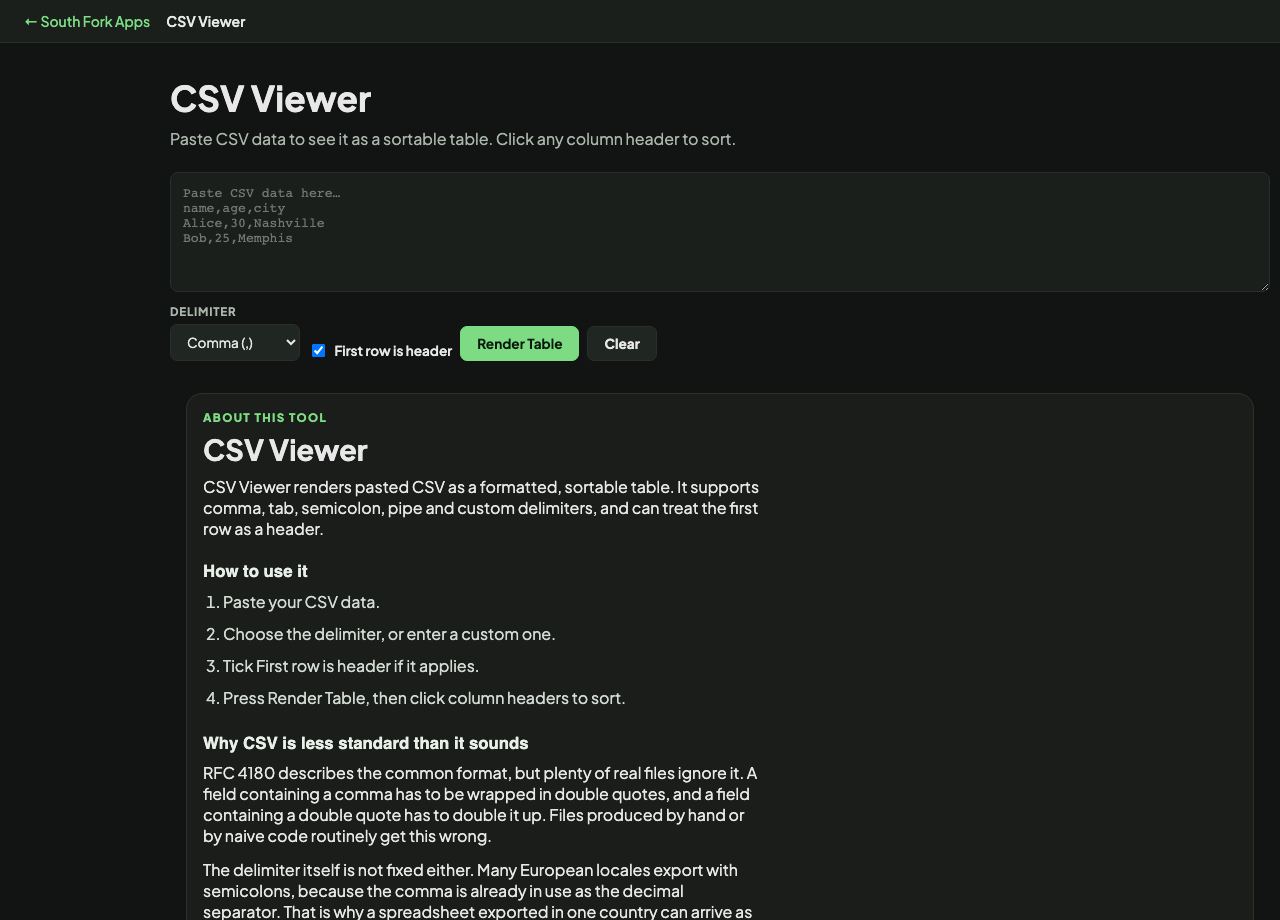
Paste CSV data to see it as a sortable table. Click any column header to sort.
CSV Viewer
CSV Viewer renders pasted CSV as a formatted, sortable table. It supports comma, tab, semicolon, pipe and custom delimiters, and can treat the first row as a header.
How to use it
- Paste your CSV data.
- Choose the delimiter, or enter a custom one.
- Tick First row is header if it applies.
- Press Render Table, then click column headers to sort.
Why CSV is less standard than it sounds
RFC 4180 describes the common format, but plenty of real files ignore it. A field containing a comma has to be wrapped in double quotes, and a field containing a double quote has to double it up. Files produced by hand or by naive code routinely get this wrong.
The delimiter itself is not fixed either. Many European locales export with semicolons, because the comma is already in use as the decimal separator. That is why a spreadsheet exported in one country can arrive as a single unparsed column in another.
When it helps
- Reading a CSV file without opening a spreadsheet application.
- Checking an export looks right before importing it somewhere.
- Sorting a data set quickly to spot outliers.
- Inspecting data with an unusual delimiter that a spreadsheet guesses wrongly.
Common mistakes
- Choosing the wrong delimiter and getting one wide column, which usually means the file is semicolon-separated.
- Assuming quoted fields will always parse. Malformed quoting is common and shifts every subsequent column.
- Forgetting the header setting, which either loses the first row of data or labels columns with a data row.
What this tool handles
- Data is parsed in your browser and never uploaded anywhere.