About this tool
Date Calculator
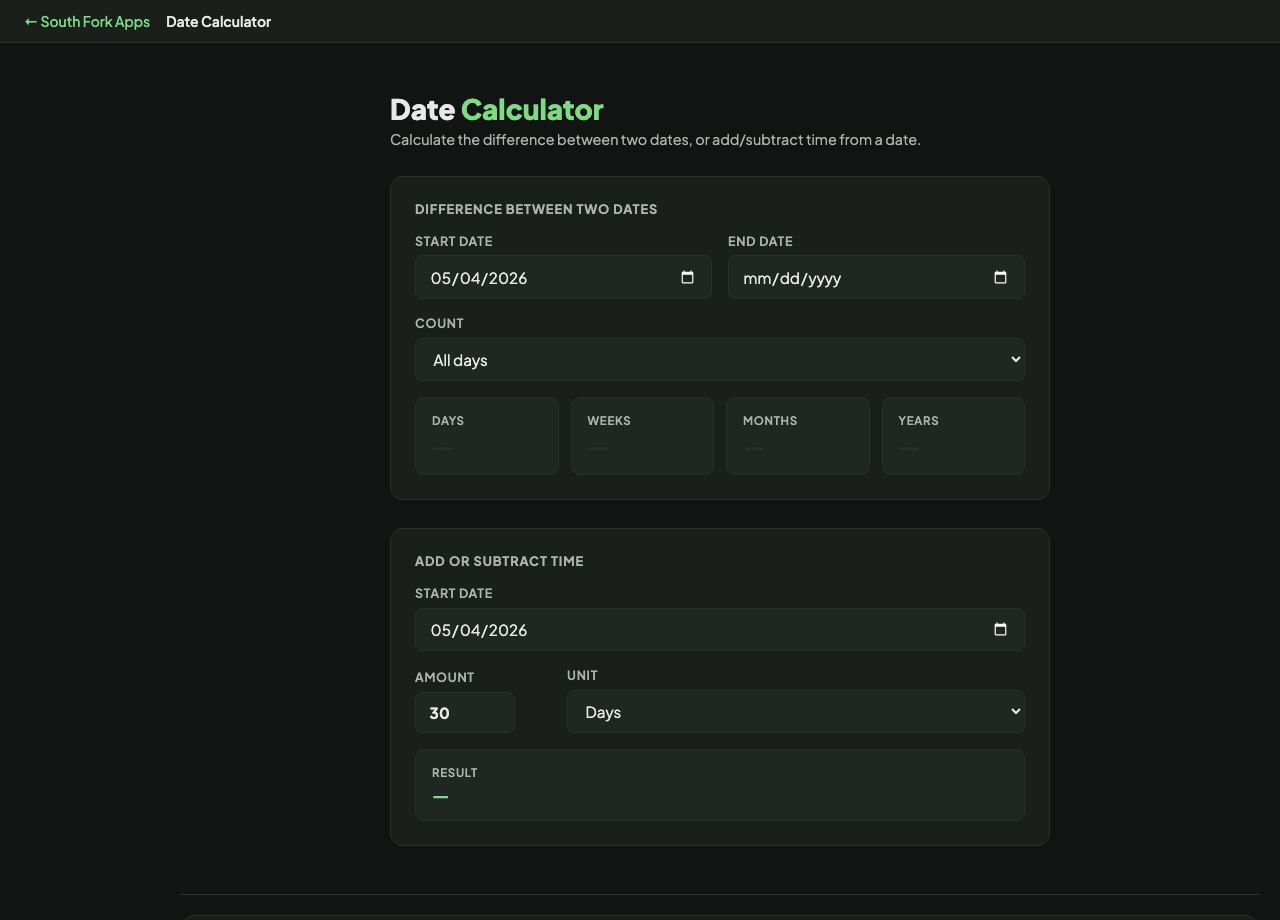
Date Calculator does the two date jobs people actually need: how far apart two dates are, and what date falls a given distance from another. It can count weekdays only, which is what most deadlines really mean.
How to use it
- For a difference, set a start and end date and read the gap.
- Switch between All days and Weekdays only depending on what you are counting.
- To project forward or back, set a base date, an amount, and a unit of days, weeks, months or years.
Why date arithmetic is harder than it looks
Days and weeks are fixed lengths, so adding them is simple. Months and years are not. Adding one month to 31 January has no obvious answer, and different systems resolve it differently.
Leap years add another wrinkle. A year is 365 days except when it is 366, and the rule is that a year divisible by 4 is a leap year unless it is divisible by 100, unless it is also divisible by 400. That is why 2000 was a leap year and 1900 was not.
When it helps
- Counting business days to a deadline, where weekends do not count.
- Working out a date 90 days from now for a contract or notice period.
- Finding how many days until an event.
- Calculating an age or a tenure in exact days.
Common mistakes
- Counting calendar days when the deadline means business days, or the reverse. The difference on a 30 day period is about nine days.
- Forgetting whether the start day itself counts. Inclusive and exclusive counting differ by one, which matters for legal notice periods.
- Assuming weekdays only means working days. It does not remove public holidays.