Duplicate Line Remover
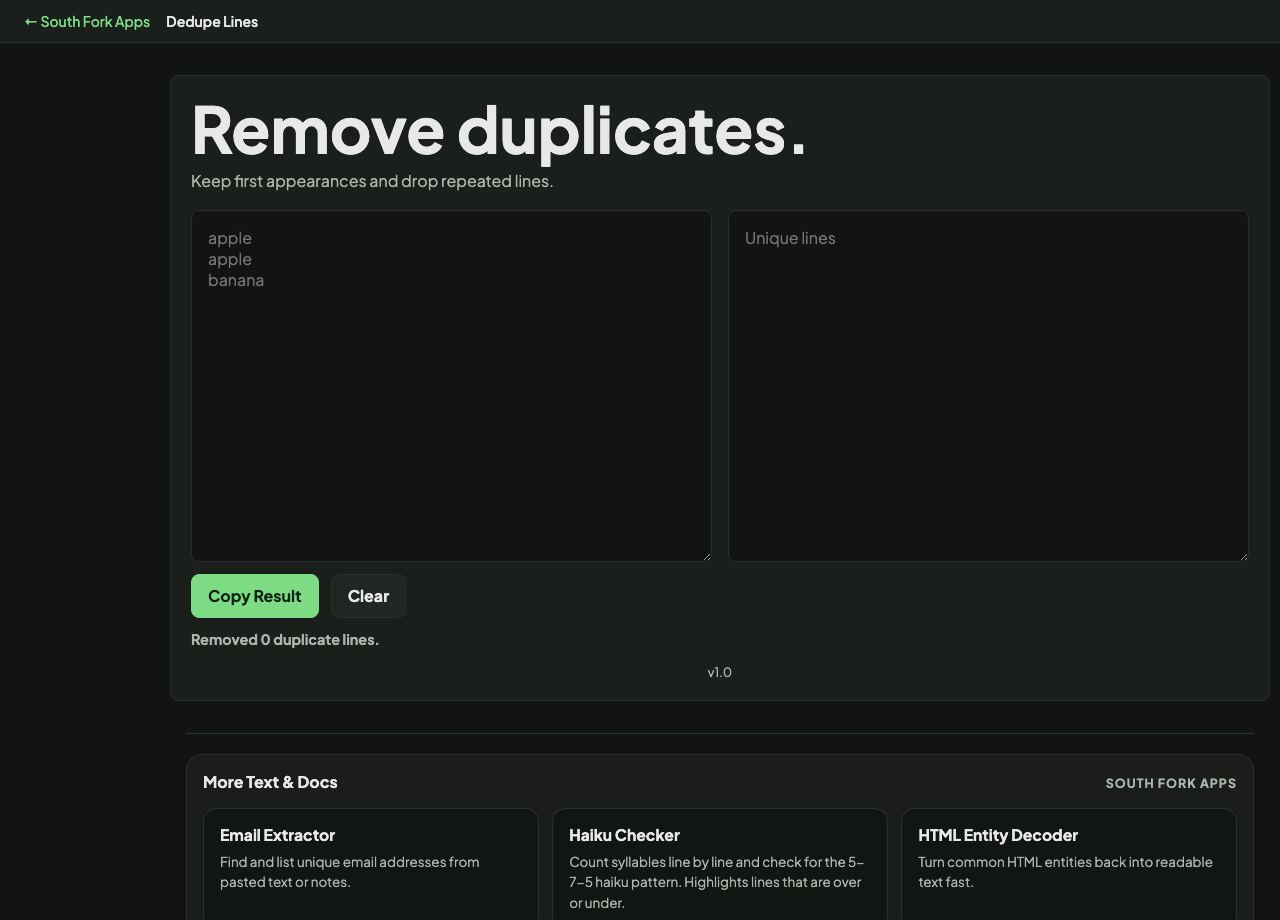
Keep first appearances and drop repeated lines.
About this tool
Duplicate Line Remover
Duplicate Line Remover strips repeated lines from a list, leaving one of each. The original order of the first occurrences is preserved.
How to use it
- Paste your list.
- The deduplicated result appears immediately.
- Copy it out.
What counts as a duplicate
Two lines are duplicates only if they match exactly. A trailing space, a different capitalisation, or a stray tab makes two lines distinct even though they look identical on screen.
That is why deduplication so often appears not to work. The fix is to trim whitespace first, and to normalise case if case is not meaningful in your data. Running the trim tool before this one solves the large majority of cases.
Worked example
Why duplicates survive deduplication:
- applekept
- apple (trailing space)kept, not a match
- Applekept, different case
Result: Trim first, and fold case if case is not meaningful, then deduplicate.
When it helps
- Cleaning a mailing list or a list of IDs before import.
- Removing repeats after merging two lists together.
- Finding the distinct set of values in a column pasted from a spreadsheet.
- Tidying a tag or keyword list.
Common mistakes
- Not trimming first. Invisible trailing whitespace is the single most common reason duplicates survive.
- Ignoring case differences when they are not meaningful, leaving Apple and apple as two entries.
- Deduplicating data where the repeats were meaningful, such as counts or transaction records.