Email Extractor
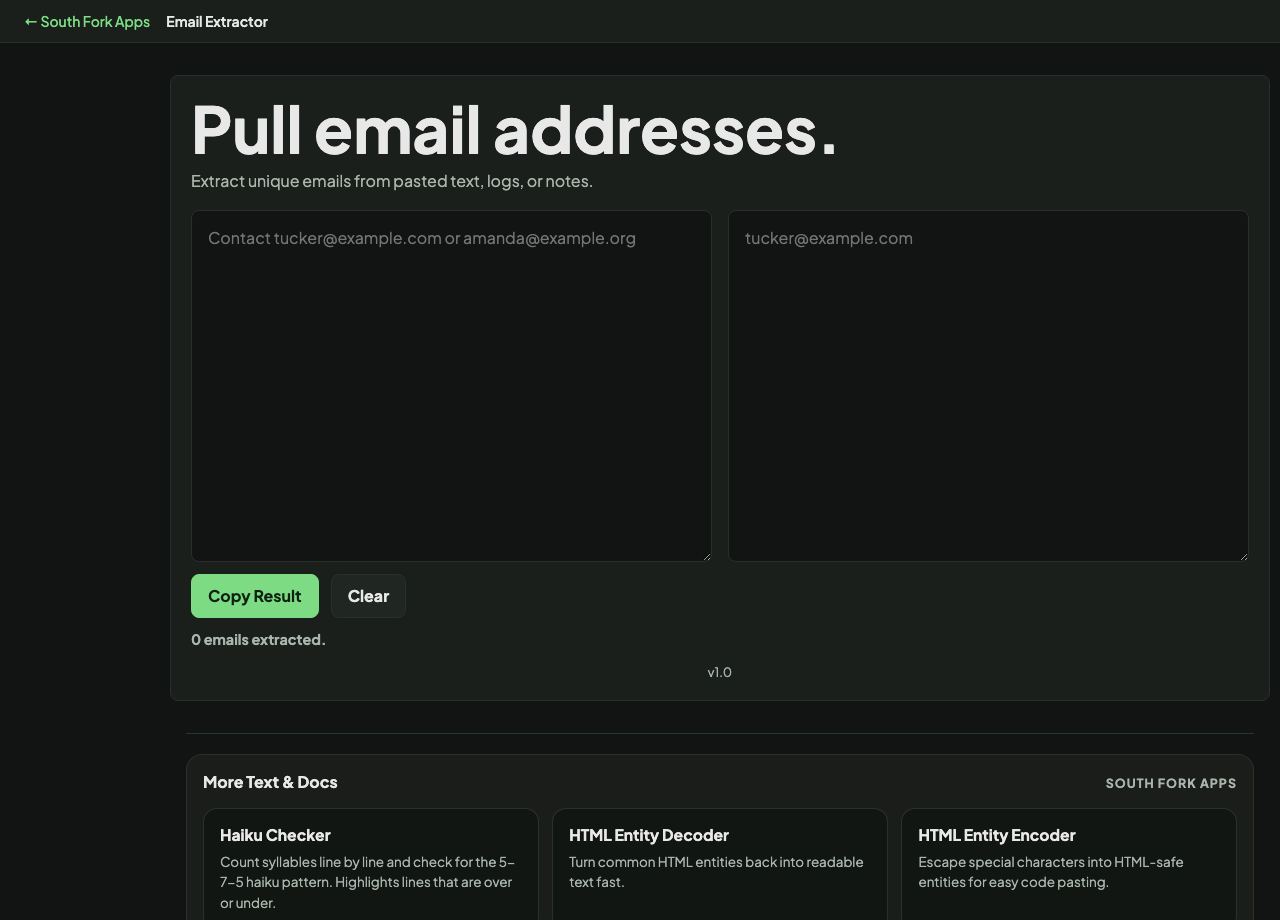
Extract unique emails from pasted text, logs, or notes.
About this tool
Email Extractor
Email Extractor pulls every email address out of a block of text and lists them cleanly.
How to use it
- Paste text containing email addresses.
- The extracted addresses appear below.
- Copy the list.
Why no pattern matches every valid address
The formal definition of an email address in RFC 5322 permits quoted strings, comments, and characters most people never see, and a regular expression that matches it correctly runs to thousands of characters. No practical tool implements it.
So extraction uses a pragmatic pattern that matches the addresses that actually occur. It will miss exotic but technically valid forms, and the only way to truly validate an address is to send mail to it.
Worked example
What a practical pattern will and will not find:
- ana@example.comfound
- ana.smith+tag@sub.example.co.ukfound
- ana at example dot comnot found, deliberately obfuscated
Result: Extraction finds addresses that are written as addresses. It cannot un-obfuscate.
When it helps
- Collecting contact addresses from a document you have been given.
- Auditing a page or a file for exposed addresses before publishing it.
- Pulling addresses out of a pasted email header block.
- Building a distribution list from meeting notes.
Common mistakes
- Treating extraction as validation. A well-formed address can still be undeliverable.
- Missing addresses that have been obfuscated as name at domain dot com, which is deliberate and will not match.
- Using extracted addresses for unsolicited mail, which is unlawful in most jurisdictions.