About this tool
Encrypt / Decrypt Message
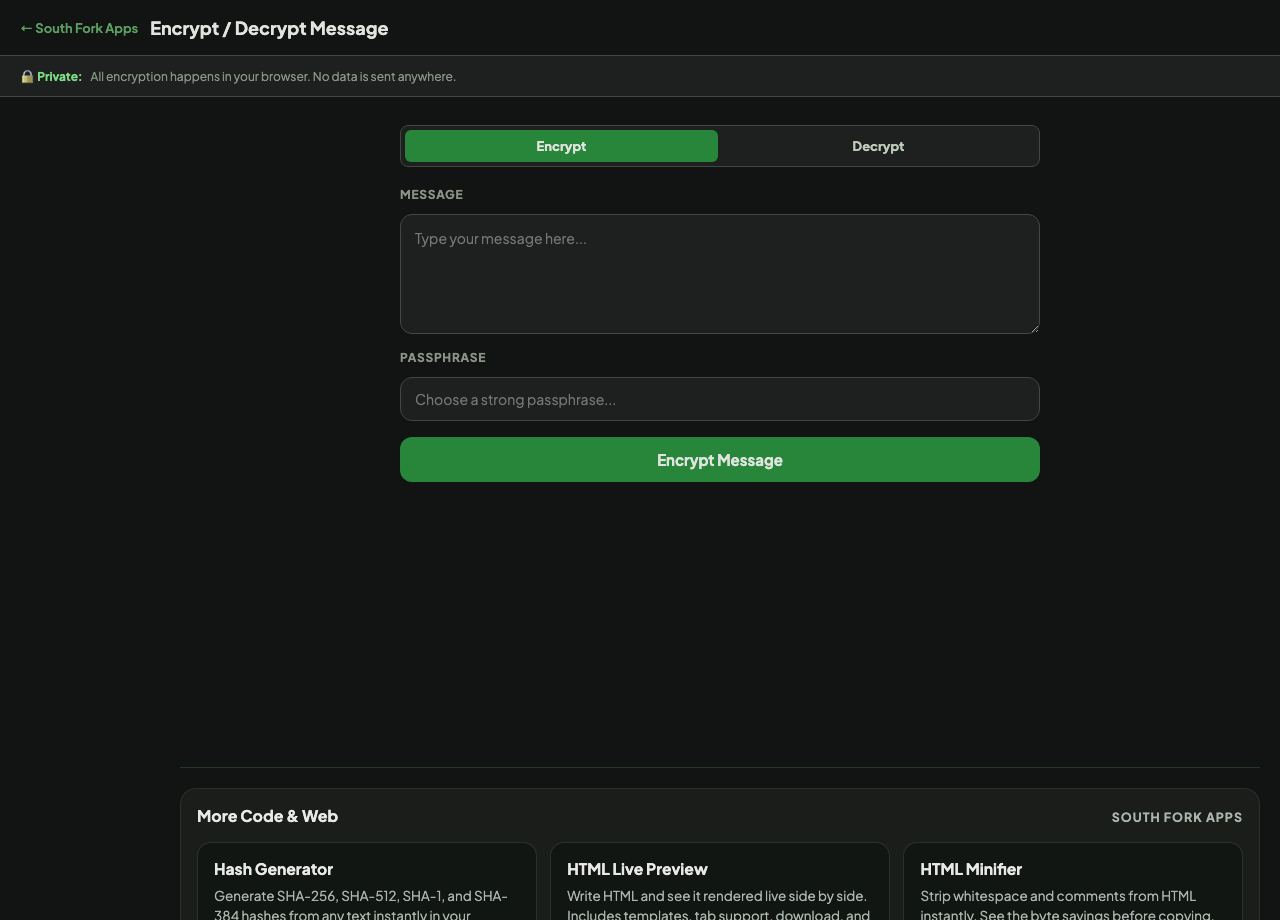
Encrypt / Decrypt secures a message with a passphrase using AES-256 in your browser. The message and the passphrase never leave your device.
How to use it
- Type your message and choose a passphrase.
- Press Encrypt Message and copy the encrypted output.
- To reverse it, paste the encrypted text with the same passphrase and press Decrypt Message.
What AES-256 does and what it depends on
AES-256 is a symmetric cipher, meaning the same passphrase both encrypts and decrypts. It is the standard used for classified government data and is not the weak point in any realistic attack.
Your passphrase is. The key is derived from what you type, so a short or common passphrase can be attacked directly regardless of how strong the cipher is. A long random passphrase is the whole of your security here.
When it helps
- Encrypting a note before storing it somewhere you do not fully trust.
- Sending sensitive text through a channel that is not end-to-end encrypted, with the passphrase shared separately.
- Keeping a private note inside an otherwise readable document.
- Learning how symmetric encryption behaves.
Common mistakes
- Sending the passphrase through the same channel as the message. If both travel together, the encryption achieves nothing.
- Choosing a memorable passphrase. Memorable means guessable, and the cipher cannot save you from that.
- Losing the passphrase. There is no recovery. The message is gone permanently.
What this tool handles
- Encryption happens locally in your browser. Nothing is uploaded. This is a convenience tool, not a substitute for a properly audited system when the stakes are high.