File Size Converter
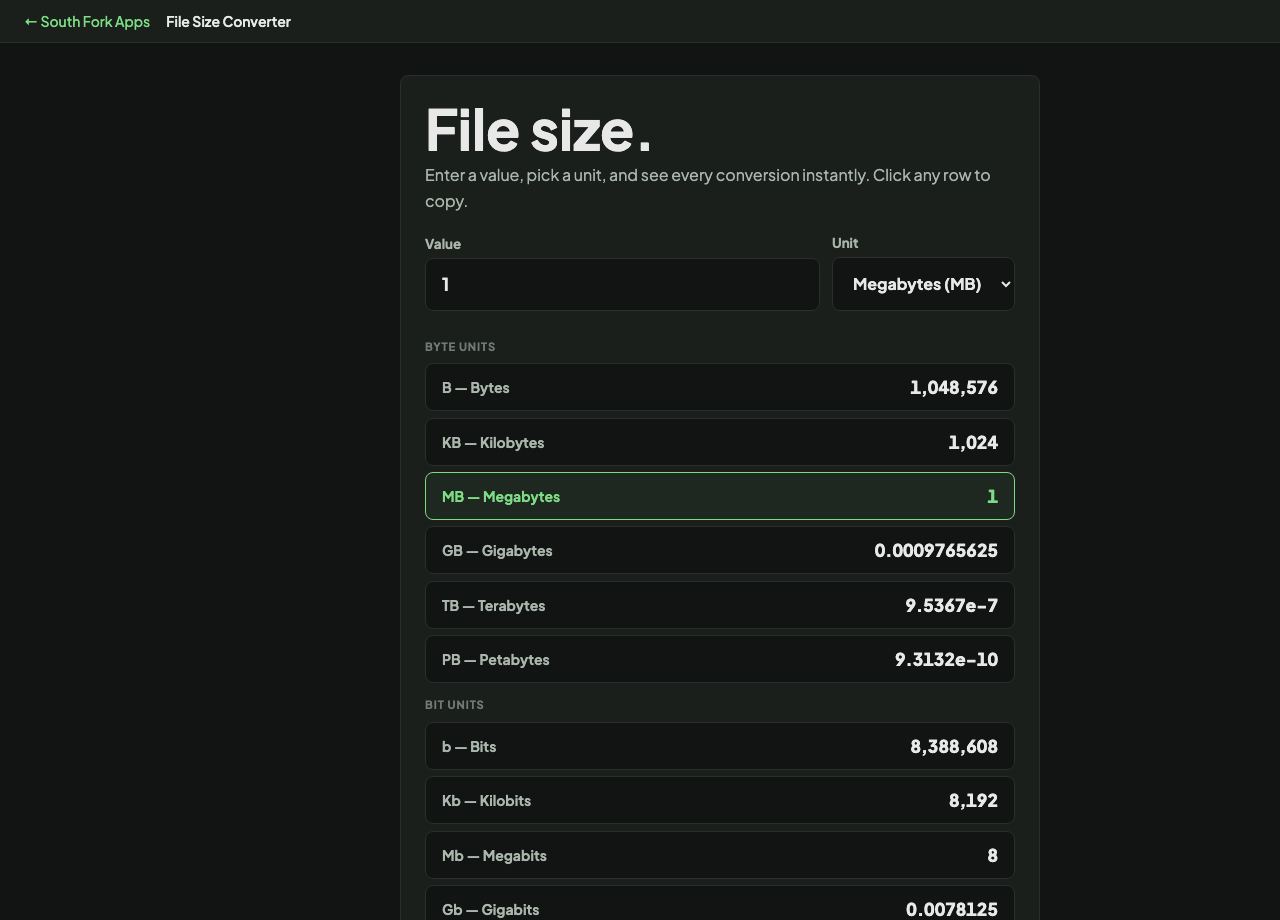
Enter a value, pick a unit, and see every conversion instantly. Click any row to copy.
Click any row to copy its value.
File Size Converter
File Size Converter converts between bytes, KB, MB, GB, TB and PB.
How to use it
- Enter a value and choose its unit.
- Read the equivalent in every other unit.
1000 or 1024, and why your drive looks smaller
There are two competing definitions. The SI convention makes a kilobyte 1,000 bytes. The older binary convention makes it 1,024, because computers work in powers of two. To resolve it, the IEC defined separate binary units: kibibyte, mebibyte, gibibyte, using 1,024.
The practical consequence is the one everybody meets. Drive manufacturers use 1,000, so they can print a larger number. Windows reports using 1,024 while calling it GB. That is why a drive sold as 1 TB shows as about 931 GB, and no storage has gone missing.
Worked example
Where the missing space goes:
- Advertised1 TB = 1,000,000,000,000 bytes
- Reported as GiBdivide by 1,024 three times
Result: About 931. The drive is exactly the size it claims, measured differently.
When it helps
- Understanding why a drive reports less than advertised.
- Converting a file size given in unfamiliar units.
- Estimating how many files fit in a given space.
- Checking a quota or an upload limit.
Common mistakes
- Assuming both conventions agree. They diverge more at each step, reaching about 10% by terabytes.
- Confusing bits and bytes. Network speeds are in bits, file sizes in bytes, a factor of eight.
- Expecting a drive's full capacity to be usable. Formatting and reserved space take a share.