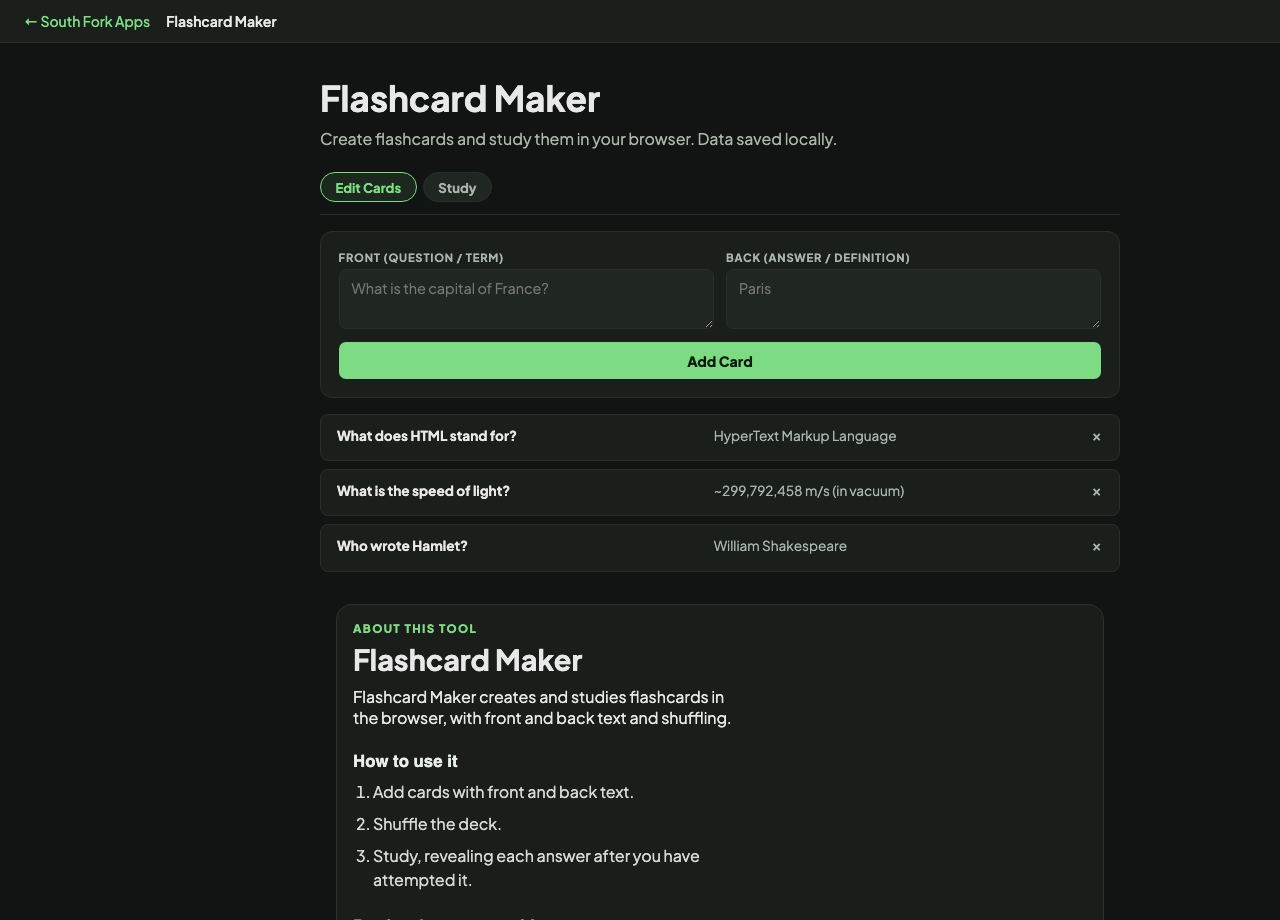
Flashcard Maker
Create flashcards and study them in your browser. Data saved locally.
About this tool
Flashcard Maker
Flashcard Maker creates and studies flashcards in the browser, with front and back text and shuffling.
How to use it
- Add cards with front and back text.
- Shuffle the deck.
- Study, revealing each answer after you have attempted it.
Retrieval, not recognition
Flashcards work because of retrieval practice: the effort of pulling an answer out of memory strengthens it far more than reading the answer again does. That effort is the mechanism, which is why cards feel harder than re-reading and work better.
The critical discipline is attempting the answer before flipping. Flipping immediately turns the exercise into recognition, which feels productive and produces very little learning. Shuffling matters for the same reason: a fixed order lets you learn the sequence rather than the content.
When it helps
- Learning vocabulary, terminology or definitions.
- Revising for an exam.
- Memorising anything with a clear question and answer.
- Studying without an account or a subscription.
Common mistakes
- Flipping before genuinely attempting the answer.
- Putting too much on one card. One fact per card is the rule that makes decks work.
- Studying in a fixed order, which teaches the sequence rather than the material.
What this tool handles
- Cards are stored in your browser only.