About this tool
Flip Clock
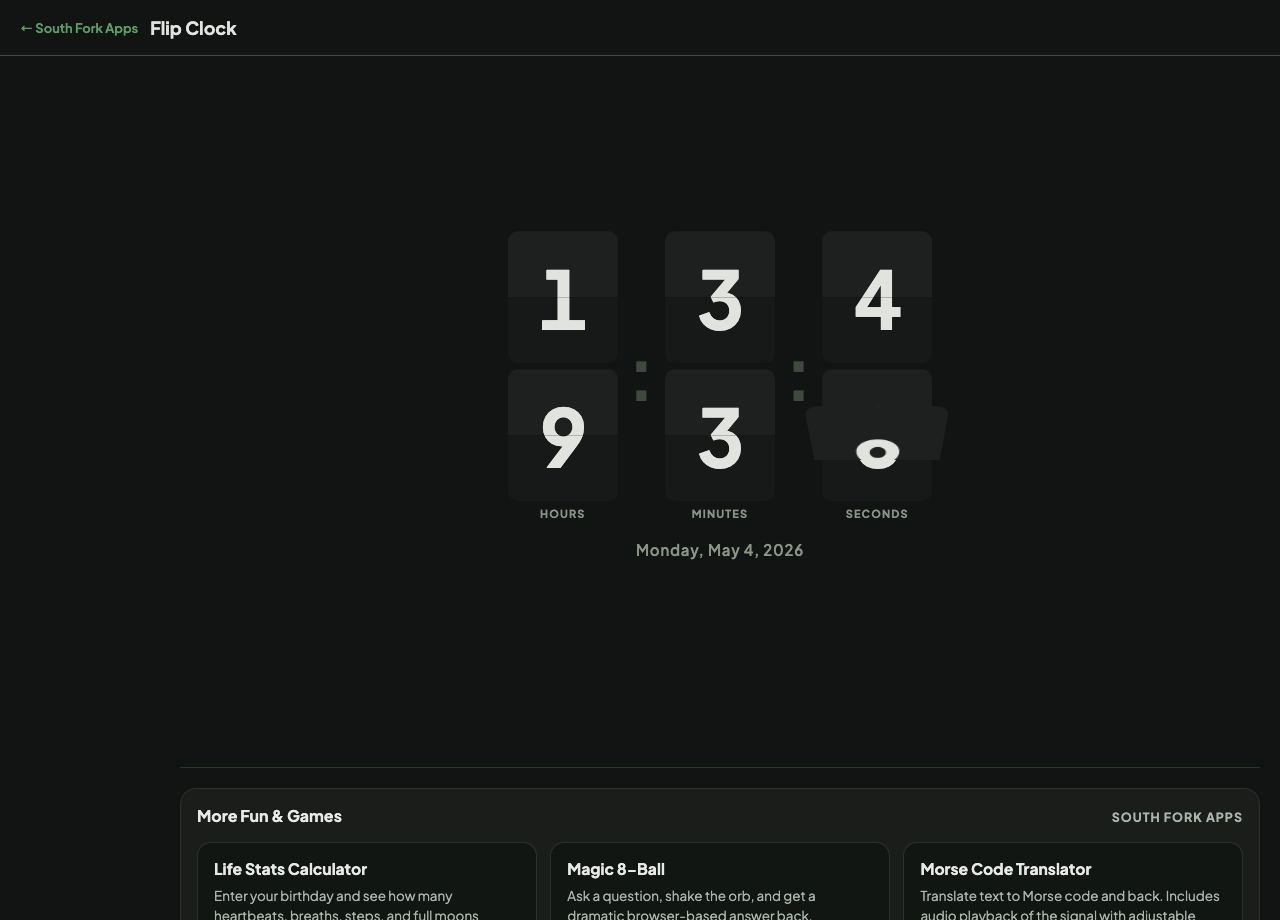
Flip Clock is an animated clock with card-flip transitions and a date display.
How to use it
- Open the page.
- Watch the cards flip as the time changes.
What it is imitating
Split-flap displays were mechanical: each digit was a stack of hinged cards, and a motor advanced them one at a time. They dominated railway stations and airports from the 1950s because they were readable from a distance and used no power to hold a display, only to change it.
The sound was as characteristic as the look, a cascade of clacking as a whole departure board updated. The animation here recreates the visual half of that, which is why the format still reads as nostalgic rather than merely retro.
Worked example
Where the format comes from:
- Era1950s onward
- Mechanismhinged cards advanced by a motor
- Power useonly when changing
Result: Split-flap boards held a display indefinitely without power, which is why stations used them for decades.
When it helps
- An ambient clock for a spare screen.
- A large readable time display for a desk.
- A retro display for a stream or a video background.
- Watching the seconds flip, which is oddly absorbing.
Common mistakes
- Running it on a laptop on battery. Continuous animation is not free.
- Expecting the sound. This is the visual half only.