About this tool
Gemini TTS Studio
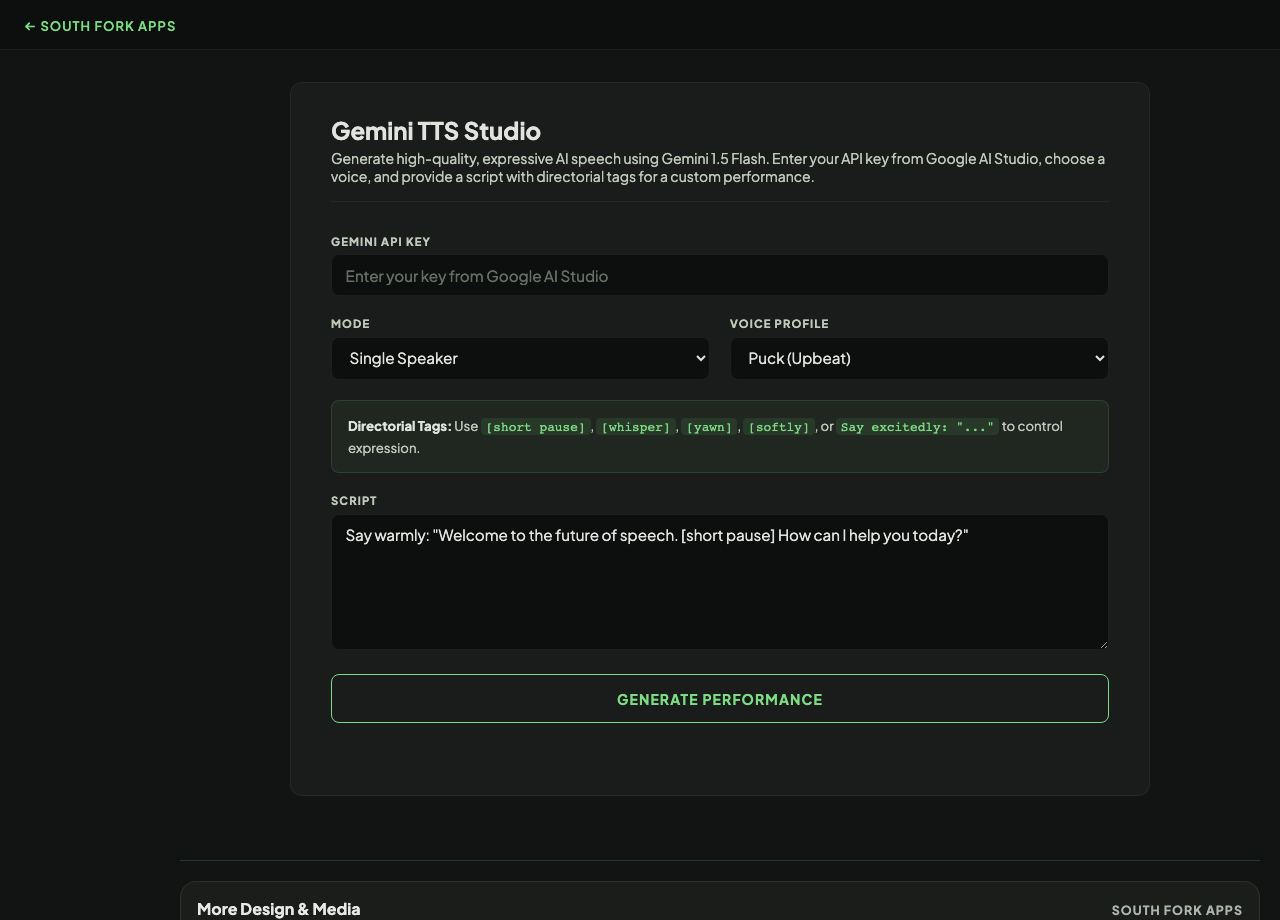
Gemini TTS Studio converts text to speech using Google's Gemini API, with single-speaker and multi-speaker conversation modes and a choice of voice profiles. It requires your own Gemini API key.
How to use it
- Enter your Gemini API key.
- Choose single speaker or multi-speaker conversation mode.
- Pick a voice profile, and assign names and voices to each speaker in multi-speaker mode.
- Generate the audio.
What multi-speaker mode is for
Single-speaker mode reads text in one voice. Multi-speaker mode assigns different voices to named speakers, which is what makes dialogue, interviews and narrated conversations sound like more than one person reading a script.
Because the synthesis happens through Google's API rather than your browser's built-in voices, quality is considerably higher and consistent across devices. The cost is that it needs network access and an API key.
When it helps
- Producing narration for a video or a presentation.
- Generating dialogue audio for a prototype or a demo.
- Creating a spoken version of written content.
- Testing how a script sounds with different voice profiles.
Common mistakes
- Reusing a production API key in a browser tool. Create a separate restricted key for this.
- Forgetting that API calls cost money against your Google account.
- Assuming generated speech is free of licensing considerations. Check Google's terms before publishing commercially.
What this tool handles
- Your API key is used to call Google's API directly from your browser and is not stored on any South Fork server. Even so, treat any key you paste into any web page as exposed: use a restricted key and revoke it when you are done.