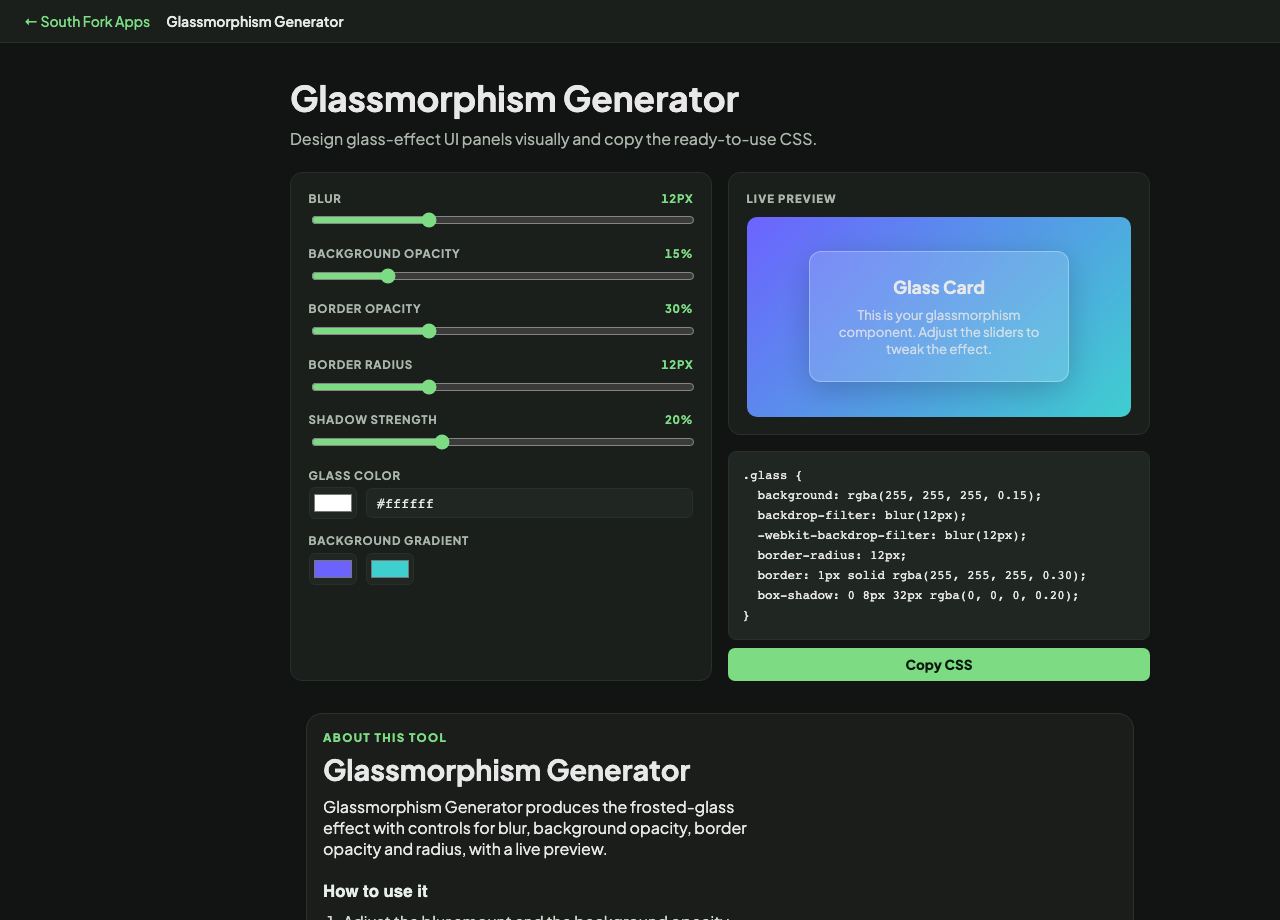
Glassmorphism Generator
Design glass-effect UI panels visually and copy the ready-to-use CSS.
Glass Card
This is your glassmorphism component. Adjust the sliders to tweak the effect.
Glassmorphism Generator
Glassmorphism Generator produces the frosted-glass effect with controls for blur, background opacity, border opacity and radius, with a live preview.
How to use it
- Adjust the blur amount and the background opacity.
- Set the border opacity and corner radius.
- Copy the generated CSS.
What the effect is made of
Glassmorphism is three properties working together: backdrop-filter with a blur, a semi-transparent background colour, and a subtle light border. Remove any one and it stops reading as glass. The border in particular is what suggests an edge catching light.
backdrop-filter is the expensive part. It forces the browser to sample and blur everything behind the element on every frame, so applying it to several large elements, or to anything that scrolls, has a real performance cost.
When it helps
- Building a floating panel or navigation bar over rich content.
- Creating a modal overlay that keeps context visible behind it.
- Making a card that sits over a photographic background.
- Prototyping the effect before committing to it.
Common mistakes
- Putting text on glass without checking contrast. The background is variable by definition, so the text must pass against the lightest and darkest thing that can appear behind it.
- Using it everywhere. The effect depends on contrast with solid surfaces, so it stops reading as special when everything is glass.
- Forgetting a fallback. Without backdrop-filter support the panel is simply translucent, which may be unreadable.