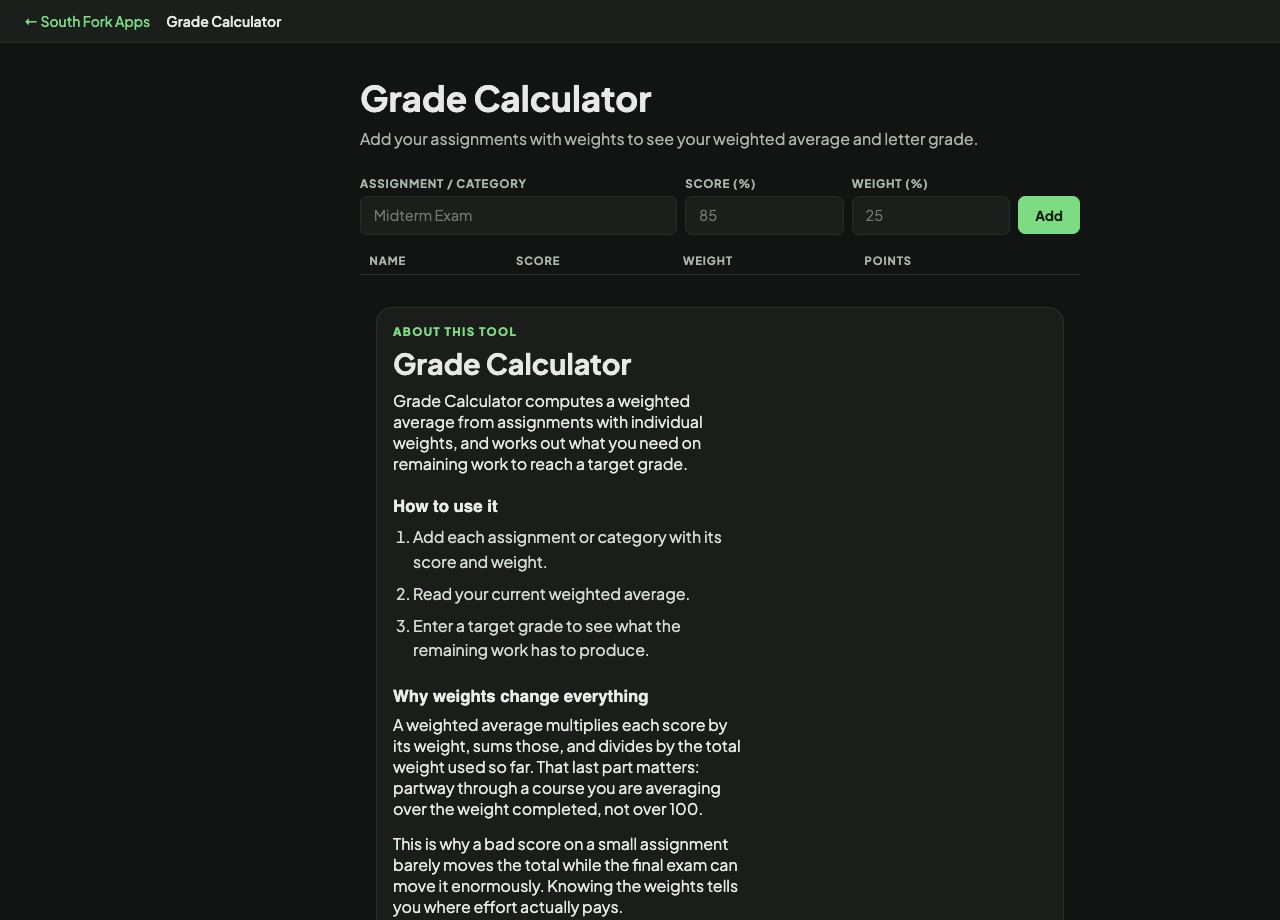
Grade Calculator
Add your assignments with weights to see your weighted average and letter grade.
| Name | Score | Weight | Points |
|---|
About this tool
Grade Calculator
Grade Calculator computes a weighted average from assignments with individual weights, and works out what you need on remaining work to reach a target grade.
How to use it
- Add each assignment or category with its score and weight.
- Read your current weighted average.
- Enter a target grade to see what the remaining work has to produce.
Why weights change everything
A weighted average multiplies each score by its weight, sums those, and divides by the total weight used so far. That last part matters: partway through a course you are averaging over the weight completed, not over 100.
This is why a bad score on a small assignment barely moves the total while the final exam can move it enormously. Knowing the weights tells you where effort actually pays.
When it helps
- Working out your current standing mid-semester.
- Finding the score needed on a final to reach a target grade.
- Deciding where to put limited study time.
- Checking a grade the system reported.
Common mistakes
- Averaging percentages without weights, which treats a 5% quiz as equal to a 40% exam.
- Forgetting to include zeros for missed work. Omitting them inflates the average badly.
- Computing over the full weight before all work is graded, which understates your current position.