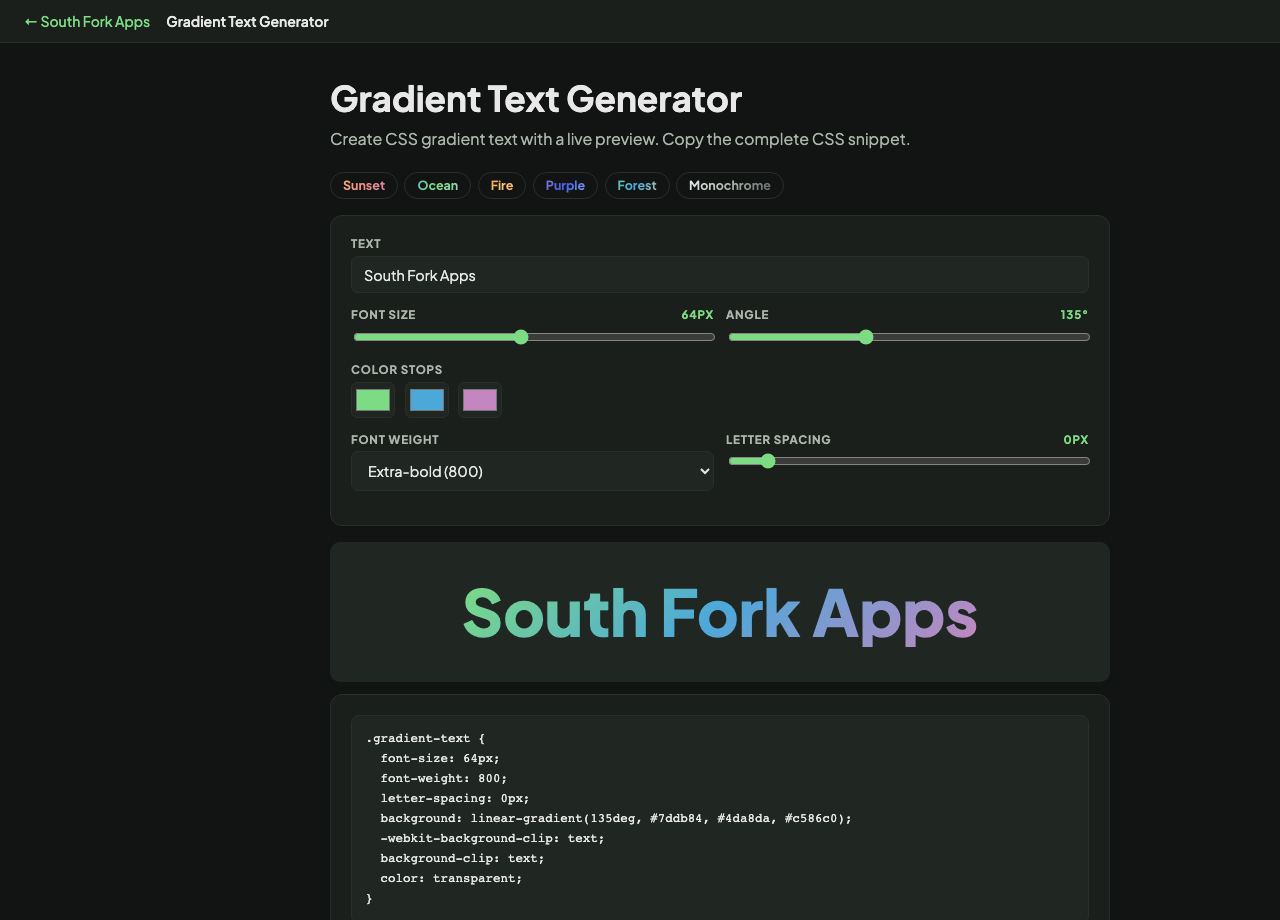
Gradient Text Generator
Create CSS gradient text with a live preview. Copy the complete CSS snippet.
About this tool
Gradient Text Generator
Gradient Text creates CSS gradient-filled text with a live preview, with controls for the colours, angle, font size and weight.
How to use it
- Type your text and set the font size and weight.
- Choose the gradient colours and angle.
- Copy the generated CSS.
The trick that makes it work
There is no CSS property that fills text with a gradient directly. The technique applies a gradient as the element's background, then sets background-clip to text and makes the text colour transparent, so the background shows only through the letter shapes.
Because the fill comes from the background, it is sized to the element rather than to each letter. A wide element gives a slow gradient across the whole line, and a narrow one repeats the full colour range in every word.
When it helps
- Styling a hero heading or a logotype.
- Adding emphasis to a single word without changing weight or size.
- Creating a brand-coloured display heading.
- Matching a design that specifies gradient type.
Common mistakes
- Using it for body text. It reduces legibility and contrast is hard to guarantee across the gradient.
- Forgetting a fallback colour. Where background-clip is unsupported, transparent text is invisible.
- Not checking contrast at both ends of the gradient. The lightest point is what determines readability.