About this tool
Hash Generator
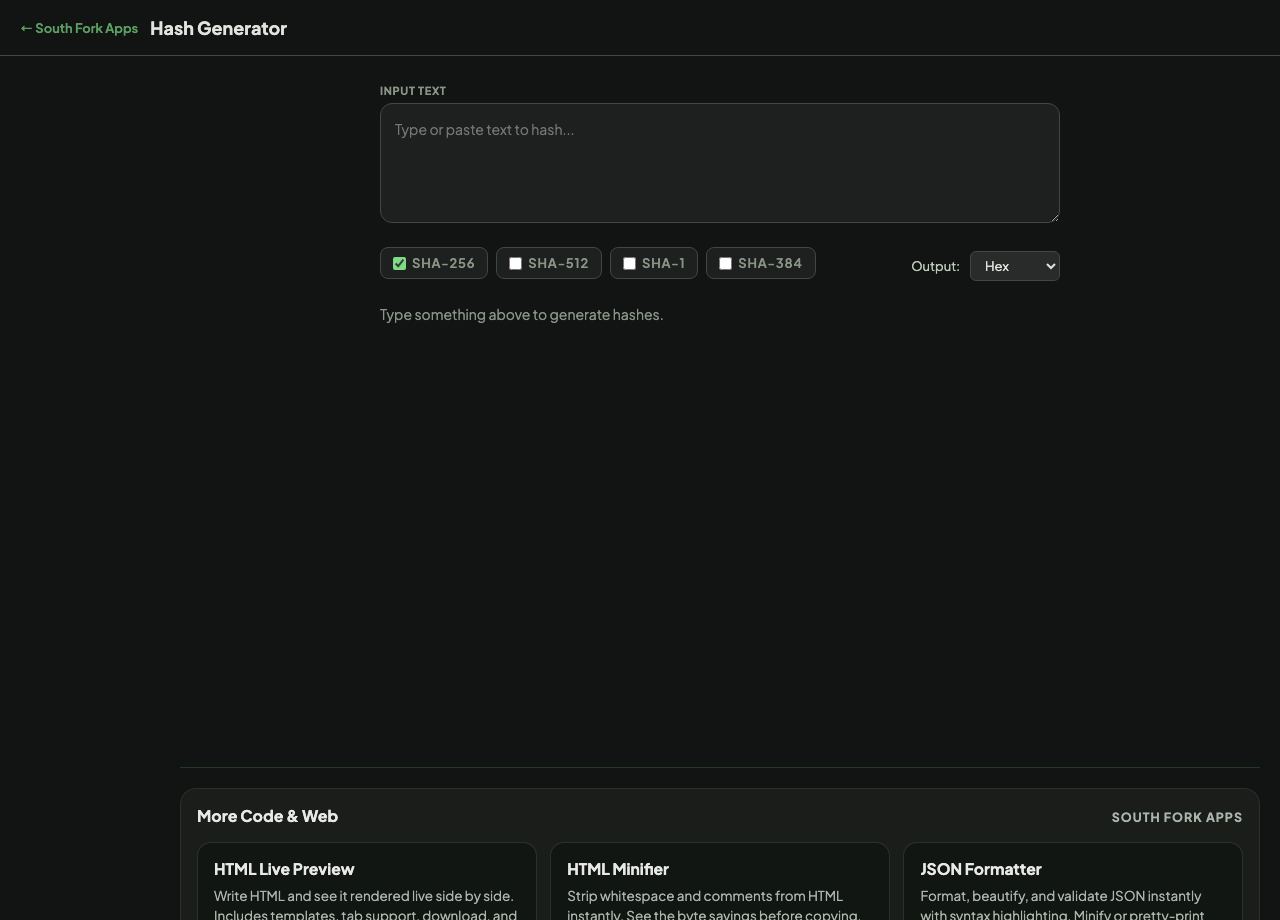
Hash Generator produces SHA-256, SHA-512, SHA-1 and SHA-384 digests from any text, in hex or Base64, computed in your browser using the Web Crypto API.
How to use it
- Type or paste your input text.
- All four digests are computed immediately.
- Switch the output encoding between hex and Base64.
- Copy the hash you need.
Hashing is not encryption
A hash is one-way. It turns input of any size into a fixed-length fingerprint, and there is no operation that recovers the original from the digest. Encryption is two-way by definition. Confusing the two leads people to hash something they later need back.
The same input always gives the same digest, and changing a single character changes the entire output. That is what makes hashes useful for verifying that a file or a message has not been altered.
When it helps
- Verifying a downloaded file against a published checksum.
- Checking whether two files or two blocks of text are identical.
- Generating a deterministic key or cache identifier from content.
- Comparing a value against a stored digest.
Common mistakes
- Using SHA-1 for anything security-related. A practical collision was demonstrated in 2017, so it is fine for non-adversarial checksums and unfit for signatures.
- Hashing passwords with a raw SHA function. Fast hashes are exactly wrong for passwords, which need a deliberately slow algorithm like bcrypt, scrypt or Argon2 with a per-user salt.
- Assuming a hash hides data. Short or predictable inputs are trivially recovered from a lookup table.
What this tool handles
- Everything is computed locally with the Web Crypto API. Nothing you type is transmitted.