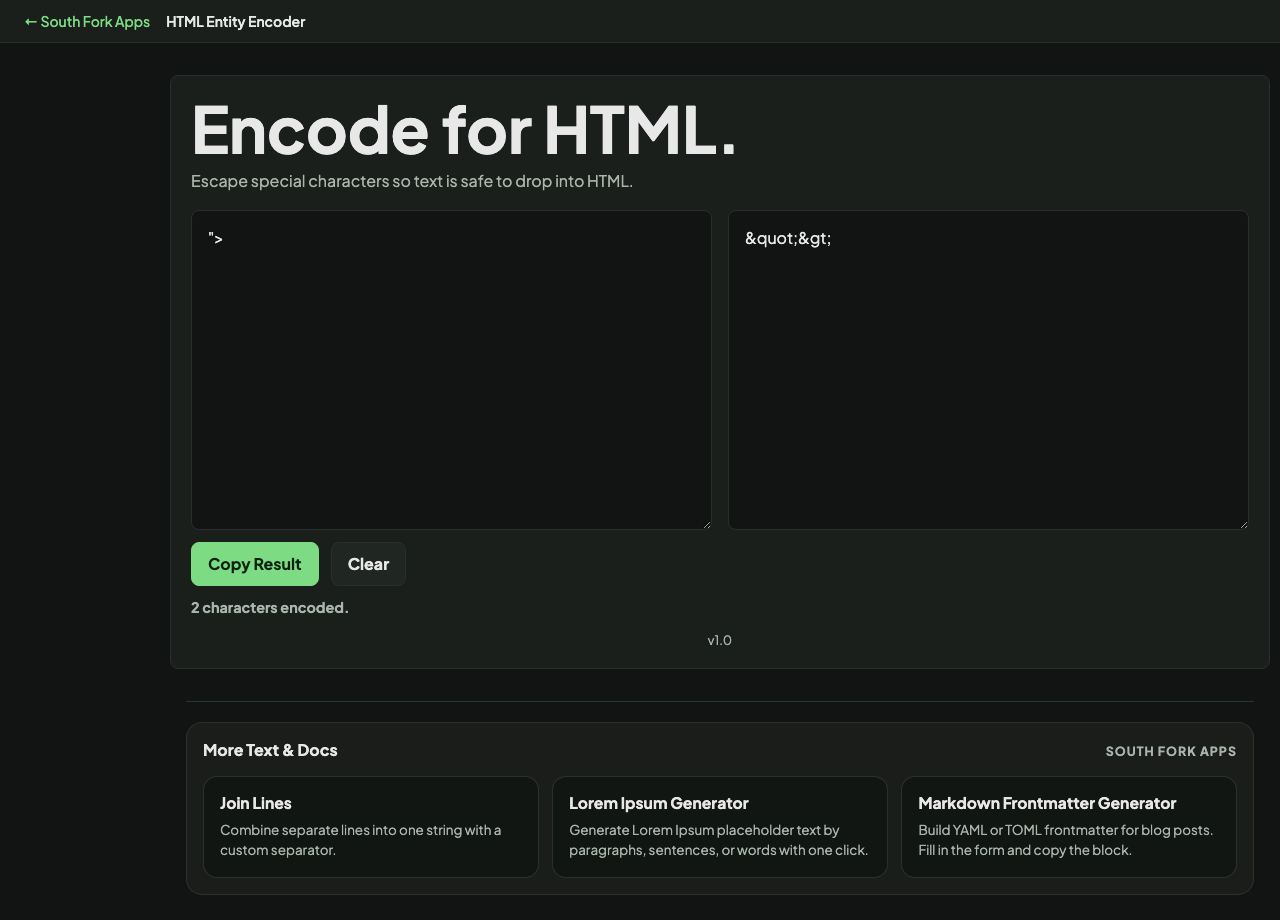
HTML Entity Encoder
Escape special characters so text is safe to drop into HTML.
HTML Entity Encoder
HTML Entity Encoder converts characters that have special meaning in HTML into their entity form, so they display as text instead of being interpreted as markup.
How to use it
- Paste the text you want to encode.
- The encoded output appears immediately.
- Copy it into your HTML.
The five that matter, and the order they go in
Five characters need encoding in HTML: ampersand becomes &, less-than becomes <, greater-than becomes >, double quote becomes ", and single quote becomes '.
The ampersand must be encoded first. If you encode the angle brackets before the ampersands, you then encode the ampersands inside the entities you just created, and < becomes &lt;, which displays as literal text rather than a less-than sign. Getting this order wrong is the classic double-encoding bug.
Worked example
Encoding a snippet so it displays as text:
- Input<b>Tom & Jerry</b>
- Ampersand first&
- Then angle brackets< and >
Result: <b>Tom & Jerry</b> renders on the page as the literal tag text.
When it helps
- Displaying code examples on a web page without them being parsed as markup.
- Escaping user-supplied text before inserting it into HTML.
- Fixing content where a stray angle bracket is breaking the layout.
- Preparing text for an XML document, which has the same rules.
Common mistakes
- Encoding in the wrong order and producing double-encoded output.
- Encoding text that is already encoded, which has the same effect.
- Treating entity encoding as complete XSS protection. It is the right tool for text content, but attribute values and inline script contexts need their own escaping rules.