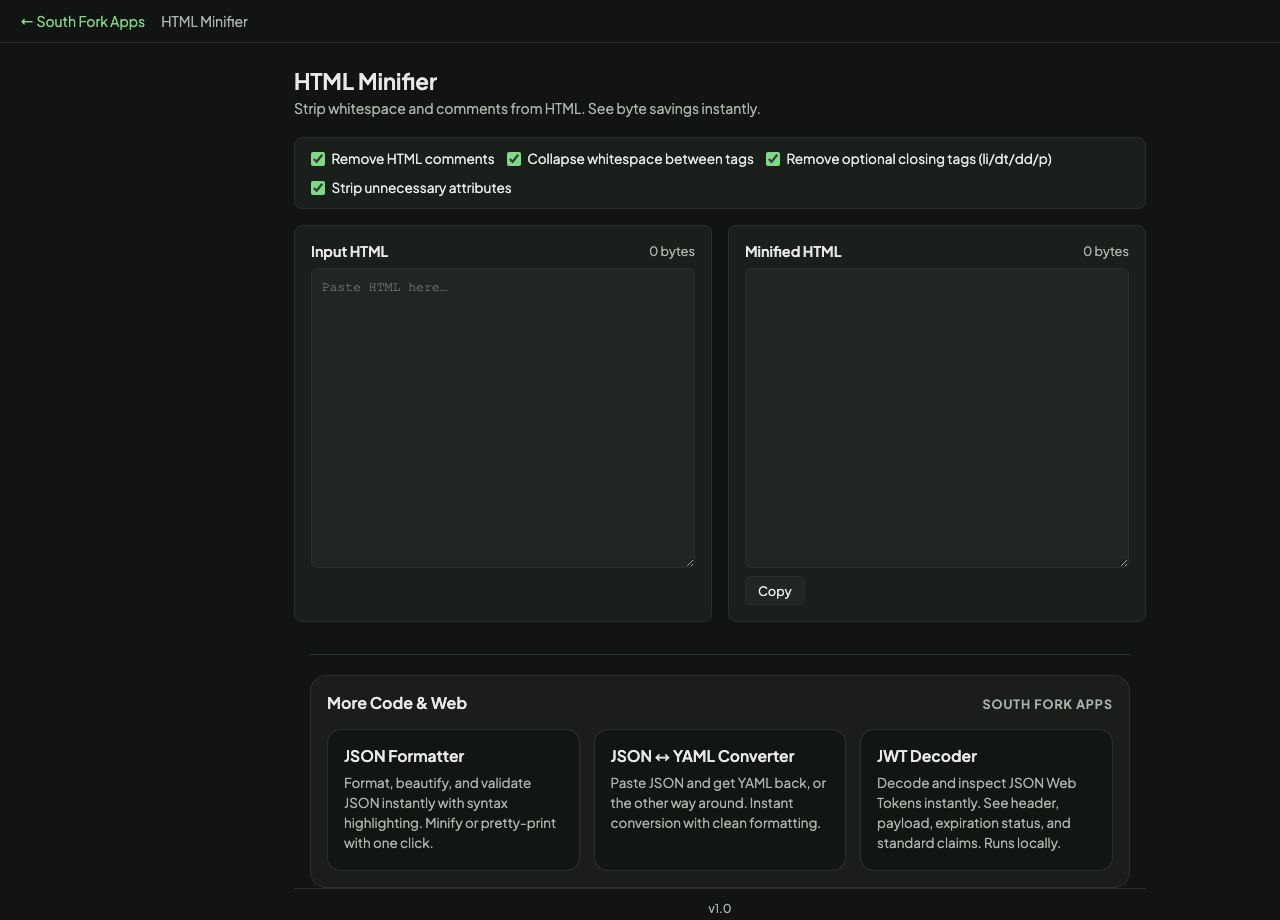
HTML Minifier
Strip whitespace and comments from HTML. See byte savings instantly.
Input HTML0 bytes
Minified HTML0 bytes
About this tool
HTML Minifier
HTML Minifier strips comments and collapses whitespace, with optional removal of optional closing tags and unnecessary attributes, and reports the byte savings.
How to use it
- Paste your HTML.
- Choose which optimisations to apply.
- Read the byte savings and copy the minified output.
Where whitespace is actually significant
Most whitespace in HTML is collapsible, which is why minification works at all. But whitespace between inline elements is rendered as a space, so removing it joins two words together. That is why aggressive minifiers can silently change how a page reads.
Whitespace inside a pre or textarea element is fully significant and must never be touched. A minifier that does not special-case those two will corrupt code samples and form contents.
When it helps
- Reducing page weight before deploying static HTML.
- Stripping developer comments from production output.
- Shrinking an HTML email, where size limits are real and strict.
- Cleaning up generated markup.
Common mistakes
- Minifying HTML containing pre or textarea content without protecting it.
- Removing whitespace between inline elements and joining words.
- Expecting large savings. Gzip or Brotli compression already removes most of the redundancy, so minification on top of it typically saves only a few percent more.