About this tool
HTML Live Preview
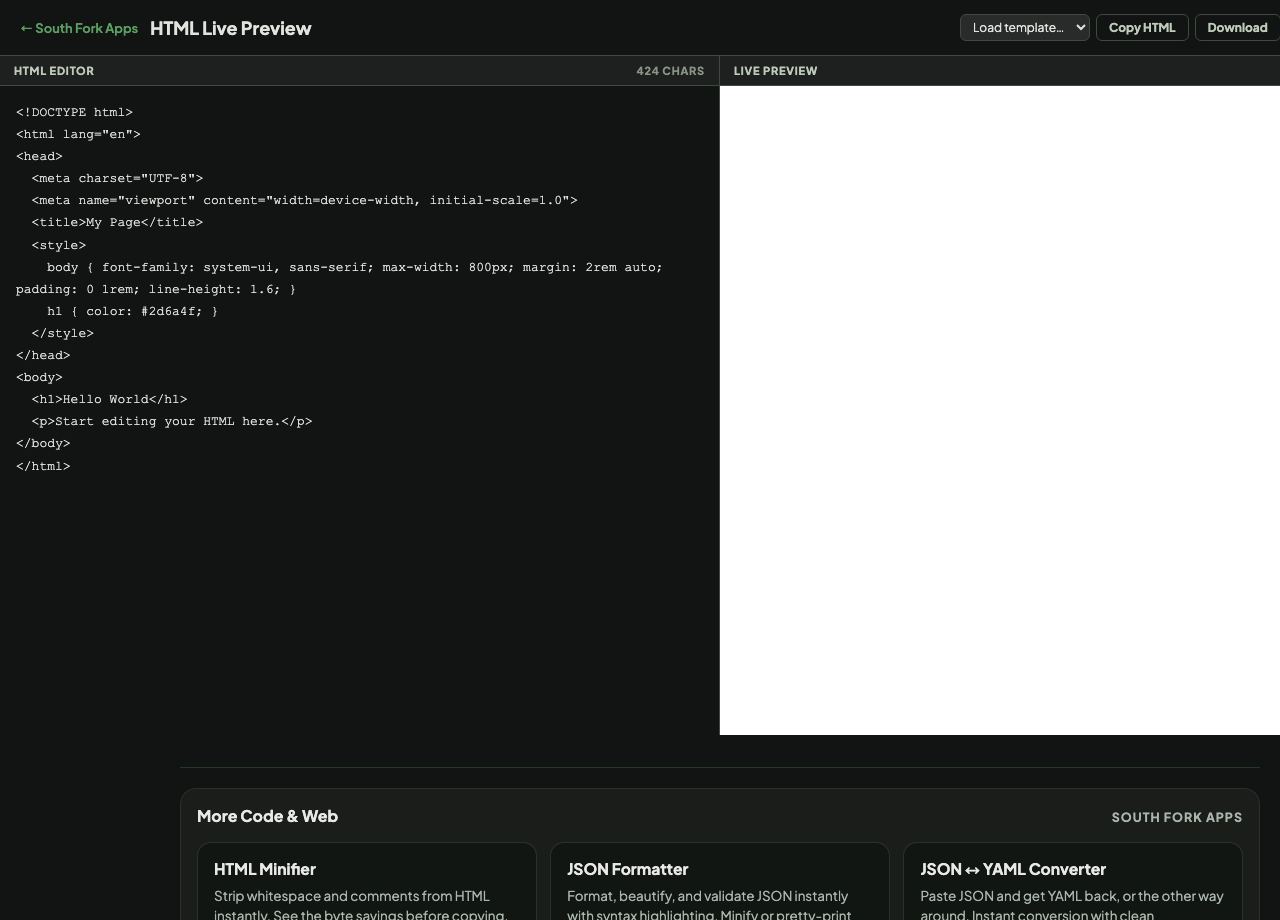
HTML Preview renders your HTML live as you write it, with starter templates for a blank page, basic HTML5, flexbox, CSS grid and a form, plus a fullscreen preview and download.
How to use it
- Write or paste HTML in the editor.
- Watch the preview render live beside it.
- Load a template to start from a working example.
- Use Fullscreen for a proper look, or Download to save the file.
What a live preview is good for
The value is the feedback loop. Editing a file, saving, switching to a browser and refreshing costs a few seconds each time, and those seconds are what stop people from experimenting.
The templates matter as much as the preview. Flexbox and grid are far easier to understand by adjusting a working example than by reading property documentation, because the effect of each change is immediately visible.
When it helps
- Trying a layout idea without setting up a project.
- Learning flexbox or grid by manipulating a working example.
- Testing a snippet before pasting it into a real page.
- Building a small standalone page and downloading it.
Common mistakes
- Expecting external resources to always work. The preview is sandboxed and some external requests are blocked.
- Assuming preview rendering matches every browser. It reflects the browser you are currently using.
- Building something substantial here rather than in a real editor with version control.