About this tool
JSON Formatter & Validator
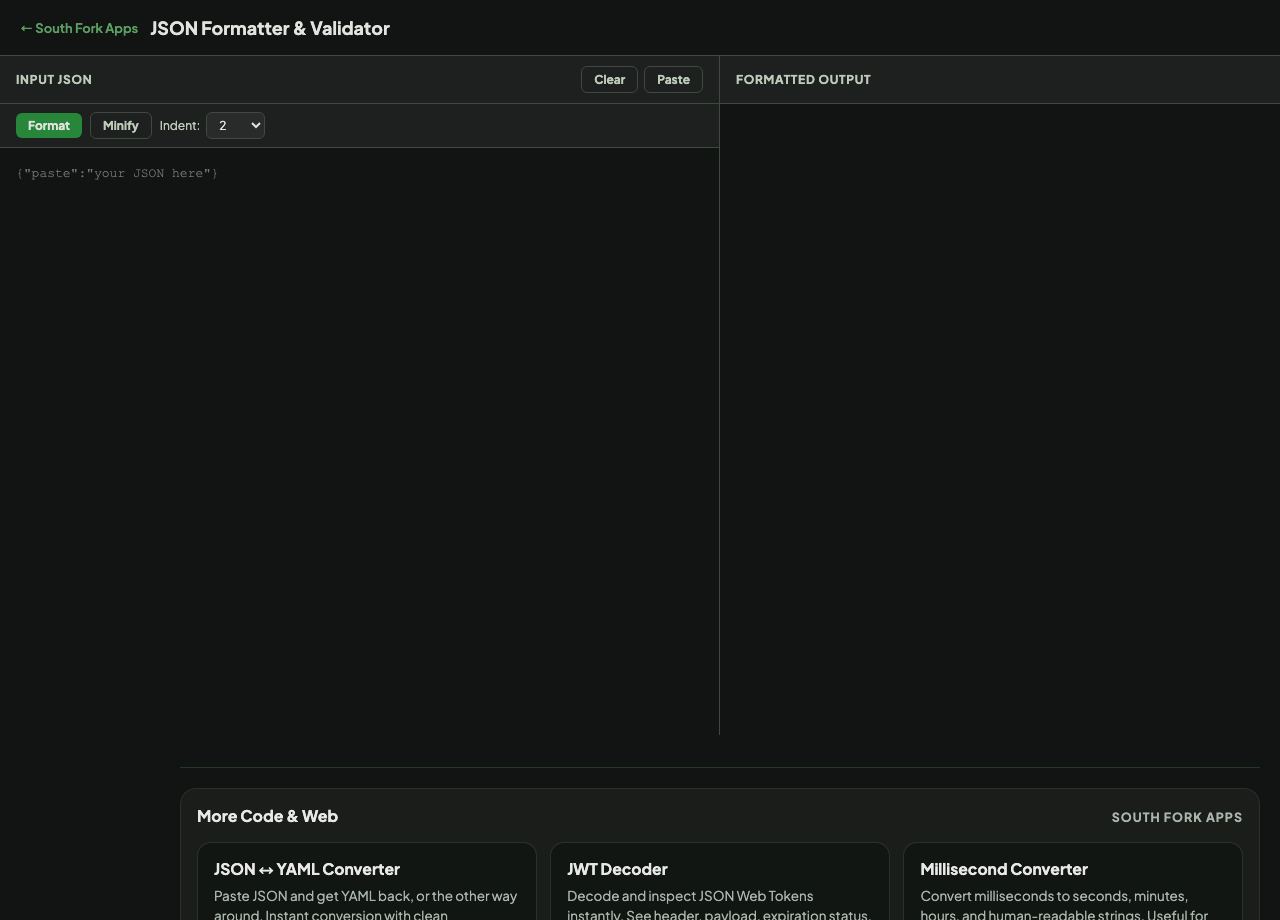
JSON Formatter beautifies, validates and minifies JSON with syntax highlighting and a choice of 2-space, 4-space or tab indentation. Invalid JSON is reported rather than silently mangled.
How to use it
- Paste your JSON, or use Paste to pull it from the clipboard.
- Choose an indent width, then press Format.
- Use Minify to strip whitespace for transport.
- Copy the result.
What JSON does not allow
JSON is defined by RFC 8259 and is stricter than most people remember. Keys must be double-quoted strings. Single quotes are not valid. Trailing commas are not allowed. Comments do not exist in JSON at all.
Those four rules cause most validation failures, and JavaScript is why: object literals in JavaScript permit all of them, so code that works in a source file fails the moment it is treated as JSON.
When it helps
- Making an API response readable before you try to understand it.
- Finding the exact position of a syntax error in a config file.
- Minifying JSON before embedding it or sending it over the wire.
- Checking that generated JSON is actually valid before shipping it.
Common mistakes
- Adding comments to a JSON config. Use JSON5, JSONC or YAML if you need them, because strict parsers will reject the file.
- Leaving a trailing comma after the last element, which is the single most common JSON error.
- Assuming key order is preserved or meaningful. Objects are unordered by specification, even though most parsers keep insertion order in practice.