About this tool
JWT Decoder
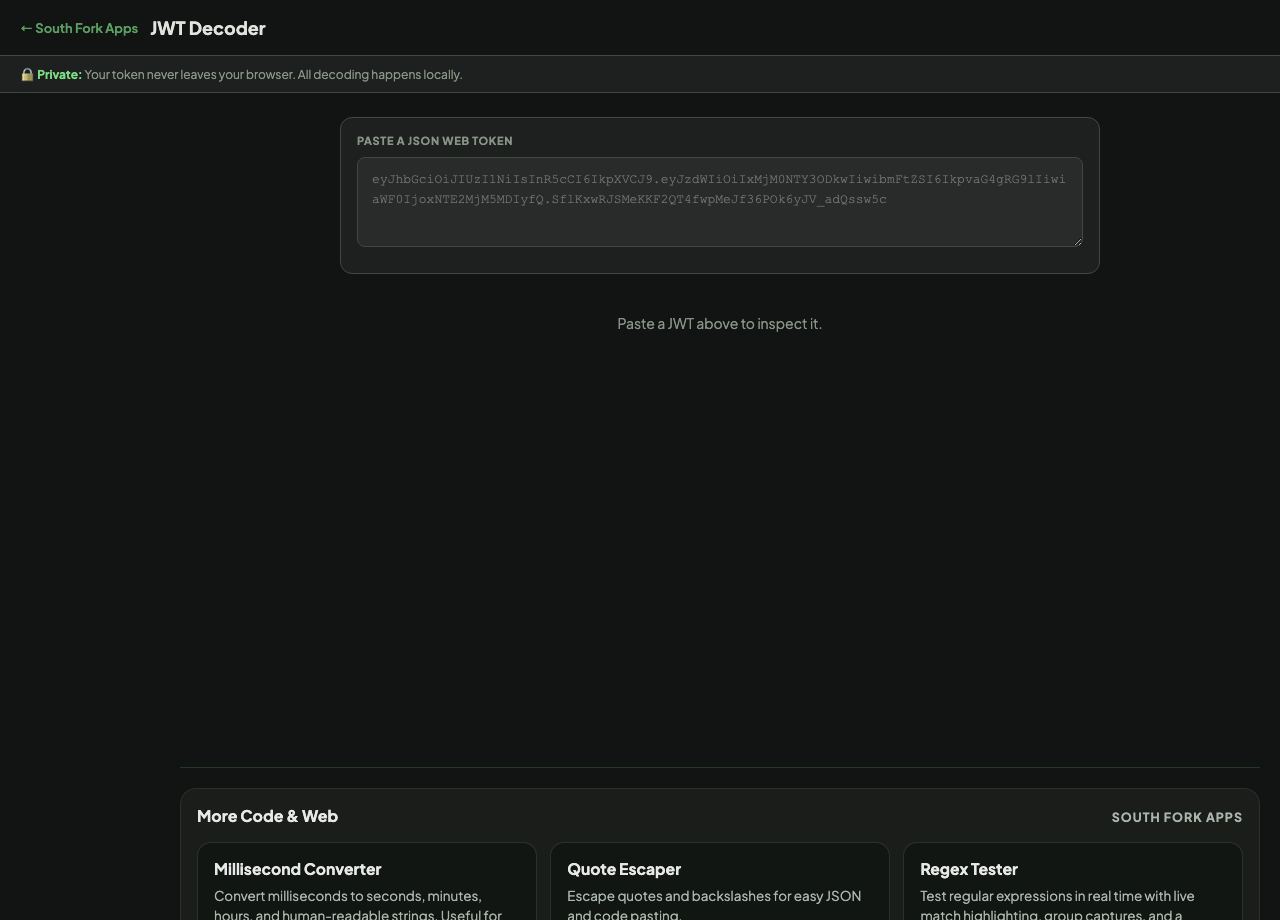
JWT Decoder splits a JSON Web Token into its header, payload and signature, decodes the claims, and shows the expiry in readable form. Decoding happens entirely in your browser.
How to use it
- Paste the token.
- Read the decoded header and payload.
- Check the expiry and the standard claims.
A JWT is signed, not encrypted
A token is three Base64url segments separated by dots: header, payload, signature. The first two are merely encoded, not encrypted, which means anyone holding the token can read every claim inside it without any key at all.
The signature proves the token was issued by someone holding the signing key and has not been altered. It does not keep the contents private. This is the single most consequential misunderstanding about JWTs, and it is why a token must never carry anything you would not be willing to hand to the bearer.
When it helps
- Checking what claims a token actually carries while debugging auth.
- Reading the expiry to work out whether a token has lapsed.
- Confirming which issuer and audience a token names.
- Inspecting a token returned by an API you are integrating with.
Common mistakes
- Putting secrets in the payload. It is readable by anyone with the token.
- Treating a decoded token as verified. Decoding does not check the signature, and only server-side verification with the key proves anything.
- Accepting the alg header from the token itself. Allowing alg to be none, or letting the token choose the algorithm, is a well-known authentication bypass.
What this tool handles
- Decoding happens locally. Tokens are not sent anywhere, which matters because a token is a live credential.