About this tool
Kanban Board
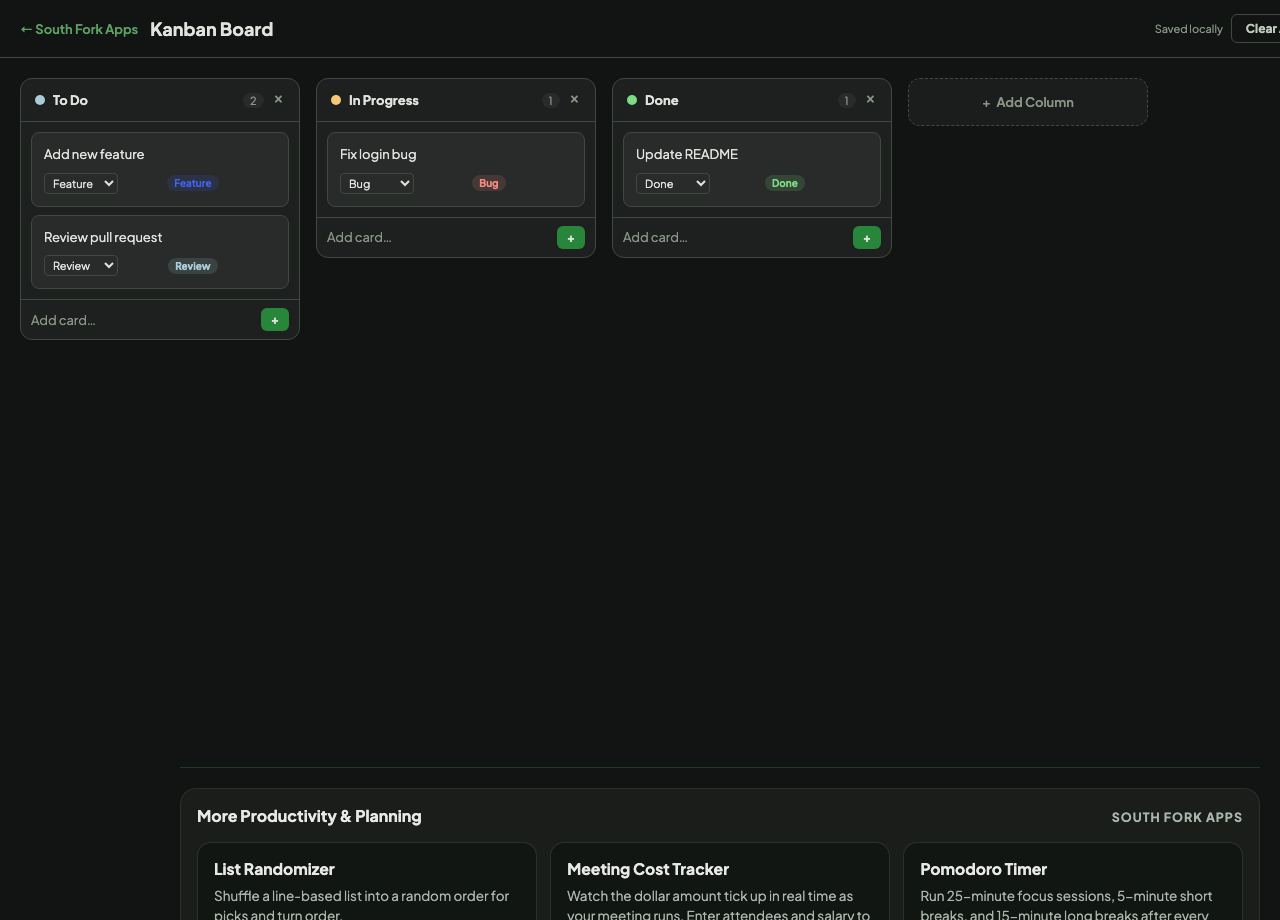
Kanban Board is a drag-and-drop board with custom columns, cards and due dates, saved in your browser.
How to use it
- Create the columns your workflow needs.
- Add cards and drag them between columns.
- Set due dates, which colour by overdue, today and future.
The part most boards leave out
Kanban came out of Toyota's production system, where a physical card authorised the next piece of work. The board makes work visible, which is genuinely useful on its own.
But the mechanism that makes kanban work is the work-in-progress limit: a cap on how many cards a column may hold. Without it a board becomes a list of everything you intend to do, and the middle column fills with half-finished work. The limit forces you to finish something before starting the next thing, which is the entire point.
When it helps
- Tracking personal work without a project management subscription.
- Visualising where work is stuck.
- Managing a small project with clear stages.
- Seeing how much you have genuinely started but not finished.
Common mistakes
- Not limiting work in progress, which turns the board into a wish list.
- Creating too many columns. Three or four covers most real workflows.
- Letting cards sit in the middle column indefinitely, which is the signal the board exists to surface.
What this tool handles
- Saved in your browser only. Clearing site data removes the board.