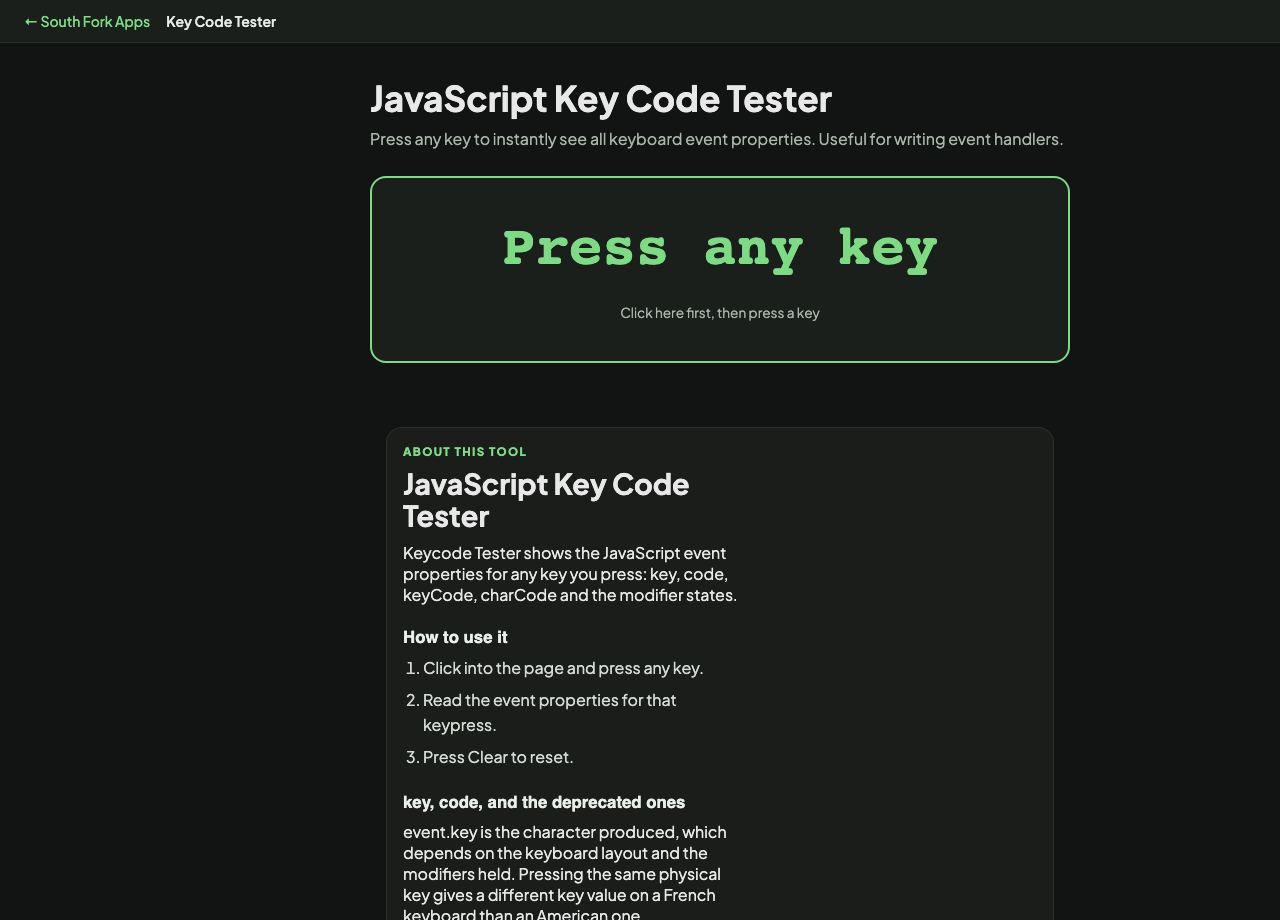
JavaScript Key Code Tester
Press any key to instantly see all keyboard event properties. Useful for writing event handlers.
Press any key
Click here first, then press a key
About this tool
JavaScript Key Code Tester
Keycode Tester shows the JavaScript event properties for any key you press: key, code, keyCode, charCode and the modifier states.
How to use it
- Click into the page and press any key.
- Read the event properties for that keypress.
- Press Clear to reset.
key, code, and the deprecated ones
event.key is the character produced, which depends on the keyboard layout and the modifiers held. Pressing the same physical key gives a different key value on a French keyboard than an American one.
event.code is the physical key position and does not change with layout. That is what you want for game controls, where WASD should be the same four physical keys regardless of layout. keyCode and charCode are both deprecated, inconsistent across browsers, and should not be used in new code.
When it helps
- Finding the right property to check when adding a keyboard shortcut.
- Debugging a shortcut that works on one keyboard layout and not another.
- Checking what an unusual key or a media key actually reports.
- Verifying modifier detection.
Common mistakes
- Using keyCode in new code. It is deprecated and behaves differently across browsers.
- Using event.key for game movement keys, which breaks for anyone not on a QWERTY layout.
- Assuming every key produces an event. Some are intercepted by the operating system before the browser sees them.