Leet Speak Translator
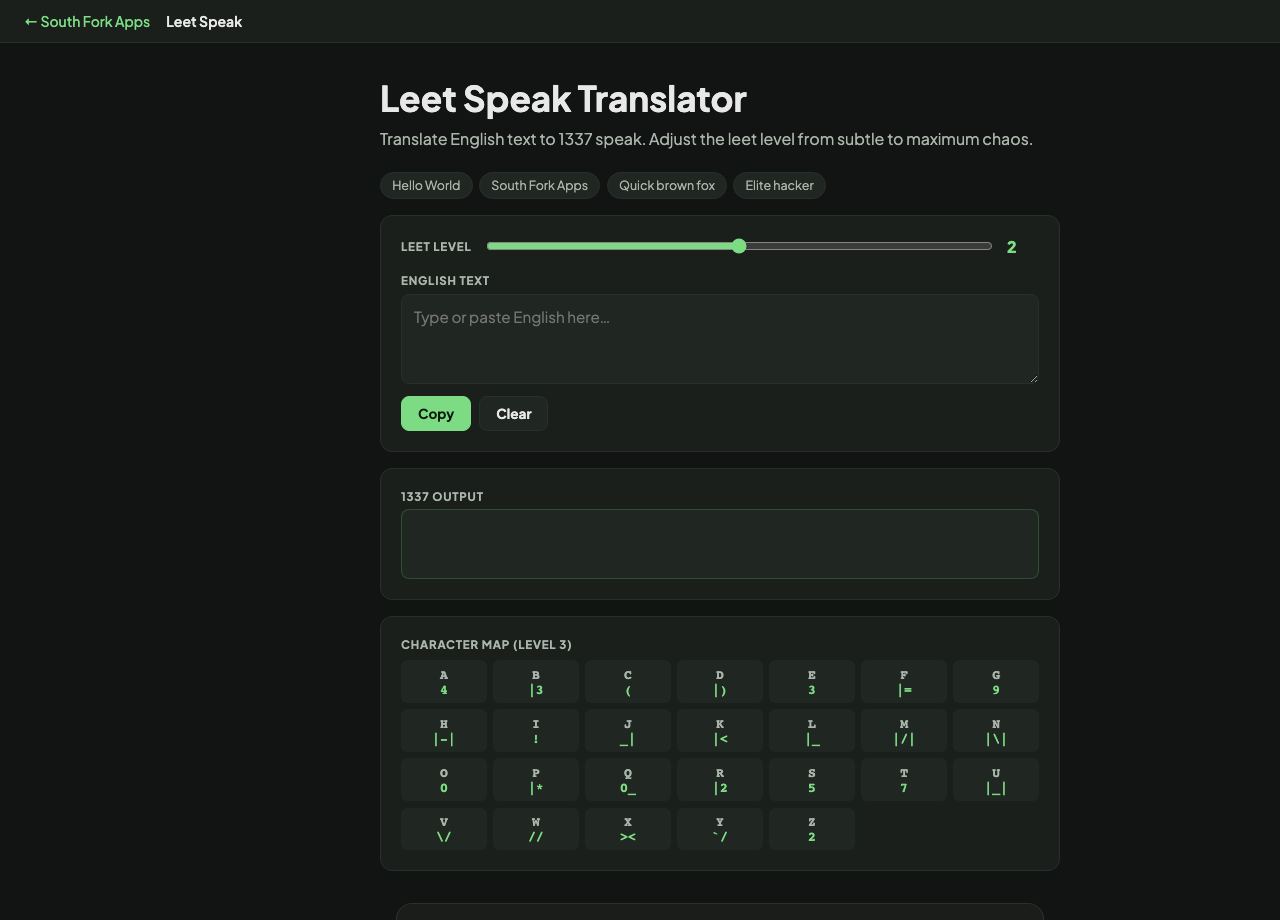
Translate English text to 1337 speak. Adjust the leet level from subtle to maximum chaos.
Leet Speak Translator
Leet Speak Translator converts text into 1337 at three intensity levels, and converts it back the other way. A character map shows exactly what each substitution is at the highest level.
How to use it
- Type or paste English text.
- Set the leet level from 1 to 3. Level 1 is light, level 3 substitutes the most characters.
- Read the output, or paste leet in to translate back to English.
- Try one of the preset phrases if you want to see it working.
Where leet came from
Leet substitutes visually similar characters for letters: 3 for E, 4 or @ for A, 1 for L or I, 0 for O, 7 for T, 5 for S. It grew out of 1980s bulletin board culture, partly as an in-group marker and partly to get around naive text filters.
The levels here control how aggressive the substitution is. Light leet stays readable at a glance. Heavy leet replaces almost every letter it can, which is why translating back is a genuinely useful feature.
Worked example
A phrase at heavy substitution:
- InputElite hacker
- SubstitutionsE to 3, L to 1, I to 1, A to 4, C to <
Result: Recognisably the same phrase, once your eye adjusts to reading digits as letters.
When it helps
- Making a username when the one you want is taken.
- Retro or gaming-themed graphics and titles.
- Decoding leet you have run into and cannot read.
- Showing kids why substitution ciphers are easy to break.
Common mistakes
- Using leet in a password and thinking it adds security. Password crackers have applied leet substitutions as standard for decades, so P4ssw0rd is barely stronger than password.
- Assuming the translation back is exact. Several letters map to the same character, so some ambiguity is unavoidable.