Lil Beat Maker
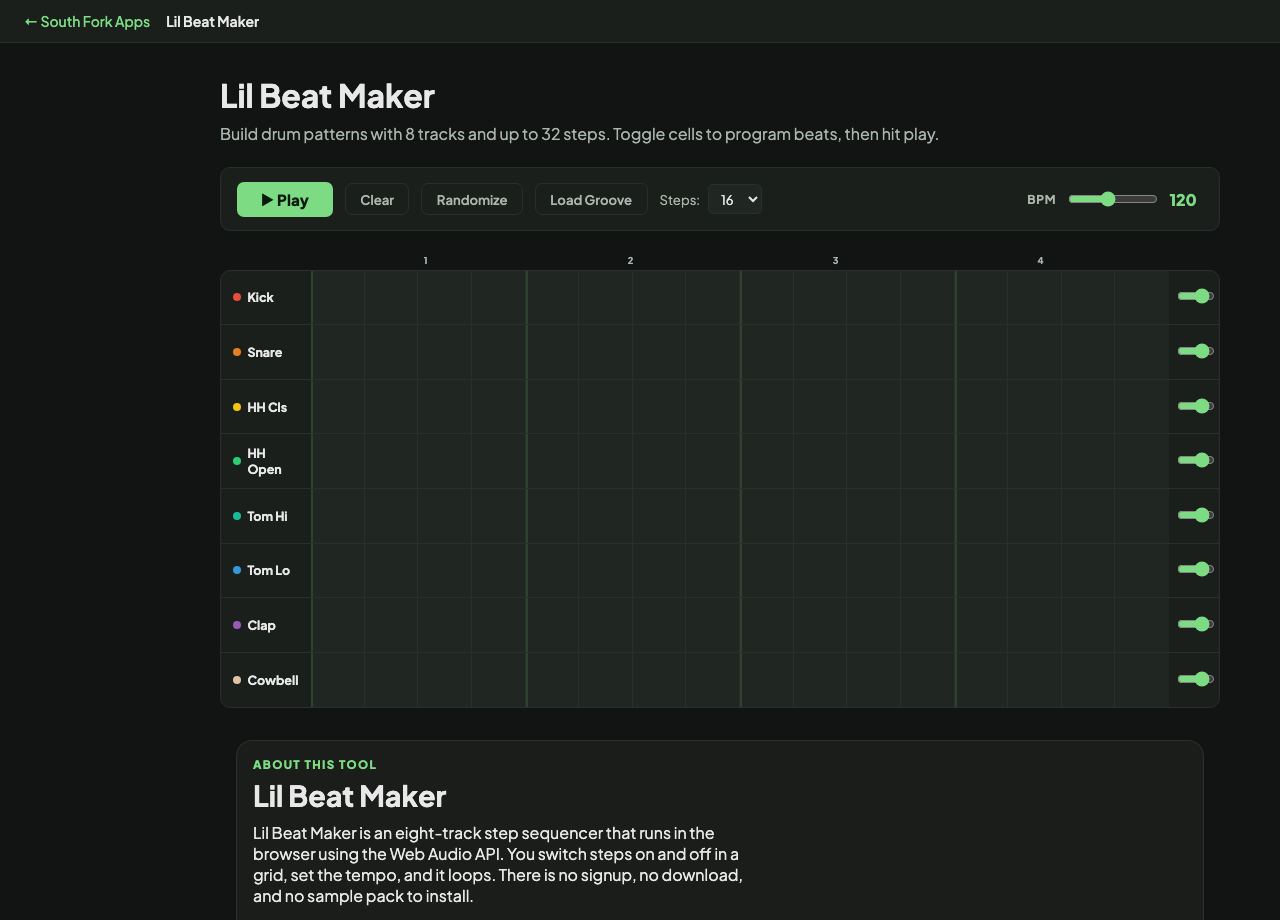
Build drum patterns with 8 tracks and up to 32 steps. Toggle cells to program beats, then hit play.
Lil Beat Maker
Lil Beat Maker is an eight-track step sequencer that runs in the browser using the Web Audio API. You switch steps on and off in a grid, set the tempo, and it loops. There is no signup, no download, and no sample pack to install.
How to use it
- Click cells in the grid to turn steps on. Each row is one drum sound and each column is one step in time.
- Choose 16 or 32 steps depending on whether you want a one-bar or two-bar loop.
- Drag the BPM slider anywhere from 60 to 200.
- Press Play to loop it, Randomize for a starting point, or Load Groove for a preset pattern.
How the grid maps to time
A 16-step grid is one bar of 4/4 counted in sixteenth notes. Columns 1, 5, 9, and 13 are the four downbeats, and everything between them is a subdivision.
Step length follows directly from the tempo. At 120 BPM a quarter note is half a second, so a sixteenth note is 125 milliseconds and the whole 16-step bar loops every 2 seconds. Halve the tempo and every step doubles in length.
Worked example
The classic four-on-the-floor house pattern on a 16-step grid at the default tempo:
- Kicksteps 1, 5, 9, 13
- Snare or clapsteps 5 and 13
- Closed hatevery odd step
- BPM120
Result: A two-second loop with a kick on every beat, a backbeat on 2 and 4, and eighth-note hats running underneath.
When it helps
- Sketching a drum pattern before you commit to opening a full DAW.
- Making a quick loop to practice an instrument over.
- Teaching or learning how a beat is actually built, one subdivision at a time.
- Testing whether an idea in your head works before you spend an hour producing it.
What this tool handles
- Everything runs client-side through the Web Audio API, so nothing is uploaded and the page works offline once loaded.
- The 32-step mode gives you two bars, which is enough room for a fill or a variation on the second half.
- Tempo can be changed while the loop is playing.