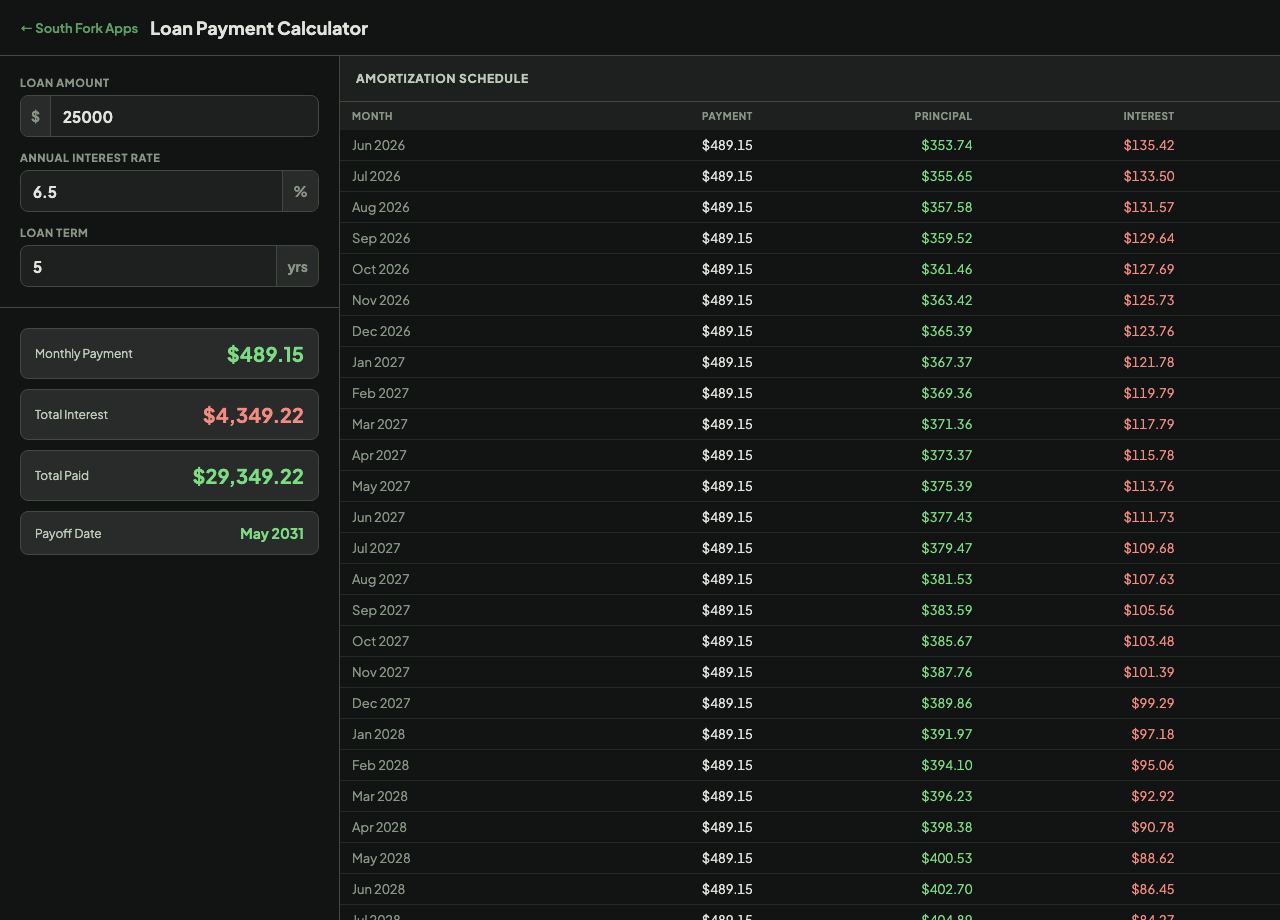
Amortization Schedule
| Month | Payment | Principal | Interest | Balance |
|---|
| Month | Payment | Principal | Interest | Balance |
|---|
Loan Calculator works out the monthly payment, the total interest, and a full amortization schedule for any fixed-rate loan. It also handles extra monthly payments, and shows how much interest and time they actually save. The schedule exports to CSV.
The monthly payment comes from M = P x r x (1 + r)^n / ((1 + r)^n - 1), where P is the amount borrowed, r is the monthly rate (annual rate divided by 12) and n is the total number of payments.
Every payment is split between interest and principal. Interest is charged on the balance that is still outstanding, so early payments are mostly interest and later ones are mostly principal. That is why an extra payment made in year one saves far more than the same payment made in year four.
Using the values the calculator loads with:
Result: About $489 a month, roughly $29,345 paid in total, of which about $4,345 is interest.
v1.0