About this tool
Markdown Link Cleaner
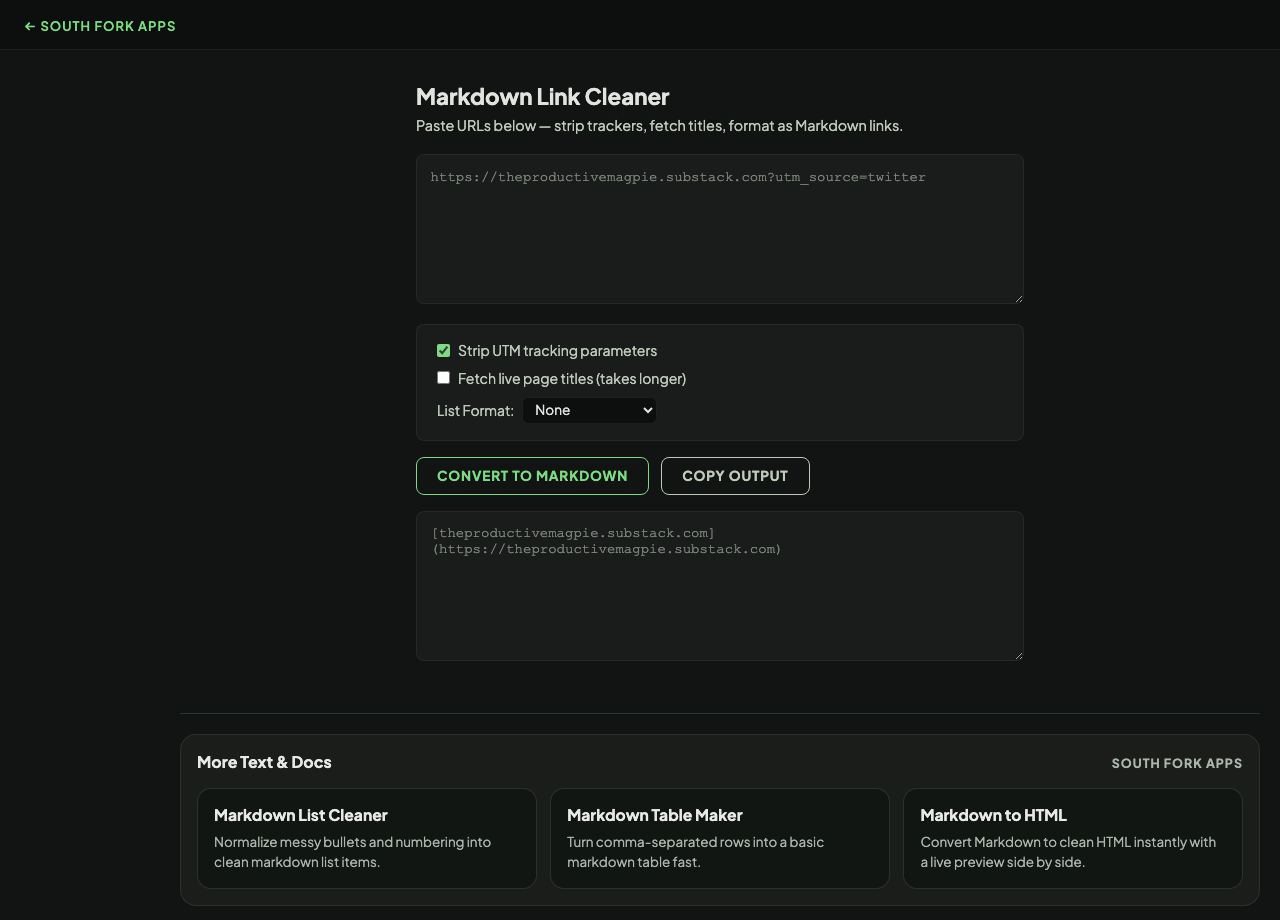
Markdown Link Cleaner takes messy pasted links and turns them into tidy Markdown, optionally stripping tracking parameters, fetching the real page titles, and formatting the result as a bulleted or numbered list.
How to use it
- Paste your links, one per line or mixed into text.
- Turn on Strip UTM tracking parameters to remove campaign junk from the URLs.
- Optionally fetch live page titles, which takes longer but produces properly named links.
- Choose a list format and copy the output.
What UTM parameters are and why to remove them
UTM parameters are the query fields marketers append to track where a click came from: utm_source, utm_medium, utm_campaign, utm_term and utm_content. They are added by the sender, mean nothing to the destination page, and often make a URL two or three times longer than it needs to be.
Stripping them almost always leaves a working link to the same page, and it stops you passing someone else's campaign tracking on to your readers when you share a link.
When it helps
- Turning a pile of copied URLs into a clean reference list.
- Cleaning links before publishing them, so readers do not inherit tracking parameters.
- Building a linked bibliography with real page titles rather than bare URLs.
- Tidying links pasted out of a newsletter, which are usually the worst offenders.
Common mistakes
- Stripping query parameters indiscriminately. Some parameters are functional and the page will break without them, so only tracking parameters should go.
- Fetching titles for a long list and expecting it to be instant. Each one is a separate network request.
What this tool handles
- Fetching live page titles requires a network request per link, so it is slower than the offline options.