Markdown List Cleaner
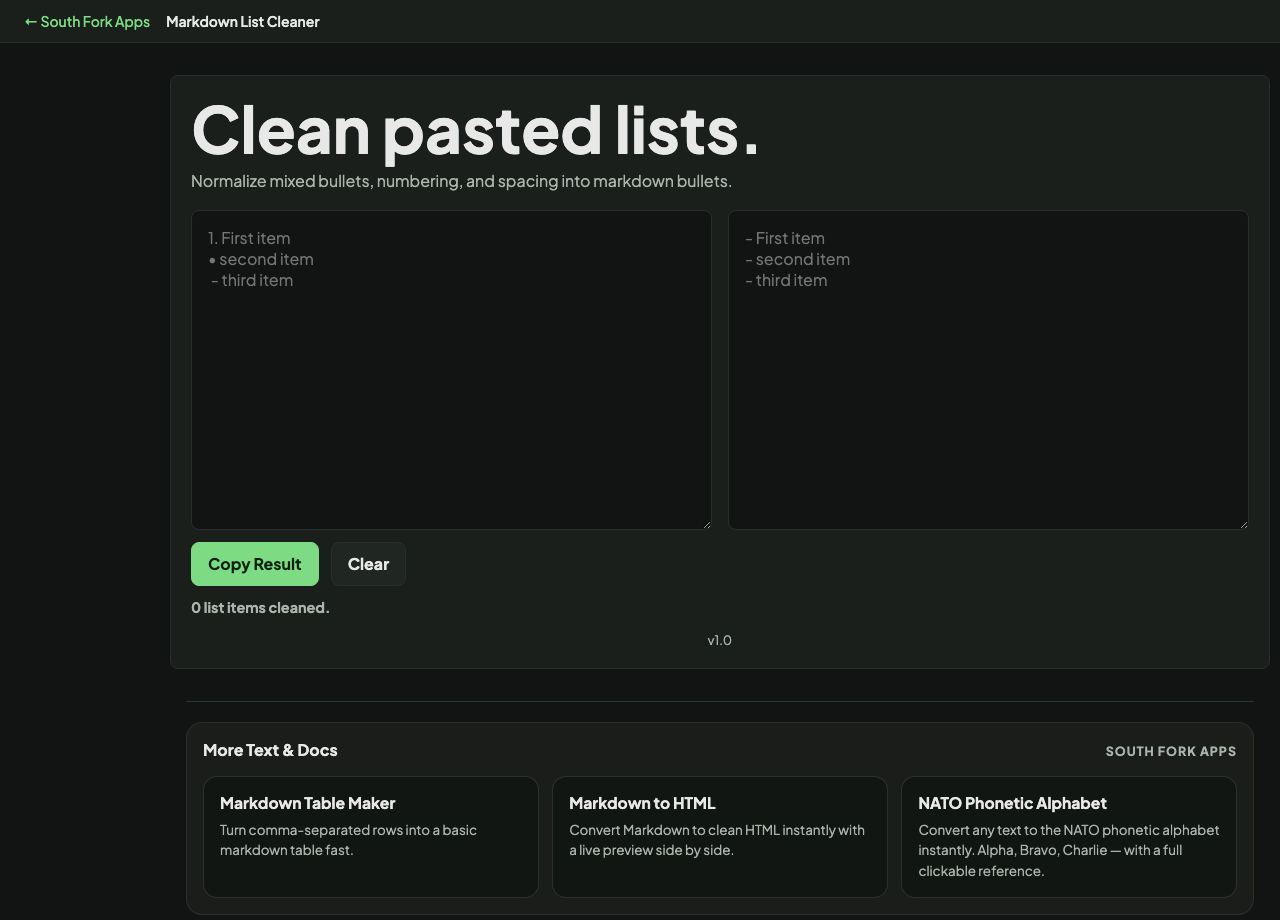
Normalize mixed bullets, numbering, and spacing into markdown bullets.
Markdown List Cleaner
Markdown List Cleaner normalises messy lists: inconsistent bullet characters, ragged indentation, and numbering that has drifted out of sequence.
How to use it
- Paste your list.
- The cleaned version appears immediately.
- Copy it back into your document.
Why lists break in Markdown
Markdown accepts hyphen, asterisk and plus as bullet characters, and mixing them within one list can split it into several lists in some parsers. Standardising on one character avoids the whole problem.
Indentation is the other common failure. Nesting requires a consistent indent, and a list pasted from another editor often arrives with a mix of tabs and spaces that renders as a code block instead of a nested list.
Worked example
Why a nested list renders as a code block:
- Indent useda tab, or four spaces
- Markdown reads four spaces asa code block
- Correct nesting indenttwo spaces
Result: The list looks nested in your editor and renders as preformatted code.
When it helps
- Fixing a list pasted from a document or an email.
- Standardising bullet characters across a file.
- Repairing nesting that renders wrongly.
- Renumbering an ordered list that has gone out of sequence.
Common mistakes
- Mixing tabs and spaces for indentation, which is the single most common cause of a list rendering as code.
- Assuming ordered list numbers must be sequential in the source. Most parsers renumber automatically, so 1. 1. 1. renders as 1. 2. 3.