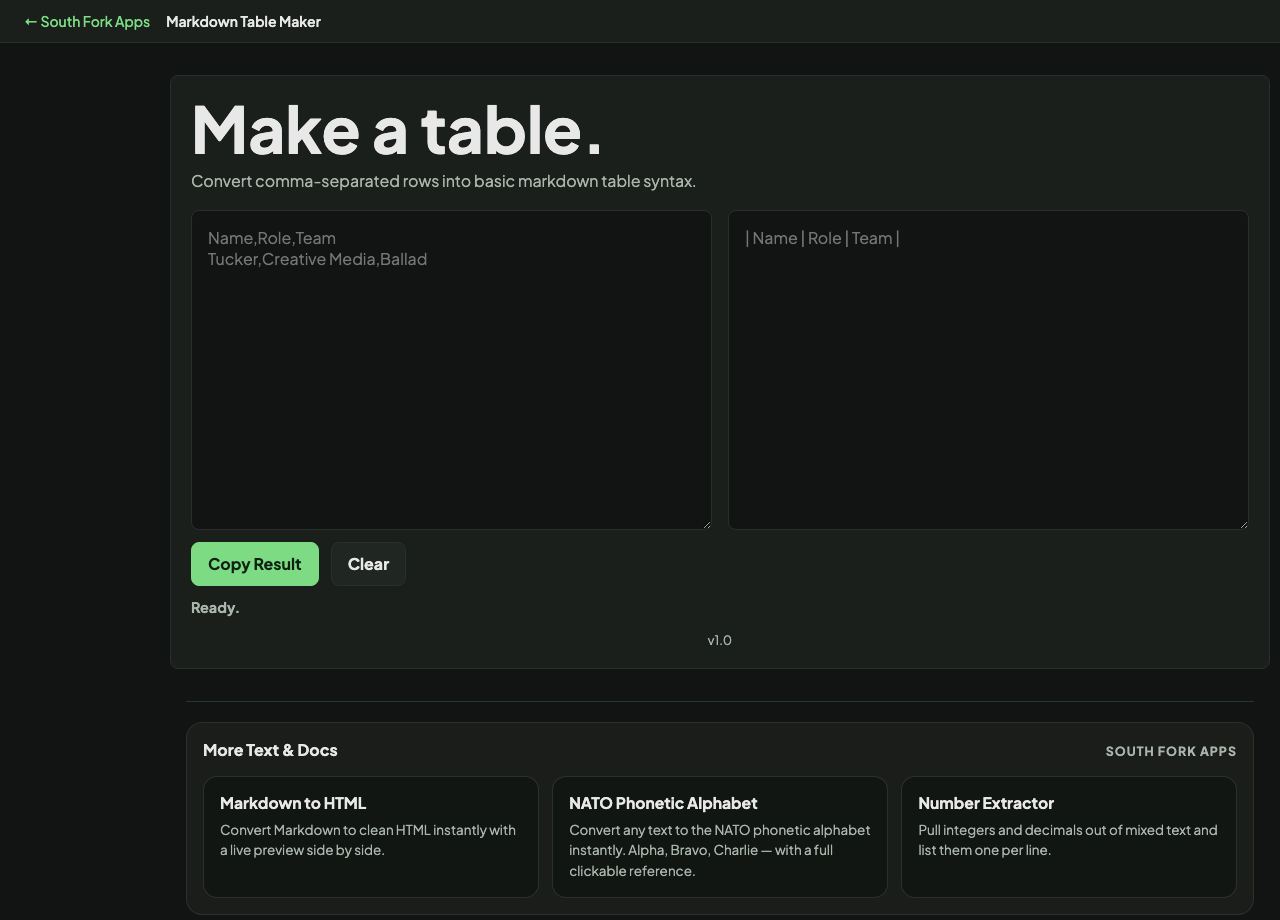
Markdown Table Maker
Convert comma-separated rows into basic markdown table syntax.
Markdown Table Maker
Markdown Table Maker builds a properly formatted Markdown table from plain text or CSV, handling the column alignment and the separator row so you do not have to line up pipes by hand.
How to use it
- Paste your data as plain text or CSV.
- The formatted Markdown table appears below.
- Copy it into your document.
How a Markdown table is structured
A table is three parts: a header row of cells separated by pipes, a separator row of dashes, and the data rows. The separator row is what tells the parser this is a table at all, and it must have the same number of columns as the header.
Alignment is set with colons in that separator row. A colon on the left aligns left, on the right aligns right, and on both sides centres the column. Without a colon the renderer picks its own default.
Worked example
The minimum structure a table needs:
- Header row| Name | Score |
- Separator| :--- | ----: |
- Data row| Ana | 42 |
Result: Name aligns left, Score aligns right. Getting the separator row wrong is why most hand-written tables fail to render.
When it helps
- Building a table for a README or a wiki page without counting pipes.
- Converting a spreadsheet column selection into Markdown.
- Reformatting a table someone pasted in as loose text.
- Producing documentation tables that stay readable in the raw file.
Common mistakes
- Mismatching the column count between the header and the separator row, which stops it rendering as a table at all.
- Using a pipe character inside a cell without escaping it, which splits the cell in two.
- Assuming tables work in every Markdown renderer. They are an extension, and some strict parsers ignore them.