About this tool
Markdown to HTML Converter
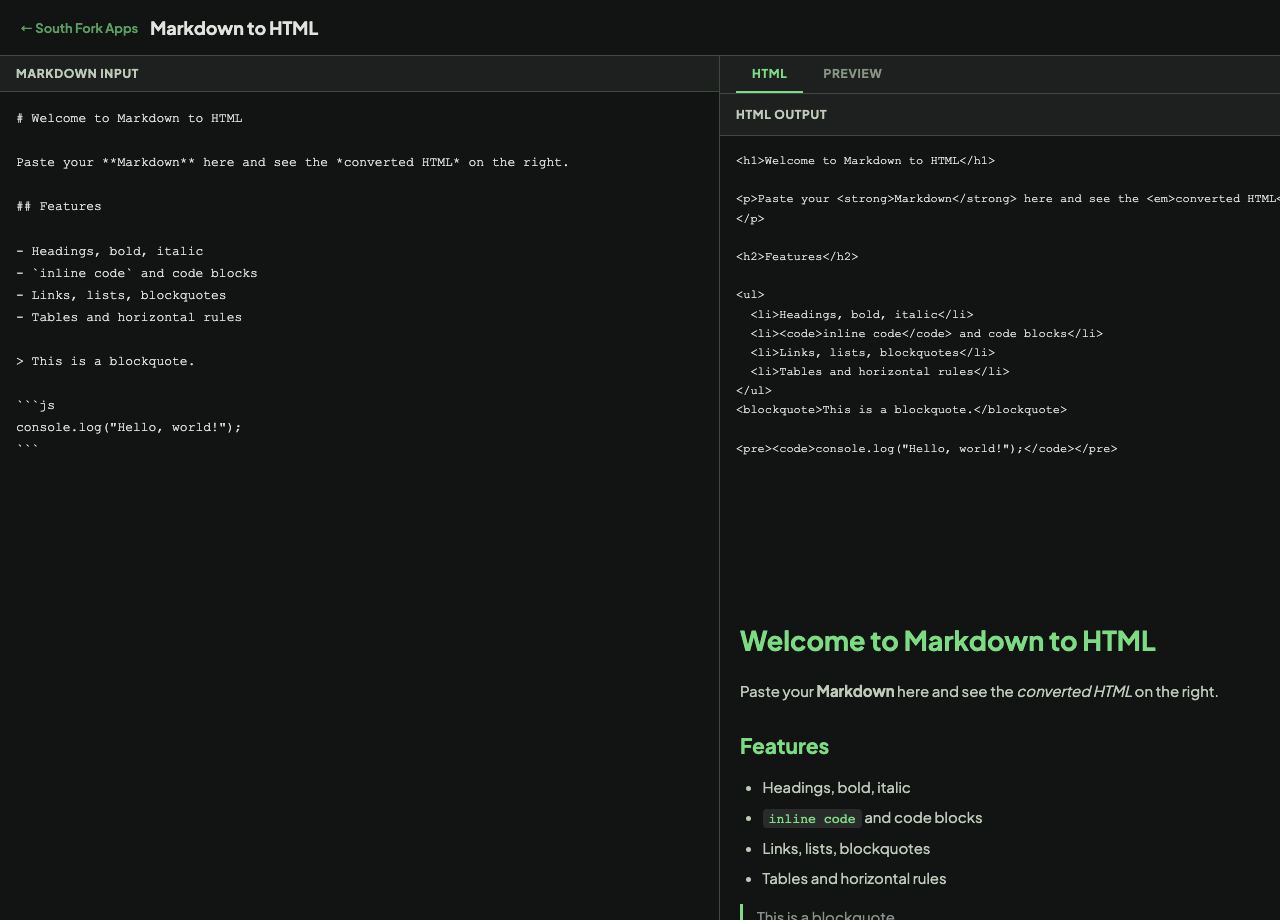
Markdown to HTML converts Markdown into clean HTML with a live preview, so you can see the rendered result and copy the markup side by side.
How to use it
- Paste or type your Markdown.
- Switch between HTML and Preview to see the output either way.
- Copy the HTML when it looks right.
What Markdown actually is
Markdown was designed by John Gruber in 2004 with one goal: a plain-text format readable as-is, that converts cleanly to HTML. That is why the syntax mirrors how people already marked up plain-text email, with asterisks for emphasis and hashes for headings.
There is no single Markdown. CommonMark is the strict specification, and GitHub Flavored Markdown adds tables, task lists and strikethrough. Two converters can legitimately produce different HTML from the same input where the original spec was ambiguous.
When it helps
- Turning notes into HTML for a page or an email.
- Checking how your Markdown will render before committing it.
- Producing HTML for a CMS that does not accept Markdown.
- Learning what each piece of Markdown syntax becomes.
Common mistakes
- Expecting tables to work everywhere. Tables are a GitHub Flavored extension, not part of original Markdown.
- Relying on a single line break for a new line. Markdown needs a blank line for a new paragraph, or two trailing spaces for a line break.
- Indenting text by four spaces without meaning to, which turns it into a code block.