Meeting Prep
Meeting Agenda Builder
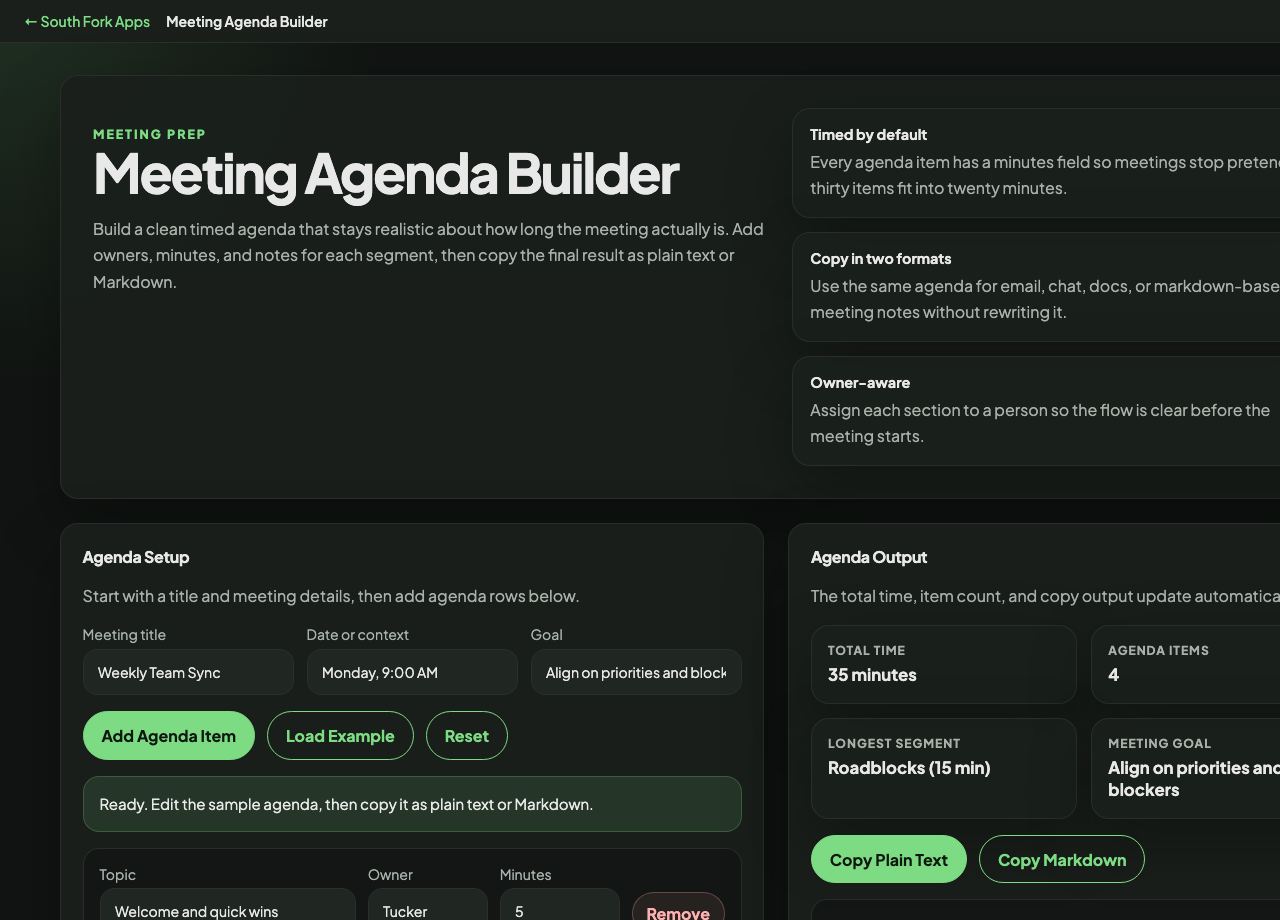
Build a clean timed agenda that stays realistic about how long the meeting actually is. Add owners, minutes, and notes for each segment, then copy the final result as plain text or Markdown.
Agenda Setup
Start with a title and meeting details, then add agenda rows below.
Ready. Edit the sample agenda, then copy it as plain text or Markdown.
Agenda Output
The total time, item count, and copy output update automatically.
35 minutes
4
Roadblocks (15 min)
Align on priorities and blockers
About this tool
Meeting Agenda Builder
Meeting Agenda Builder turns a list of topics into a timed agenda with owners and a running total, then copies it out as clean plain text or Markdown ready to paste into a calendar invite or a document.
How to use it
- Fill in the meeting title, the date or context, and the goal.
- Add agenda items with a duration and an owner for each.
- Watch the total length update so you can see when you have overbooked the slot.
- Copy as plain text or Markdown, whichever your destination handles better.
Why timing each item changes the meeting
An untimed agenda is a wish list. Assigning minutes to each item forces the trade-off out into the open before the meeting rather than in the last five minutes of it, when the final item silently gets dropped.
Naming an owner per item does the same for responsibility. An item with no owner has no one preparing for it, which is the usual reason a topic gets deferred to the next meeting.
Worked example
A 30-minute team sync, built from the example the tool loads:
- TitleWeekly Team Sync
- GoalAlign on priorities and blockers
- Itemseach with minutes and an owner
Result: A running total that tells you immediately whether the agenda fits the half hour or needs cutting.
When it helps
- Preparing an agenda to paste into a calendar invite before sending it.
- Keeping a recurring meeting from expanding to fill its slot.
- Making it obvious when a 30-minute meeting has 45 minutes of content.
- Producing a Markdown agenda for a wiki or a pull request description.
Common mistakes
- Scheduling every minute. Leave slack, because discussion never lands exactly on the estimate.
- Writing a goal that is really a topic. Align on priorities is a goal; Q3 planning is a subject heading.
- Putting the most important item last, where it is the one that gets cut.