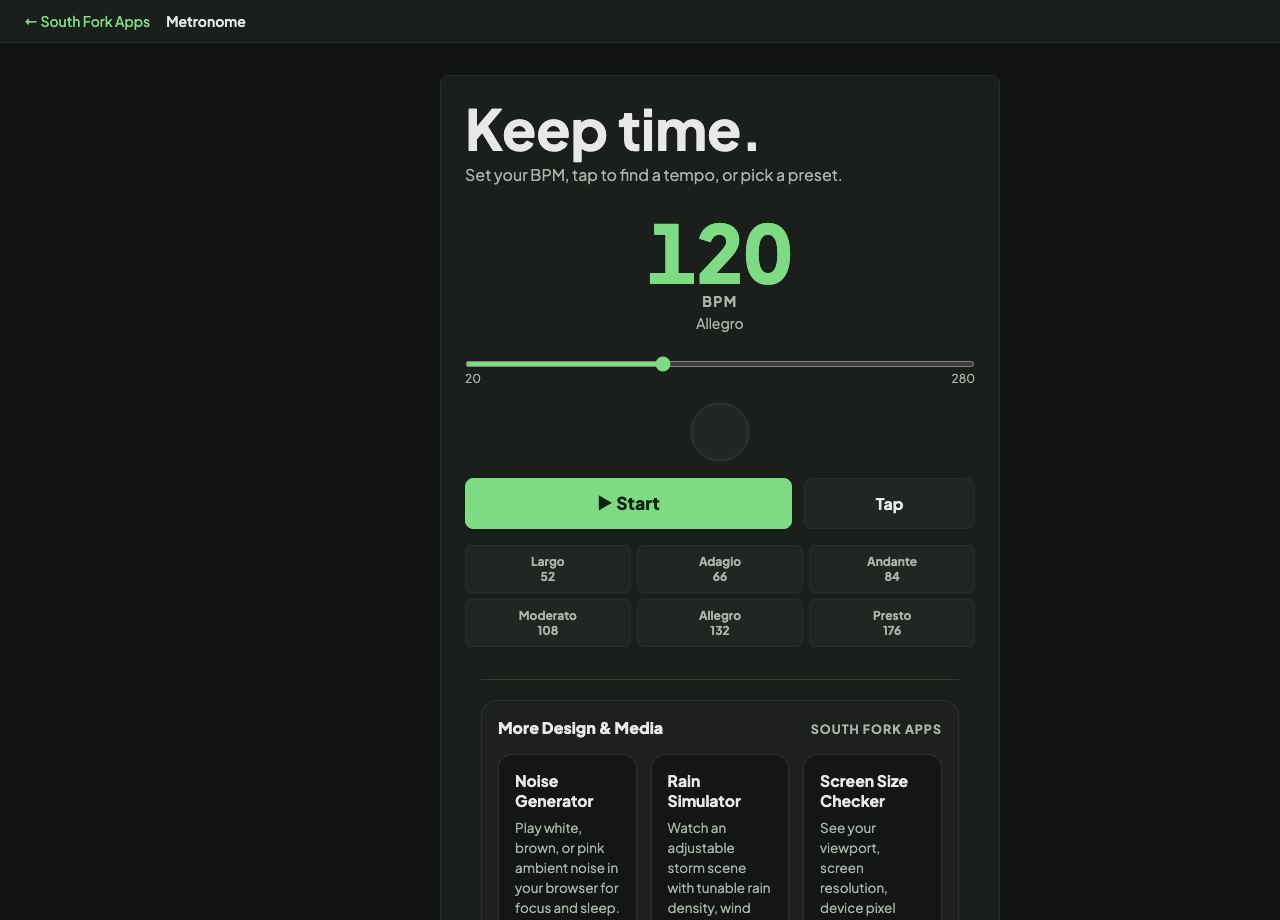
Metronome
Set your BPM, tap to find a tempo, or pick a preset.
Metronome
Metronome gives you a click, a visual beat, and a tempo slider from 20 to 280 BPM. There is a tap tempo button for matching a tempo you already have in your head, and preset buttons for the standard Italian tempo markings.
How to use it
- Drag the slider to a tempo, or tap the Tap button in time to set it by feel.
- Use a preset if you are working from a score marking: Largo 52, Adagio 66, Andante 84, Moderato 108, Allegro 132, Presto 176.
- Press Start. Watch the visual beat as well as listening, which helps in a noisy room.
What BPM actually measures
Beats per minute counts quarter notes in most time signatures, so 120 BPM means one beat every 500 milliseconds. Halving the tempo doubles the gap between clicks.
Tap tempo works by measuring the time between your taps and averaging it. Four or five taps gives a far steadier reading than two, because a single early or late tap has less influence on the average.
Worked example
Practising a passage marked Andante:
- PresetAndante 84
- Beat length60000 / 84
- Resultabout 714 ms per beat
Result: A click roughly every three quarters of a second, which is the walking pace Andante literally describes.
When it helps
- Practising a difficult passage slowly and raising the tempo in small steps.
- Keeping a recording take in time without printing a click into the mix.
- Checking whether you are rushing, which almost everyone does under the pressure of a hard bar.
- Setting a tempo from a score marking rather than guessing.
Common mistakes
- Practising fast before it is clean. Speed built on top of mistakes just makes the mistakes faster.
- Raising the tempo in large jumps. Five BPM at a time holds up far better than twenty.
- Only listening. Watching the visual beat catches drift that your ear will forgive.