About this tool
Millisecond Converter
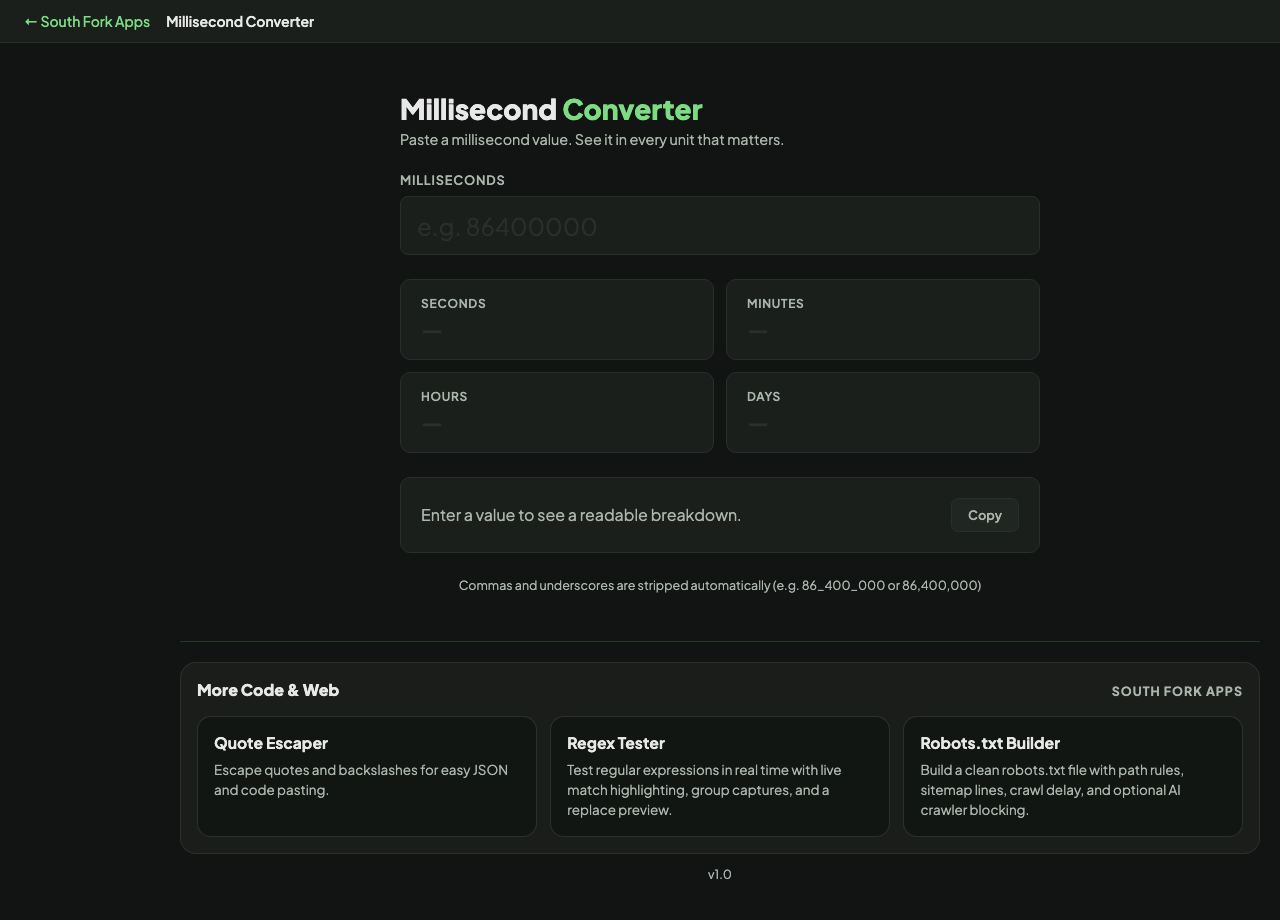
Millisecond Converter turns a millisecond value into seconds, minutes, hours, days and weeks at once.
How to use it
- Enter a value in milliseconds.
- Read the equivalent across every unit.
- Copy whichever you need.
The conversions worth memorising
One second is 1,000 milliseconds, one minute is 60,000, one hour is 3,600,000 and one day is 86,400,000. Those four cover almost everything you will meet in code.
Milliseconds are the default time unit in JavaScript, which is why durations, timeouts and timestamps all arrive in them, and why a value copied from JavaScript into a system expecting seconds is out by a factor of a thousand.
Worked example
The four conversions worth knowing:
- 1 second1,000 ms
- 1 minute60,000 ms
- 1 hour3,600,000 ms
- 1 day86,400,000 ms
Result: JavaScript works in milliseconds, which is why values copied from it are a thousand times larger than a Unix timestamp.
When it helps
- Reading a duration out of a performance log.
- Setting a timeout to a sensible human value.
- Converting an API rate limit window.
- Checking how long a cache TTL actually is.
Common mistakes
- Confusing a millisecond timestamp with a second-based Unix timestamp. Ten digits is seconds, thirteen is milliseconds.
- Assuming a day is always 86,400,000 milliseconds. Daylight saving transitions make some days longer or shorter in local time.